
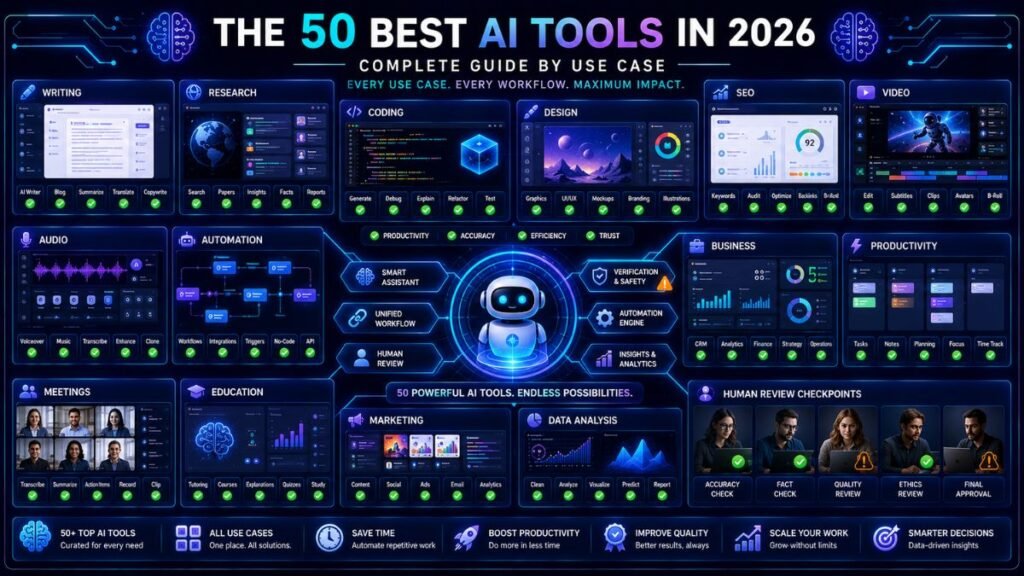
The 50 best AI tools in 2025 are not useful because they are trendy. They are useful because they solve specific work problems: writing, research, coding, design, automation, video, meetings, business, education, and productivity. The best approach is to choose tools by workflow, not by hype.
In Simple Terms
AI tools are apps that use artificial intelligence to help people create, search, summarize, code, design, automate, analyze, and communicate.
Some tools are broad assistants. Others are built for one job, such as SEO writing, video editing, meeting notes, coding, image creation, or workflow automation. The best AI tool depends on the task you want to improve first.
The 50 Best AI Tools in 2025: Quick Comparison
| # | AI Tool | Best For |
| 1 | ChatGPT | General AI assistant, writing, analysis, brainstorming |
| 2 | Claude | Long-form writing, reasoning, editing, document review |
| 3 | Gemini | Google users, productivity, multimodal help |
| 4 | Microsoft Copilot | Microsoft 365 work, documents, meetings, spreadsheets |
| 5 | Perplexity | Research, source discovery, fast answers |
| 6 | NotebookLM | Source-grounded notes and study workflows |
| 7 | Elicit | Academic research and literature review |
| 8 | Consensus | Evidence-based research questions |
| 9 | SciSpace | Paper reading and academic explanation |
| 10 | Semantic Scholar | Free scientific literature discovery |
| 11 | Grammarly | Grammar, tone, clarity, professional writing |
| 12 | ProWritingAid | Manuscript editing and style improvement |
| 13 | Jasper | Marketing content and brand voice |
| 14 | Copy.ai | Go-to-market copy and content repurposing |
| 15 | Writesonic | AI writing and SEO-aware content workflows |
| 16 | Sudowrite | Fiction writing and storytelling |
| 17 | Surfer | SEO content optimization |
| 18 | Semrush Content Toolkit | SEO-led content briefs and writing |
| 19 | Frase | Content briefs, SERP research, AI visibility |
| 20 | Ahrefs | SEO research, backlink analysis, content insights |
| 21 | Canva AI | Design, presentations, social graphics |
| 22 | Adobe Firefly | AI image generation and creative assets |
| 23 | Midjourney | Artistic image generation |
| 24 | Ideogram | Text-heavy image and design concepts |
| 25 | Leonardo AI | Illustration, gaming, fantasy, creative visuals |
| 26 | Runway | AI video generation and editing |
| 27 | Descript | Video and podcast editing |
| 28 | Synthesia | AI avatar videos |
| 29 | HeyGen | AI avatar and video localization |
| 30 | Pika | Creative AI video generation |
| 31 | ElevenLabs | AI voice generation |
| 32 | Suno | AI music generation |
| 33 | Udio | AI music and song creation |
| 34 | Otter.ai | Meeting notes and transcription |
| 35 | Fireflies.ai | Meeting summaries and searchable calls |
| 36 | Fathom | Meeting recording and summaries |
| 37 | Notion AI | Notes, documents, projects, knowledge management |
| 38 | Mem | AI note organization |
| 39 | Reclaim | AI scheduling and calendar planning |
| 40 | Zapier | AI automation across apps |
| 41 | Make | Visual workflow automation |
| 42 | n8n | Technical workflow automation |
| 43 | Airtable AI | Database workflows and team operations |
| 44 | HubSpot Breeze | Marketing, sales, and CRM AI |
| 45 | Salesforce Einstein | CRM and enterprise AI |
| 46 | GitHub Copilot | Coding assistant |
| 47 | Cursor | AI code editor |
| 48 | Replit AI | Browser-based coding and app building |
| 49 | Tabnine | AI code completion |
| 50 | Khanmigo | Education and AI tutoring |
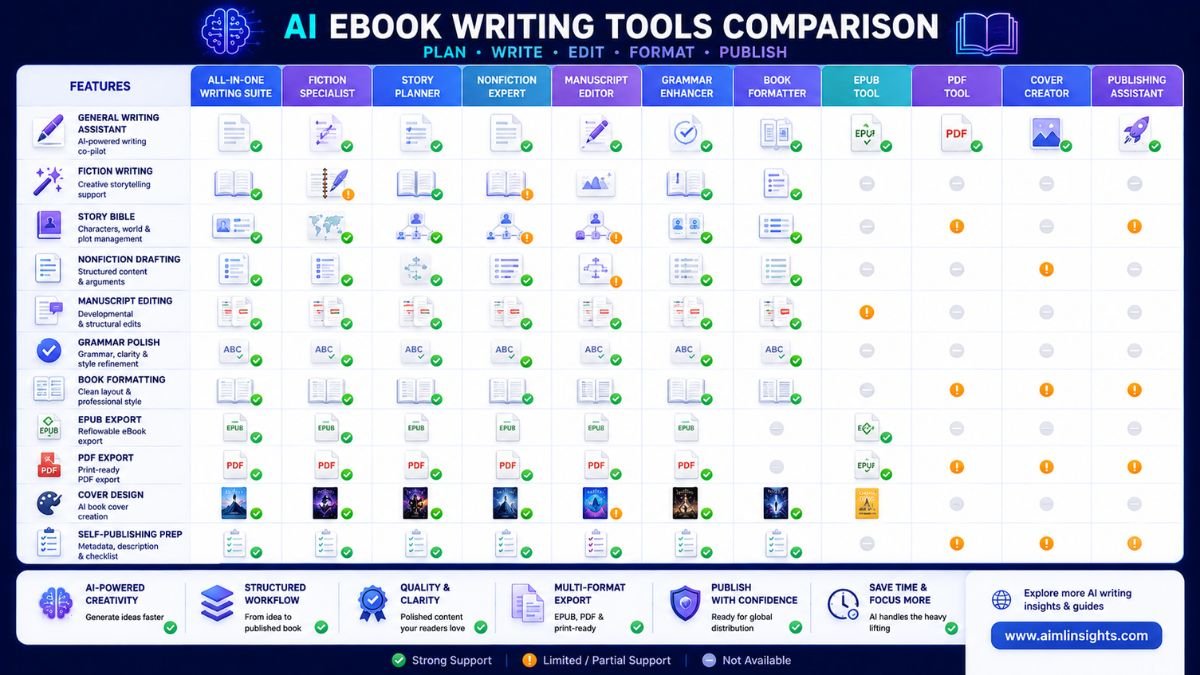
Best AI Assistants for Everyday Work
ChatGPT, Claude, Gemini, and Microsoft Copilot are the strongest starting points for most users. ChatGPT is useful for questions, drafts, summaries, planning, and idea generation; OpenAI describes it as a conversational assistant that can explain concepts, draft and rewrite content, summarize, reason, and translate.
Claude is strong for long-form writing, editing, reasoning, and document review. Anthropic positions Claude as an assistant designed to help people do their best work safely and accurately. Gemini is best for Google users, while Microsoft Copilot is best for people already working in Word, Excel, PowerPoint, Outlook, and Teams.
Best AI Tools for Research and Learning
Perplexity, NotebookLM, Elicit, Consensus, SciSpace, and Semantic Scholar are strong research tools. They help users find sources, summarize documents, understand papers, and organize study materials.
Use Perplexity for broad research, NotebookLM for source-grounded notes, Elicit for literature review, Consensus for evidence-style answers, SciSpace for reading difficult papers, and Semantic Scholar for academic discovery. The main rule is simple: use AI to find and understand sources, then verify important claims from the original material.
Best AI Tools for Writing and Content
Grammarly, ProWritingAid, Jasper, Copy.ai, Writesonic, and Sudowrite support different writing needs. Grammarly is best for everyday clarity and tone. ProWritingAid is stronger for authors and manuscript feedback. Jasper is useful for marketing teams that care about brand voice. Copy.ai helps repurpose content into campaigns. Writesonic supports SEO-aware article workflows. Sudowrite is more specialized for fiction writing.
Writers should avoid using these tools as one-click publishing machines. AI can draft and edit, but strong writing still needs examples, judgment, structure, and a clear voice.
Best AI Tools for SEO and Content Strategy
Surfer, Semrush Content Toolkit, Frase, and Ahrefs are strong choices for SEO-focused teams. Surfer’s 2025 AI SEO tool guide highlights how AI SEO platforms help with clustering, SERP analysis, technical fixes, visibility tracking, and content optimization.
Use these tools to understand search intent, identify missing subtopics, plan content briefs, and refresh older articles. Do not use them to stuff keywords. Good SEO still depends on usefulness, topical authority, internal links, and trust.
Best AI Tools for Design, Images, Video, and Audio
Canva AI, Adobe Firefly, Midjourney, Ideogram, and Leonardo AI are useful for images and design. Canva AI helps users brainstorm, design, and polish content in a few clicks, making it beginner-friendly for presentations, social graphics, and simple brand assets.
For video, Runway, Descript, Synthesia, HeyGen, and Pika help with editing, AI avatars, creative clips, and video generation. For audio, ElevenLabs, Suno, and Udio support voice, music, and sound-based content workflows. Creators should always check commercial-use terms before publishing or selling AI-generated assets.
Best AI Tools for Meetings, Notes, and Productivity
Otter.ai, Fireflies.ai, Fathom, Notion AI, Mem, and Reclaim help with meetings, notes, summaries, tasks, and schedules. These tools are most useful when they reduce repetitive admin work.
For example, a team can record a meeting, summarize decisions, create action items, update a project workspace, and schedule follow-ups. The risk is privacy. Teams should be careful with confidential meetings, client calls, and sensitive internal discussions.
Best AI Tools for Automation and Business
Zapier, Make, n8n, Airtable AI, HubSpot Breeze, and Salesforce Einstein are useful when AI needs to connect to real business workflows. Zapier says it supports AI workflows and agents across more than 9,000 apps, making it useful for no-code automation.
Use these tools for lead routing, CRM updates, support workflows, content operations, reporting, and internal processes. The best automation starts with a clear process. If the workflow is messy, AI will automate the mess.
Best AI Tools for Coding
GitHub Copilot, Cursor, Replit AI, and Tabnine help developers write, edit, explain, and debug code. GitHub describes Copilot as an AI coding assistant that helps developers write code faster and with less effort.
AI coding tools are powerful, but developers still need to review security, architecture, tests, and maintainability. A 2025 randomized study found that AI tools did not automatically speed up experienced open-source developers in every setting, which is a useful reminder that AI coding productivity depends on task type, codebase complexity, and review quality.
How to Choose the Right AI Tool
Start with your biggest bottleneck. If you need a general assistant, use ChatGPT, Claude, or Gemini. If you need research, use Perplexity or NotebookLM. If you write, use Grammarly, Jasper, or ProWritingAid. If you create visuals, use Canva AI or Firefly. If you code, use GitHub Copilot or Cursor. If you automate work, use Zapier, Make, or n8n.
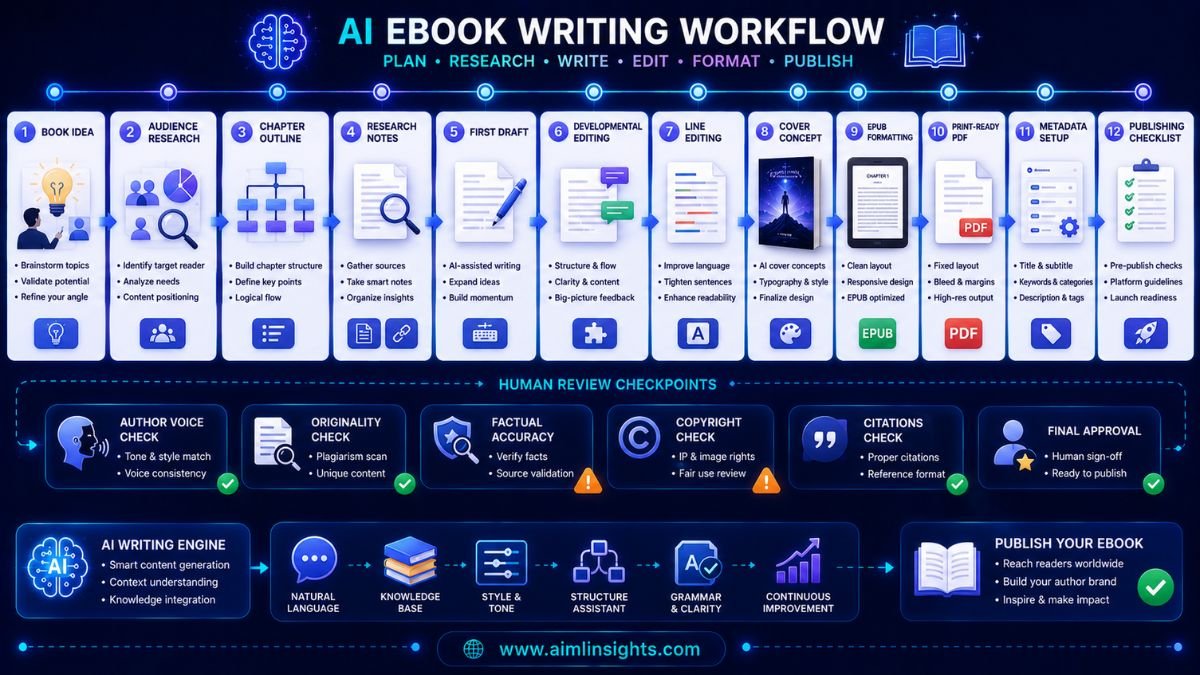
Beginners should not use all 50 tools. Start with five: one chatbot, one research tool, one writing editor, one design tool, and one automation tool.
Common Mistakes to Avoid
The first mistake is buying too many tools at once. Overlapping subscriptions create cost and confusion.
The second mistake is trusting AI output without review. AI can make factual, legal, coding, citation, and design mistakes.
The third mistake is ignoring privacy. Do not upload confidential files, client data, unpublished work, or private company information without understanding the tool’s settings.
The fourth mistake is choosing tools by popularity instead of workflow. The best AI tool is the one you will actually use.
Suggested Read:
- Best AI Tools for Beginners in 2026
- AI Tools With Free Plans Worth Using in 2026
- Best AI Tools for Students
- Best AI Tools for Bloggers and Content Writers
- Best AI Workflow Automation Tools for Teams
- ChatGPT vs Perplexity vs Claude for Research Tasks
- Best AI Tools for Business
- Prompt Engineering for Beginners: A Practical Guide
FAQ: The 50 Best AI Tools in 2025
What are the 50 best AI tools in 2025?
The 50 best AI tools in 2025 include ChatGPT, Claude, Gemini, Copilot, Perplexity, NotebookLM, Elicit, Consensus, Grammarly, Jasper, Canva AI, Firefly, Midjourney, Runway, Descript, Zapier, Notion AI, GitHub Copilot, Cursor, Khanmigo, and more.
Which AI tool should beginners use first?
Most beginners should start with ChatGPT, Claude, or Gemini. Then add Perplexity for research, Grammarly for writing polish, Canva AI for visuals, and Zapier only when automation becomes useful.
What are the best AI tools for productivity?
The best AI productivity tools include ChatGPT, Claude, Gemini, Microsoft Copilot, Notion AI, Otter.ai, Fireflies.ai, Fathom, Reclaim, Zapier, and Airtable AI.
What are the best AI tools for content creation?
For content creation, strong options include ChatGPT, Claude, Jasper, Writesonic, Copy.ai, Grammarly, Canva AI, Adobe Firefly, Midjourney, Runway, Descript, and ElevenLabs.
Are paid AI tools worth it?
Paid AI tools are worth it when they save time, improve quality, or support work you do often. They are not worth it if a free plan already solves your problem.
Can AI tools replace human work?
AI tools can speed up tasks, but they should not replace human judgment. The strongest results come from using AI for drafts, summaries, suggestions, automation, and analysis while humans handle strategy, review, ethics, and final decisions.
Final Takeaway
The 50 best AI tools in 2025 cover many workflows, but the smartest stack is small. Choose a general assistant, a research tool, a writing editor, a design tool, and an automation tool before adding specialized apps for coding, video, SEO, meetings, or business.
AI tools are most useful when they reduce friction. They are least useful when they create more subscriptions, more noise, and more unchecked output. Start with the workflow, then choose the tool.