
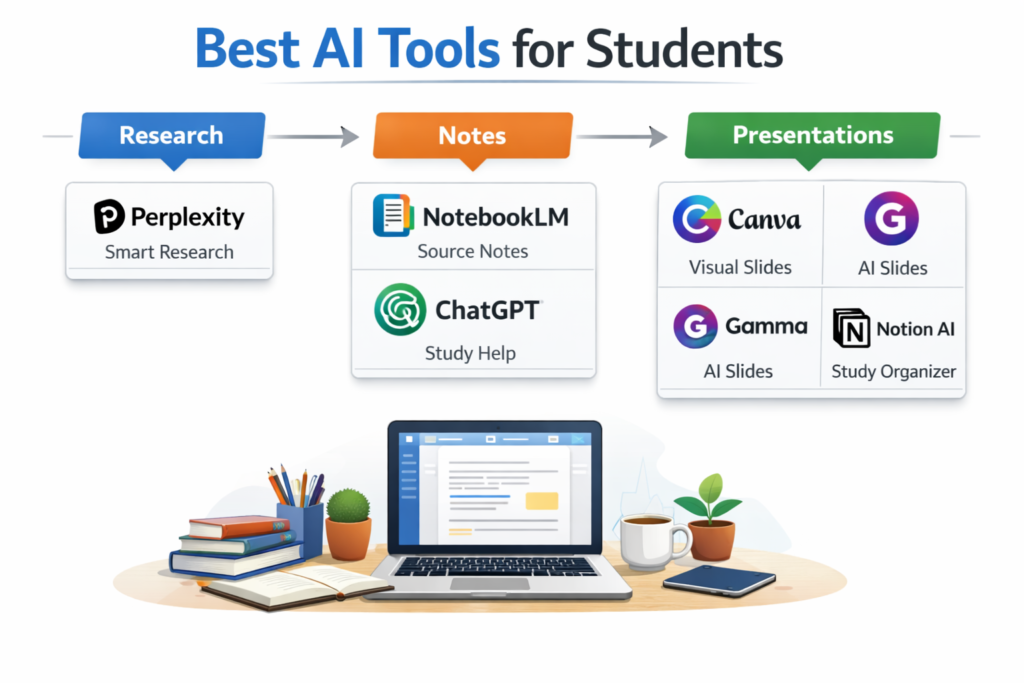
Best AI Tools for Students: Research, Notes, and Presentations
Managing a heavy course load no longer requires drowning in highlighter ink and chaotic index cards. Finding the definitive best ai for study notes creation allows learners to transform dense textbook chapters into clean, scannable summaries in a single click.
In this guide, we break down the best ai tools for students who want to optimize their study hours. Whether you need specialized ai research tools for students to compile academic sources or want to compare ai study assistants for students before selecting your core application, these entry-level systems will help you build an efficient, automated learning routine.
The strongest tools right now for that workflow are Perplexity, NotebookLM, ChatGPT, Grammarly, Canva, Gamma, and Notion AI. They cover research, understanding, organization, writing cleanup, and presentation output without forcing students into one rigid system.
In simple terms
Students usually do better with a small stack than with one “magic” app. A research-first tool helps gather and compare information. A source-grounded tool helps turn material into notes. A writing and design layer helps shape the final output into something polished. That same task-based structure appears across many of the currently visible student AI roundups, which is a strong signal that readers search by workflow, not by brand name alone.
How to choose the right AI tool as a student
Start with the bottleneck. If the slowest part of your work is finding relevant information, choose a research-first tool. If you already have lecture notes, PDFs, or readings, choose a source-grounded note tool. If your main problem is turning ideas into cleaner writing or slides, choose an output tool instead. This is where many student roundup articles go too broad. They list everything together, even though the student usually needs one stage fixed first.
The Best AI for Making Notes for Students
Effective revision relies on active recall rather than passive reading. When determining which ai is best for study notes, the focus shifts toward platforms that can auto-generate active testing elements.
Utilizing a dedicated best ai to make study notes tool ensures that your lecture summaries contain custom toggle questions and conceptual breakdowns. The top-rated ai tools for study notes allow users to drop in rough, fragmented audio transcripts and instantly receive structured bullet maps, serving as a highly effective note-taking ai for students managing multi-disciplinary subjects.
Best AI Tools for Students: Quick Comparison Table
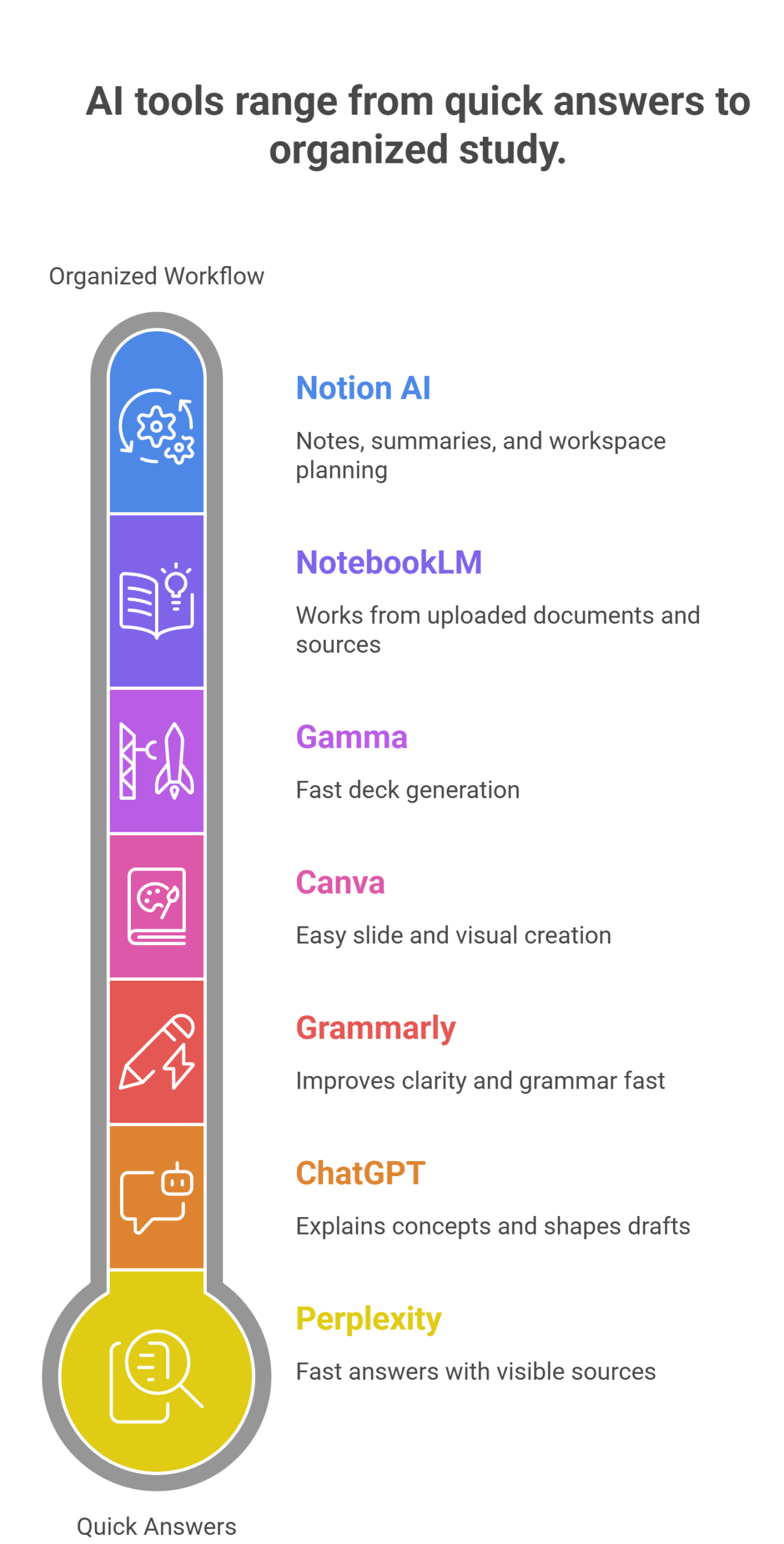
| Tool | Best for | Why students use it | Main limitation |
| Perplexity | Research | Fast answers with visible sources | Not a full note workspace |
| NotebookLM | Notes from source material | Works from uploaded documents and sources | Best only if you already have material |
| ChatGPT | General study help | Explaining concepts and shaping drafts | Needs fact-checking |
| Grammarly | Writing cleanup | Improves clarity and grammar fast | Not built for deep research |
| Canva | Presentations and visuals | Easy slide and visual creation | Not for source-heavy research |
| Gamma | AI-assisted presentations | Fast deck generation | Less flexible than full design tools |
| Notion AI | Organized study workflow | Notes, summaries, and workspace planning | Best if you already use Notion |
Perplexity: Best AI Tool For Student Research
Perplexity is one of the strongest student research tools because its core product is a source-backed answer engine. Its official homepage describes it that way directly, which makes it easier for students to explore a topic and keep track of where the information came from. For research-heavy assignments, that is a better starting point than relying only on generic drafting tools.
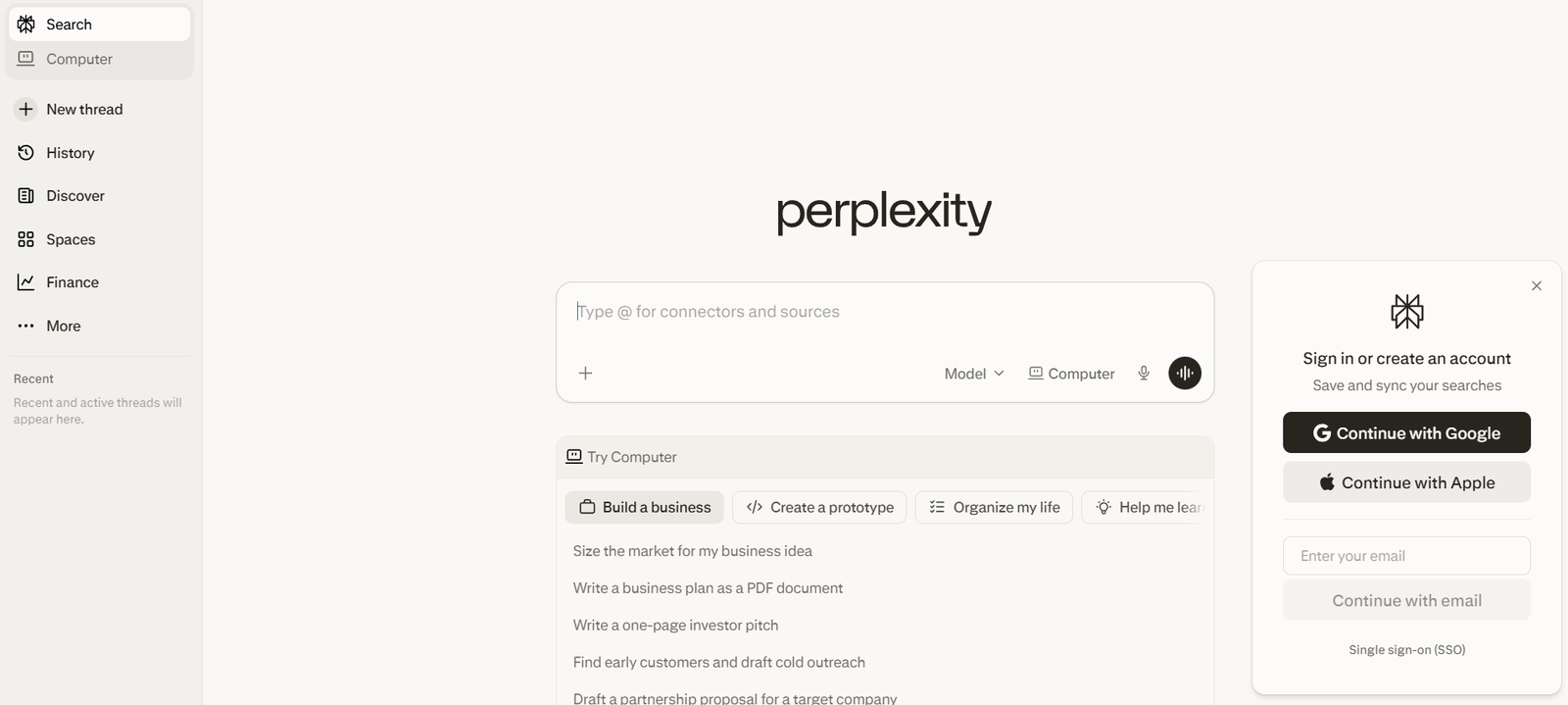
Perplexity works especially well for early-stage research: topic discovery, first-pass comparisons, and collecting source trails. It is not the best place to build long-term notes or polished final writing, but it is one of the best places to begin when the question is still fuzzy.
NotebookLM: Best For Notes, Revision, and Source-Grounded Study
NotebookLM is one of the best student tools when the work starts with your own material. Google positions it as an AI research tool and thinking partner that can analyze your sources and turn complexity into clarity. That makes it different from a general chatbot. It is stronger when you already have class notes, websites, PDFs, or readings and want to turn them into summaries, study notes, or structured understanding.
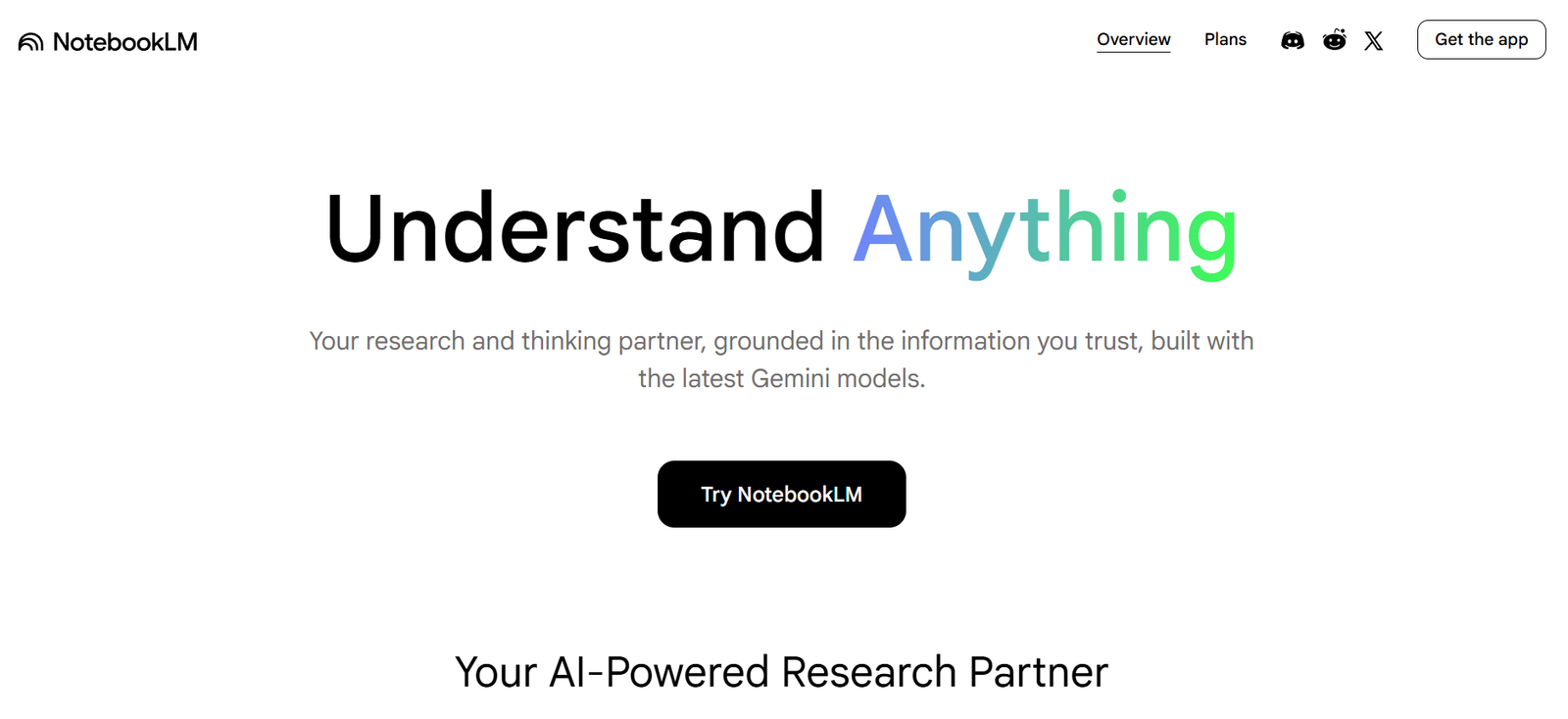
For students, that is a major advantage. Instead of asking an AI to answer from general memory, you can work from your own documents. That often leads to more reliable revision notes and clearer study workflows.
ChatGPT: Best For General Study Support
ChatGPT remains one of the best all-purpose student tools because it can explain concepts, summarize rough notes, generate practice questions, and help shape assignment drafts. OpenAI’s pricing pages confirm a free version is available, which matters for student accessibility. That flexibility makes ChatGPT one of the easiest tools to recommend when a student is not yet sure which AI workflow they need most.
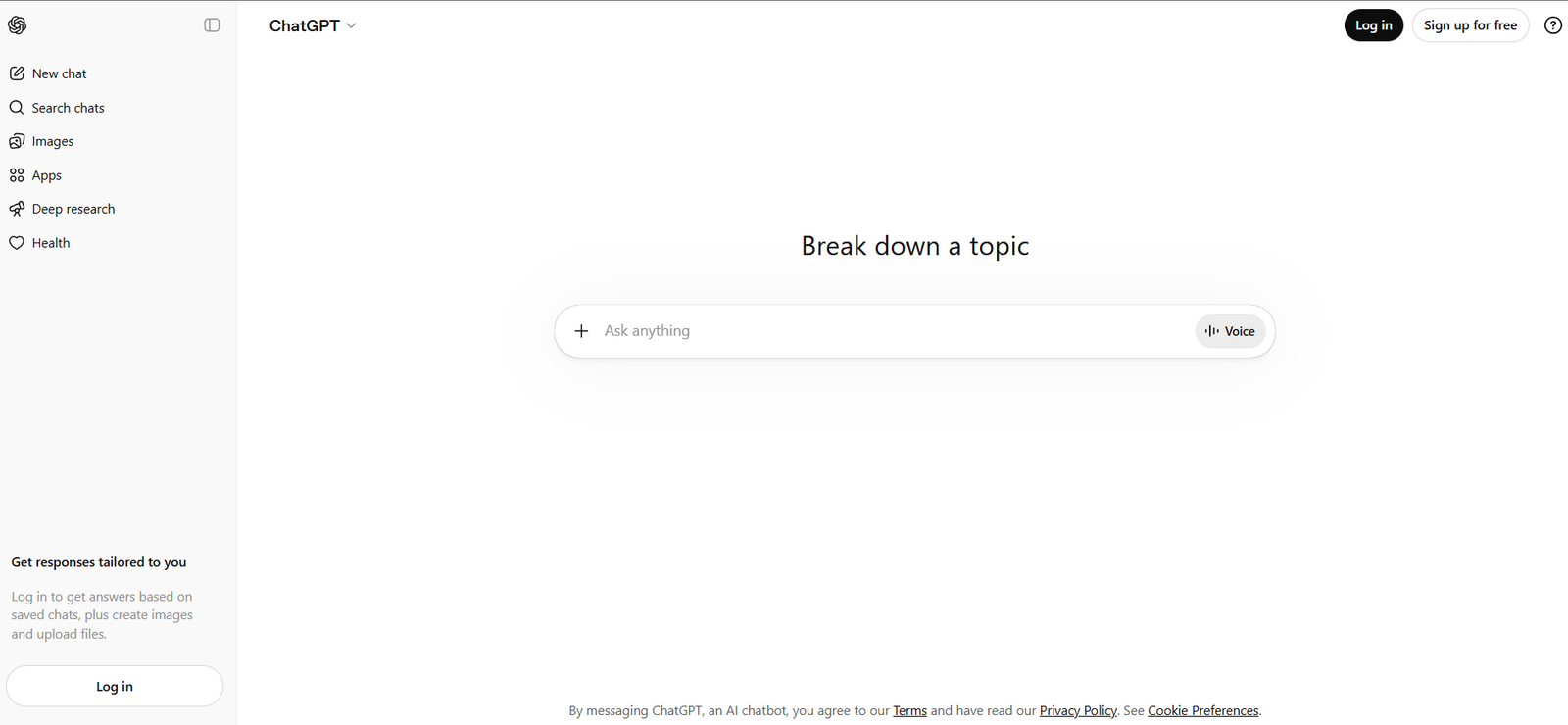
Its biggest strength is adaptability. A student can use it to ask for simpler explanations, outline a report, rewrite a paragraph, or prepare speaking notes for a class presentation. Its biggest weakness is that it can sound confident even when it is wrong, so it should support research, not replace it.
Grammarly: Best For Writing Clarity and Assignment Cleanup
Grammarly is one of the highest-utility tools for students because nearly every course involves writing. Its official student page positions it as an AI writing partner with real-time writing support, and the broader product pages describe free AI writing assistance for outlining, rewriting, and polishing. That makes Grammarly especially valuable at the final stage of essays, reports, and project writeups.
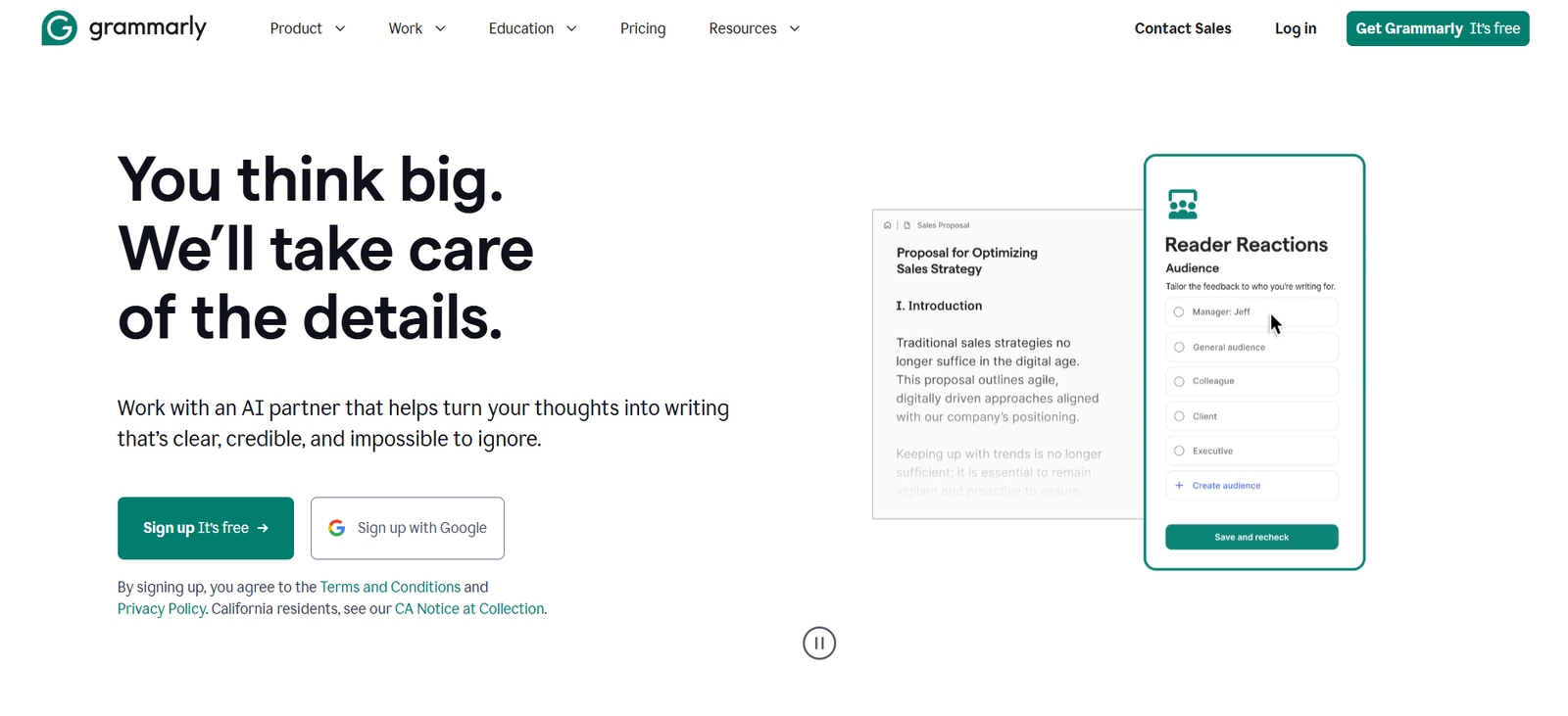
It is not the right tool for research discovery or document-heavy note synthesis. But if the draft already exists, Grammarly is one of the fastest ways to improve readability and reduce cleanup time.
Canva: Best For Student Presentations
Canva is one of the best AI tools for presentations because it removes design friction. Its official presentation maker pages say Magic Design for Presentations can generate draft slides from a prompt, and its student-focused pages position Canva as a free design and presentation tool for academic work. That makes it especially useful for group projects, class presentations, posters, and visual assignments.
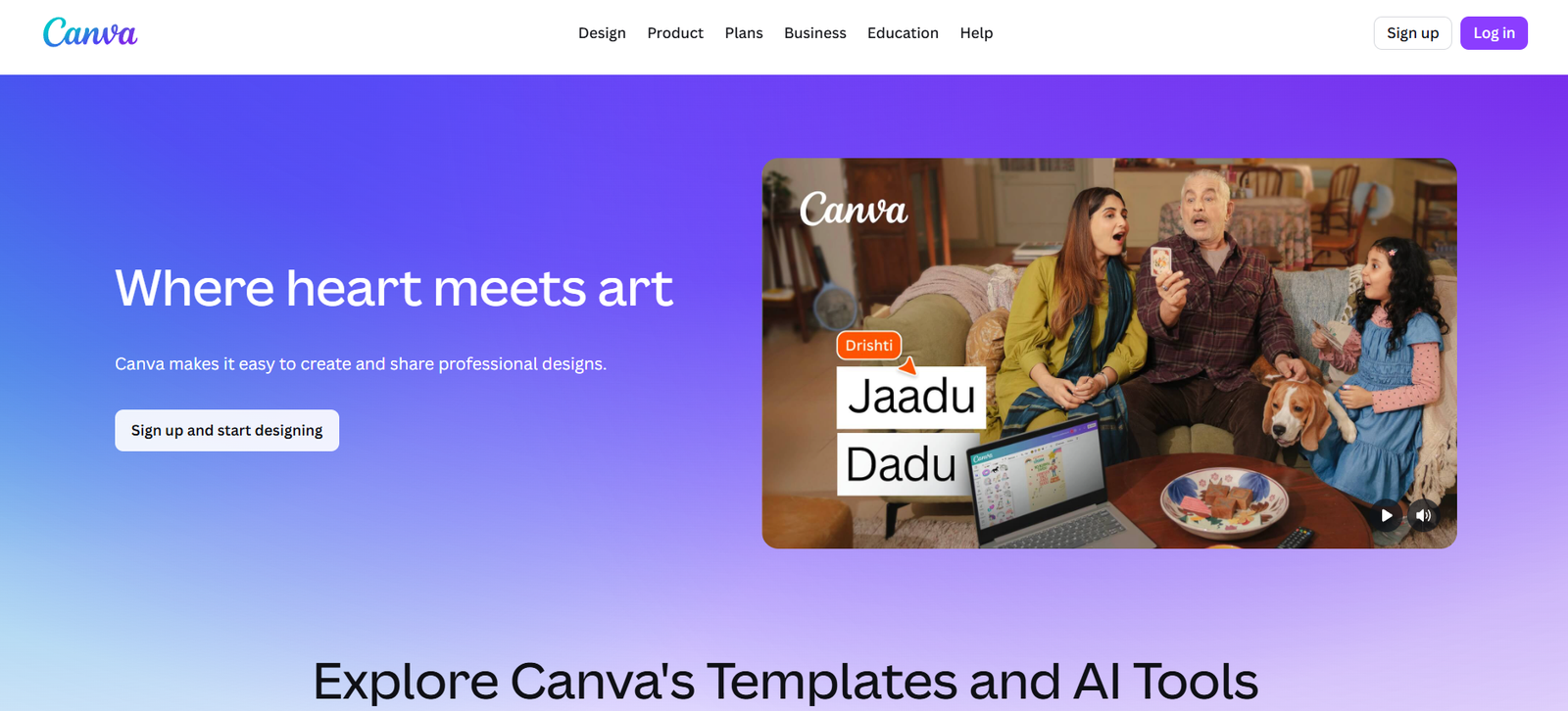
For students, Canva works best after the ideas are already clear. It is not a research engine. It is a presentation layer that helps make the final output look stronger with less effort.
Gamma: Best For Fast AI Slide Creation
Gamma is a strong alternative for students who want a presentation built quickly from notes or an outline. Its product pages position it around AI-powered presentations and documents, which makes it useful when the goal is speed rather than manual design control. For students under deadline pressure, that focused use case matters.
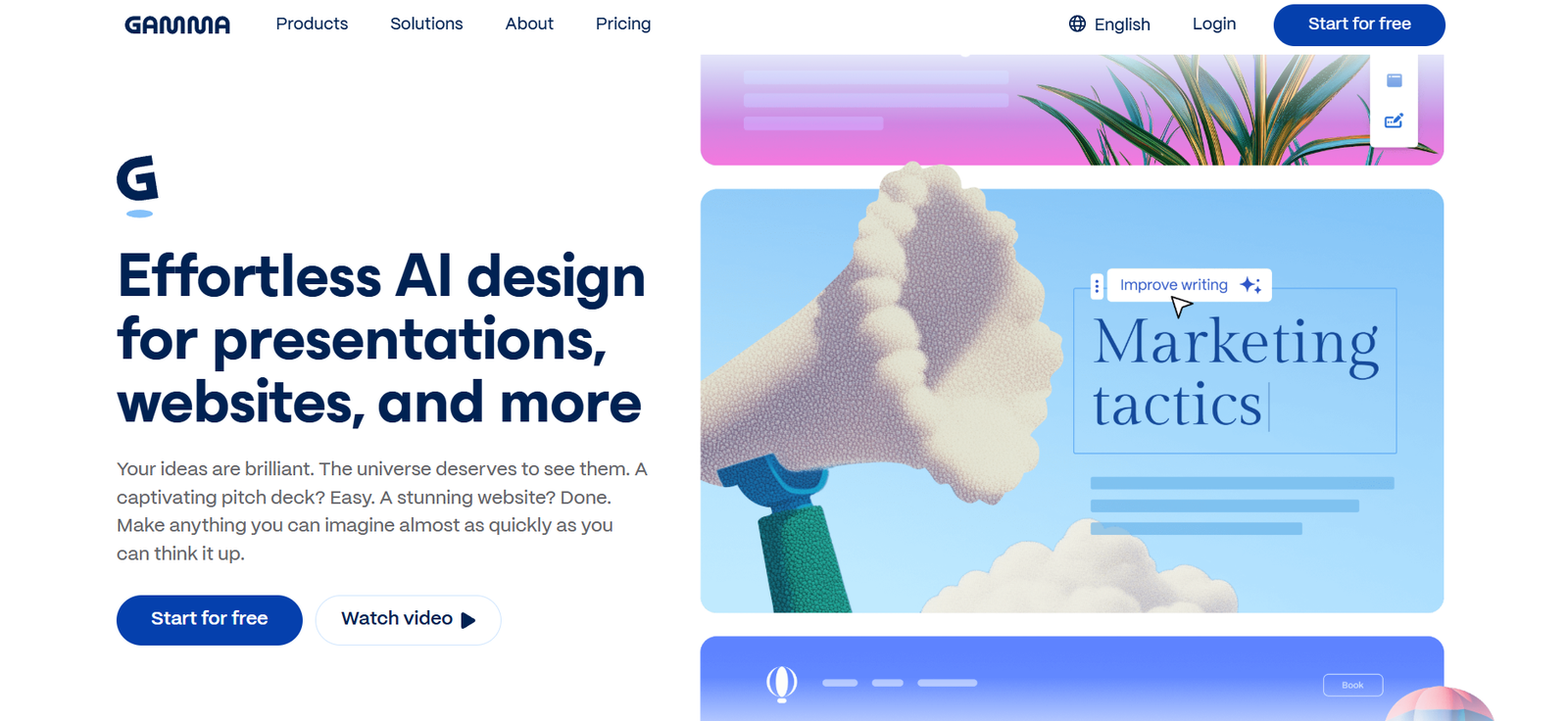
Gamma is best when you already know the message and want to turn it into a clean slide deck quickly. Canva is usually stronger for visual flexibility. Gamma is stronger for speed.
Notion AI: Best For Organizing Study Systems
Notion AI is a useful student tool when research, notes, and deadlines need to stay in one system. Notion’s pricing pages confirm a free plan, and the product is strongest when the student already uses Notion for notes, planning, and document organization. That makes it more of a workflow tool than a research-first tool.
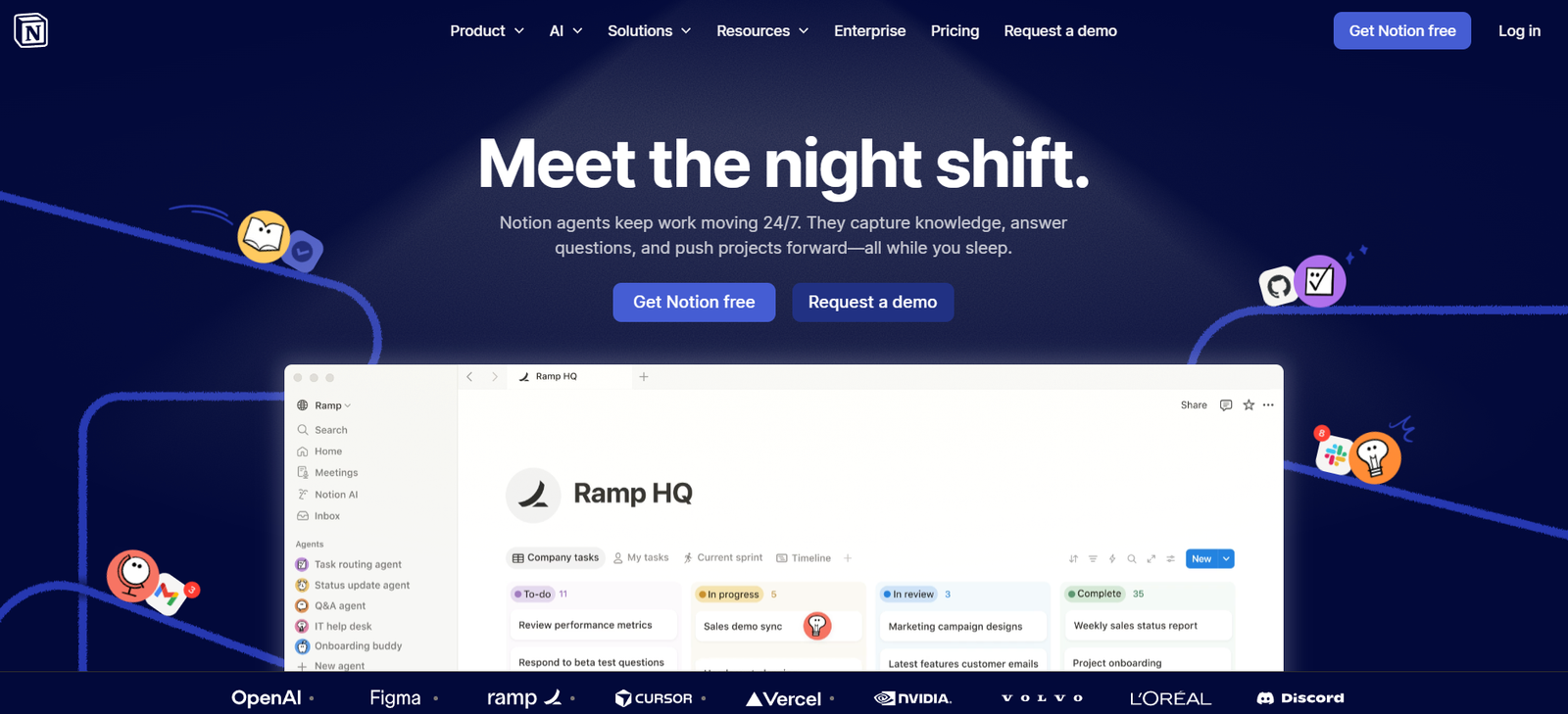
For example, a student can keep research notes, reading summaries, assignment checklists, and presentation plans in one workspace instead of spreading them across multiple disconnected apps.
Head-to-Head: Studycast vs Notion AI for Students
Modern learners frequently weigh specialized micro-learning apps against all-in-one productivity databases. If you are trying to understand how does studycast compare vs notion ai for students seeking video-based study material generation for enterprise teams, the division comes down to passive audio immersion versus a centralized “Second Brain.”
-
Studycast Ecosystem: Operates as an audio-first exam prep engine, transforming dense textbook curriculum into podcast-style audio lessons accompanied by automated, AI-powered quiz modules for mobile studying.
-
Notion AI Workspace: Functions as an organizational hub. While it cannot natively auto-generate interactive video-based study material or handle medical imaging PACS workflows (like specialized enterprise versions of Studycast), adding the AI layer inside Notion lets you cross-reference notes, summarize long research logs, and build custom study trackers seamlessly across collaborative student spaces.
Best picks by use case
Choosing the best ai revision tools involves identifying software that leverages spaced repetition algorithms. Implementing a structured best ai for revision workflow protects you from pre-exam cramming by automatically surfacing difficult vocabulary cards right before your memory decays, making it the most helpful ai tools for students deployment for securing long-term cognitive retention.
If your main problem is research, start with Perplexity. If your main problem is studying from your own documents, start with NotebookLM. If you need general explanation and drafting help, start with ChatGPT. If you need writing cleanup, use Grammarly. If the biggest issue is slides and visual presentation, use Canva or Gamma. If your problem is keeping everything organized, use Notion AI. That is a more useful decision path than simply choosing the tool with the biggest name.
AI Presentation Tools for Students on a Budget
Assembling group projects and slide decks can consume valuable hours that should be spent revising. Deploying an ai tool for student presentations, such as Gamma or Canva AI, allows users to type in a rough research outline and instantly output a beautifully formatted, polished slide template.
Affordable Slide Automation Options
If your course load requires constant public speaking, finding a specialized ai tool to turn research notes into lecture slides under $30 per month budget parameters is incredibly simple. Most leading student presentation suites offer robust premium tiers well below this price point, giving you an ai presentation tools for students workflow that delivers professional visual results without draining your monthly budget.
Common mistakes students should avoid
The biggest mistake is using a writing assistant as if it were a research source. The second is trusting polished AI language without checking the original material. The third is paying for several overlapping tools too early. The student-focused pages that perform well in search usually succeed because they connect tools to tasks, not because they list the most products. That is the better strategy for students too.
Suggested Read:
- Best AI Tools for Beginners in 2026
- AI Tools for Research and Writing in 2026
- Best AI Tools for Bloggers and Content Writers
- ChatGPT vs Perplexity vs Claude for Research Tasks
- AI Tools With Free Plans Worth Using in 2026
- Prompt Engineering for Beginners: A Practical Guide
FAQ: Best AI Tools for Students
What is the best AI tool for students overall?
For most students, there is no single best tool for every stage. A stack such as Perplexity for research, NotebookLM for notes, and ChatGPT for explanation is usually stronger than relying on one app alone.
What is the best AI tool for student research?
Perplexity is one of the strongest options because it is built around real-time answers with source visibility.
What is the best AI tool for student notes?
NotebookLM is especially strong when students already have their own source materials and want grounded summaries and revision support.
What is the best AI tool for presentations?
Canva is one of the best choices for student presentations because it combines easy design with AI-assisted slide creation. Gamma is a strong alternative when speed matters more than design flexibility.
Final takeaway
The best AI tools for students are the tools that fit the actual study workflow. Start with Perplexity if research is slow, NotebookLM if your notes are messy, ChatGPT if you need explanation and drafting help, Grammarly if writing cleanup takes too long, and Canva or Gamma if presentation design is the bottleneck. That small, practical stack is much more useful than trying to make one app do everything.