
AI Tools With Free Plans Worth Using in 2026
Not all free AI tools are worth your time. Many offer limited demos that are too restricted to be useful. The best AI tools with free plans in 2026 are the ones you can actually use for real work—writing, design, automation, research, and productivity—without immediately needing to upgrade.
The tools in this list are selected based on one simple rule: their free plan must be genuinely usable, not just a trial.
In simple terms
A good free AI tool should:
- solve a real problem
- allow consistent usage
- not block core features completely
If it only gives a few clicks and then asks for payment, it is not truly useful.
What makes a free AI tool “worth using”?
From analyzing top-ranking pages and real user workflows, the best free AI tools offer:
- meaningful free limits (not just trials)
- access to core features
- scalability for small projects
- real productivity value
Most lists include many tools—but very few filter for actual usability.
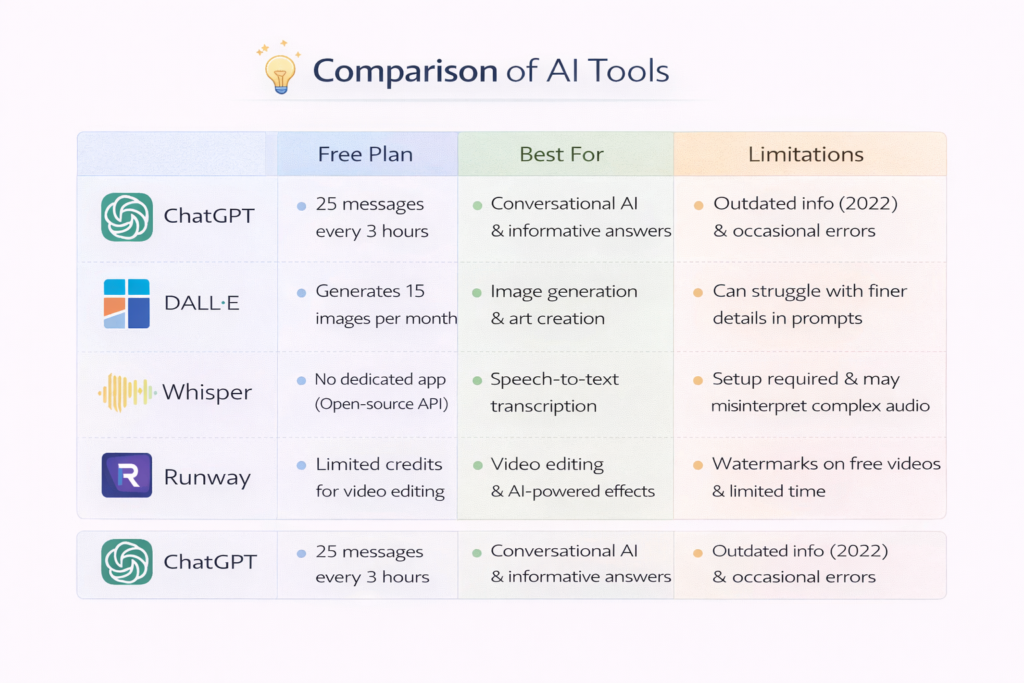
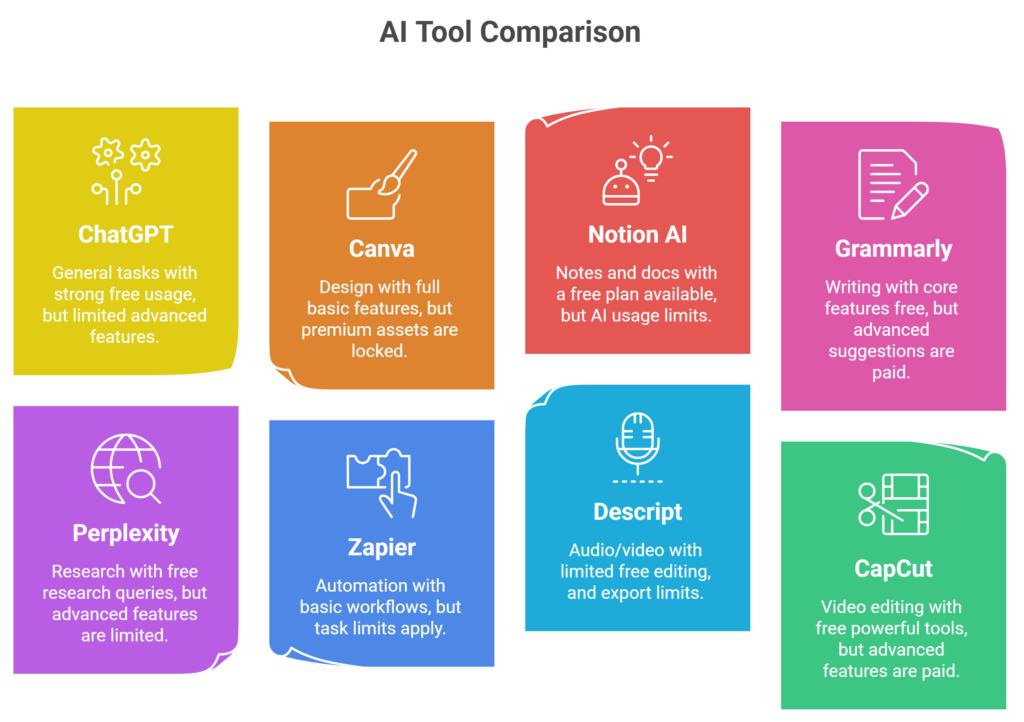
AI Tools with Free Plans (Quick comparison table)
| Tool | Best for | Free plan value | Limitation |
| ChatGPT | General tasks | Strong free usage | Limited advanced features |
| Canva | Design | Full basic features | Premium assets locked |
| Notion AI | Notes & docs | Free plan available | AI usage limits |
| Grammarly | Writing | Core features free | Advanced suggestions paid |
| Perplexity | Research | Free research queries | Advanced features limited |
| Zapier | Automation | Basic workflows | Task limits |
| Descript | Audio/video | Limited free editing | Export limits |
| CapCut | Video editing | Free powerful tools | Advanced features paid |
1. ChatGPT: Best All-Purpose Free AI Tool
ChatGPT remains one of the most valuable free AI tools because it supports:
- writing and editing
- brainstorming
- summarization
- basic research
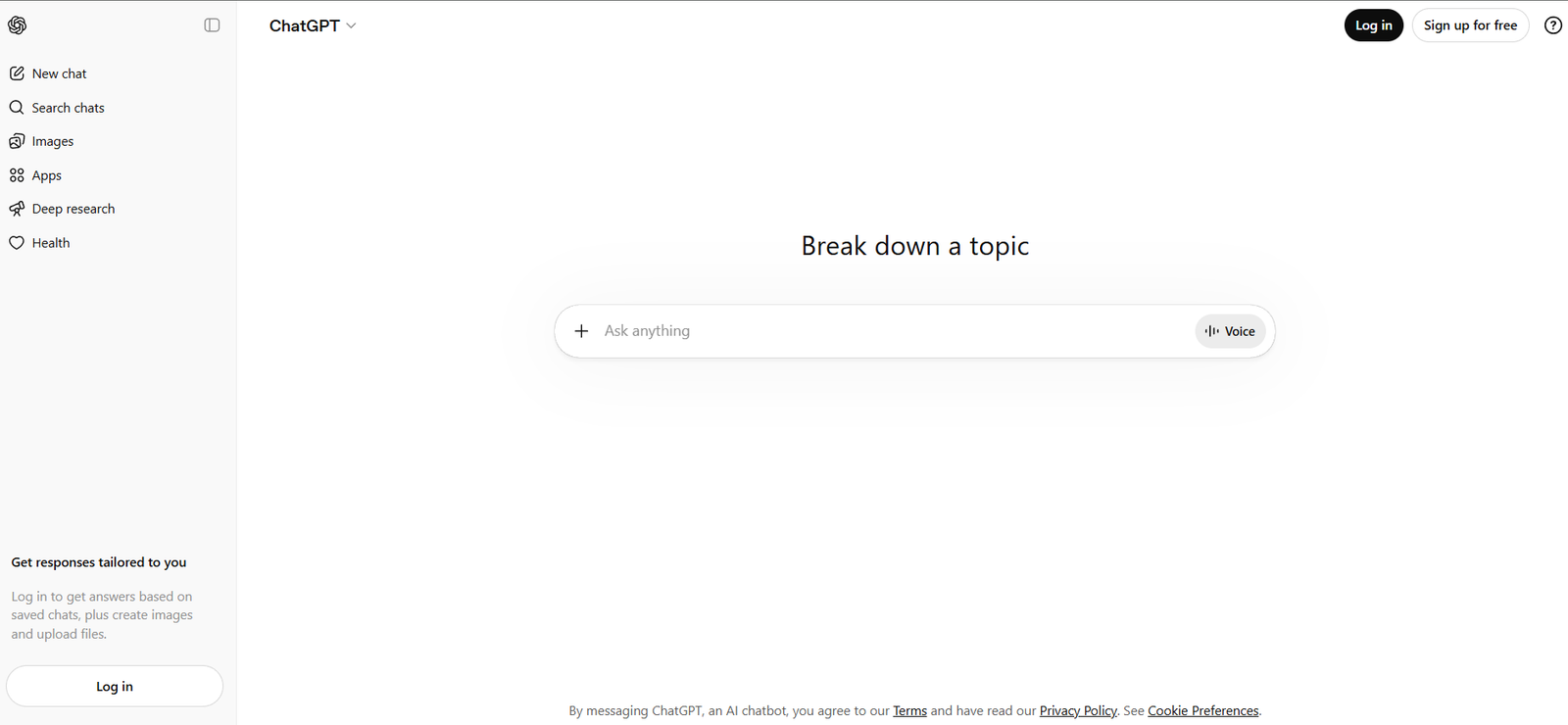
Even without a paid plan, it can handle a wide range of everyday tasks.
Why it’s worth it:
It replaces multiple tools with one interface.
2. Canva: Best Free Design Tool
Canva’s free plan is one of the most generous among AI tools.
You can:
- create social media graphics
- design presentations
- generate visuals
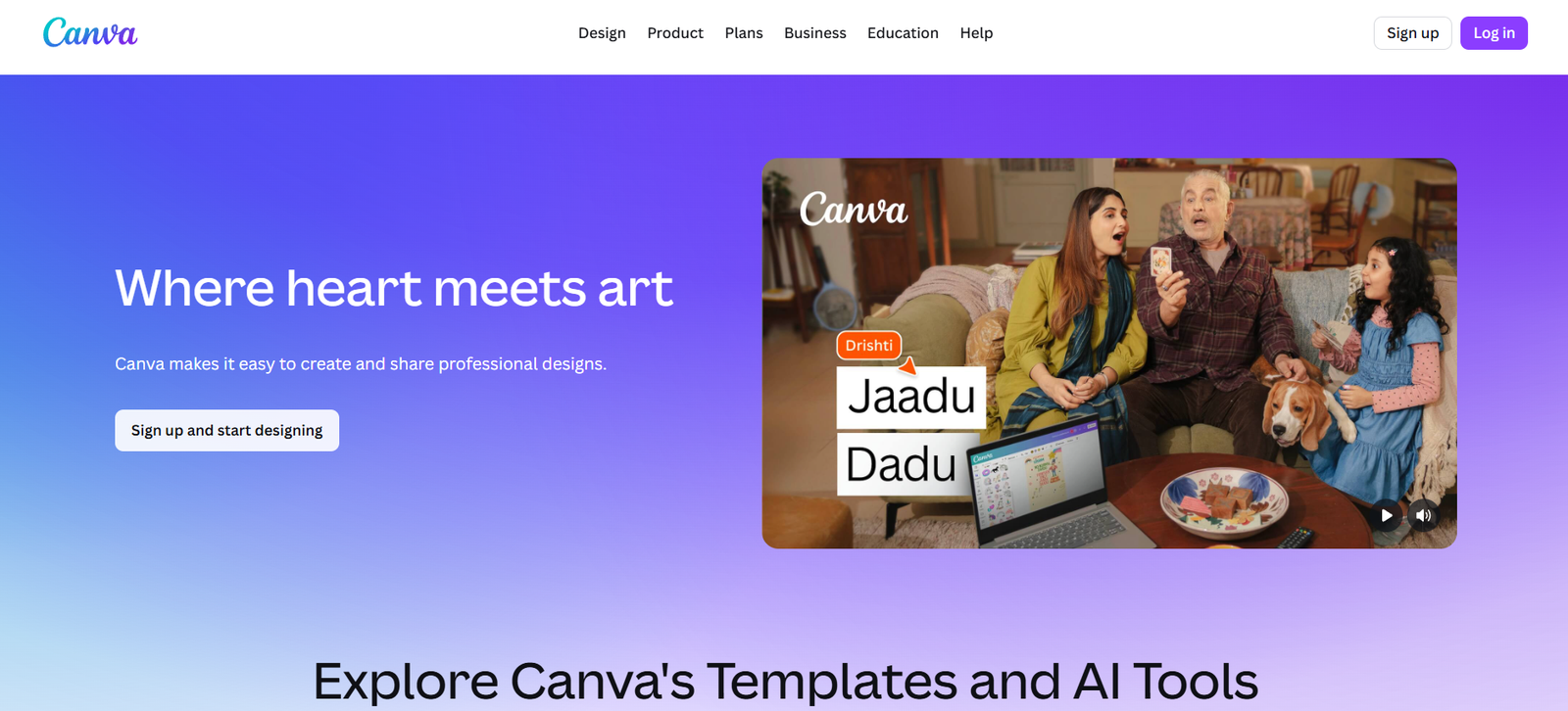
For most small teams and individuals, the free plan is enough.
3. Notion AI: Best For Productivity and Organization
Notion offers a strong free plan for:
- note-taking
- documentation
- project management
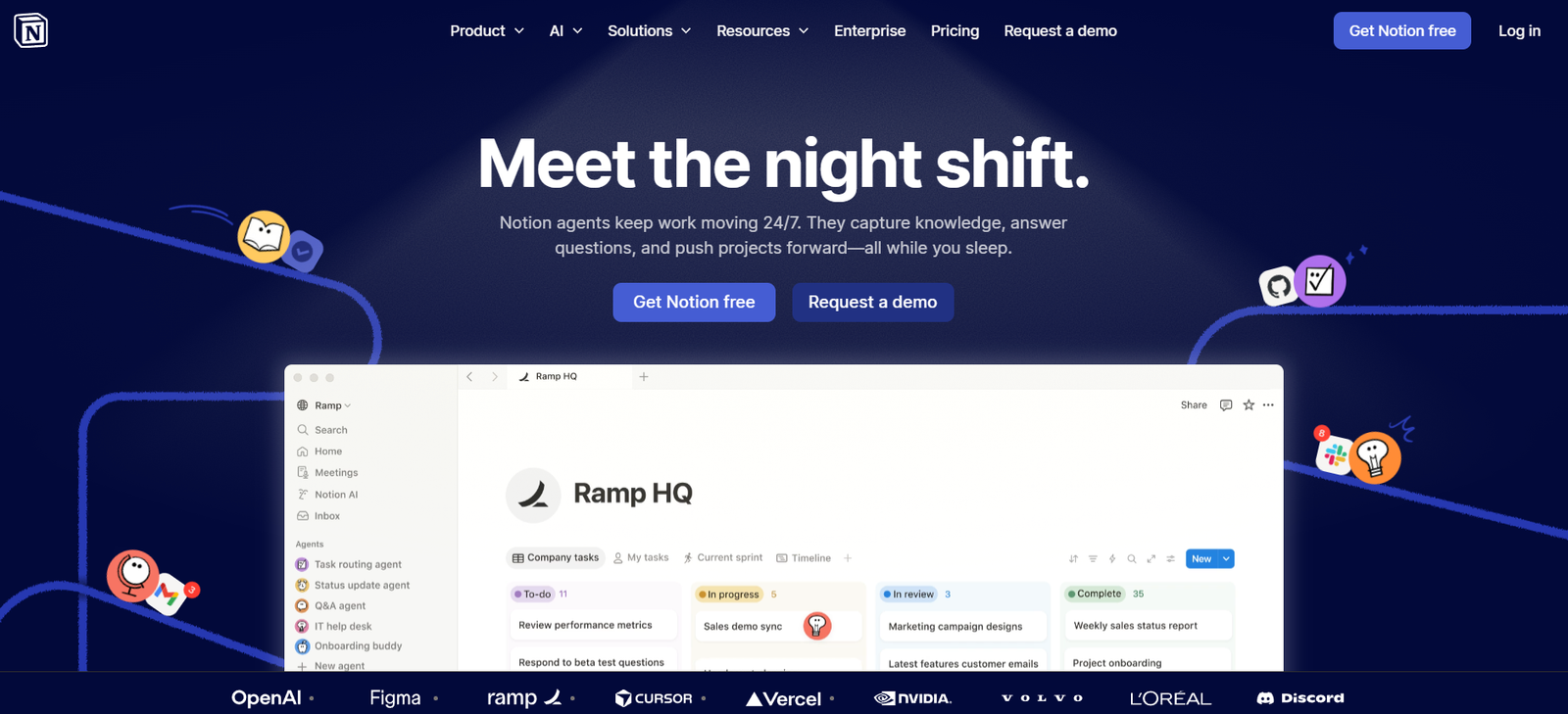
Its AI features are limited in free usage, but still useful for occasional tasks.
4. Grammarly: Best For Writing Quality
Grammarly’s free version helps improve:
- grammar
- clarity
- tone
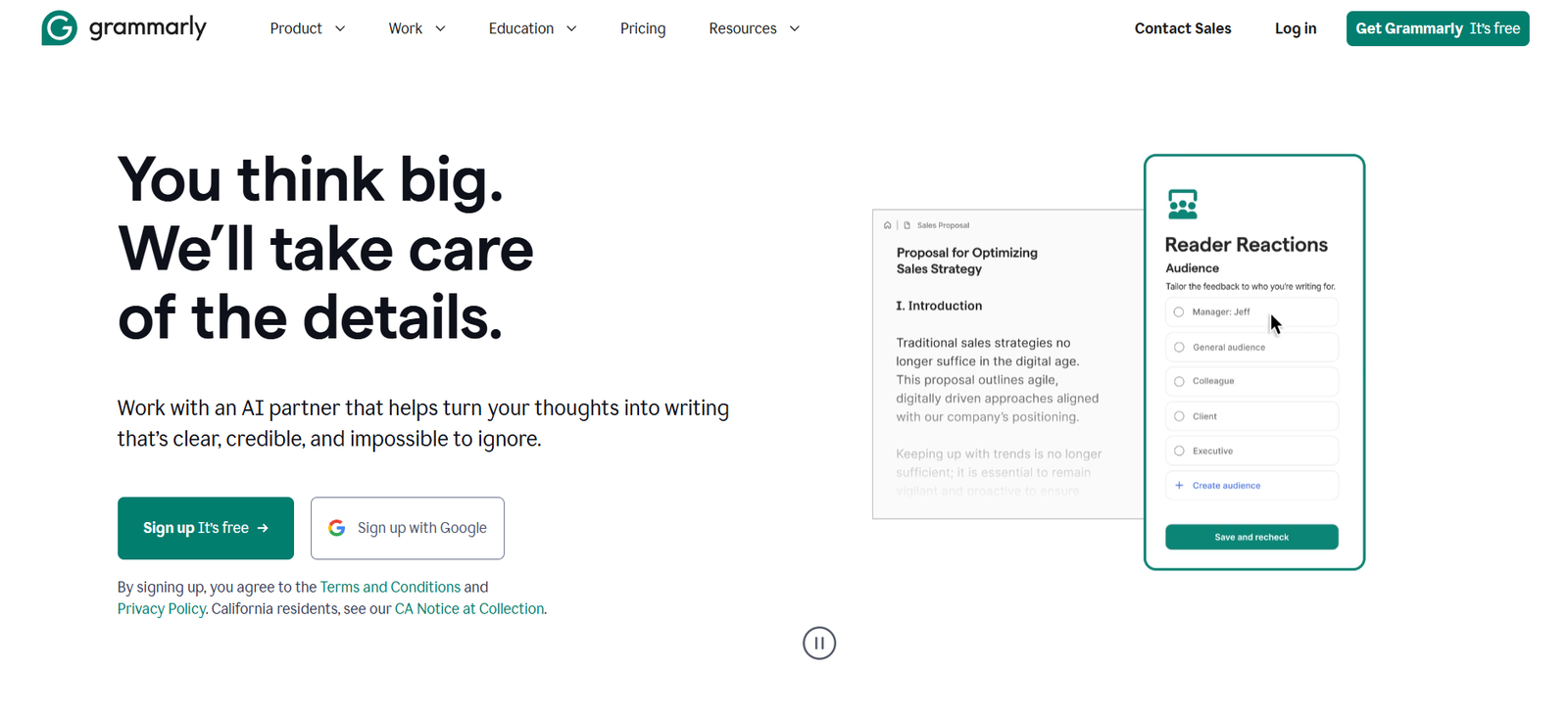
It is simple but highly effective for everyday communication.
5. Perplexity: Best Free Research Tool
Perplexity stands out because it provides:
- real-time answers
- source-backed information
- fast research capabilities
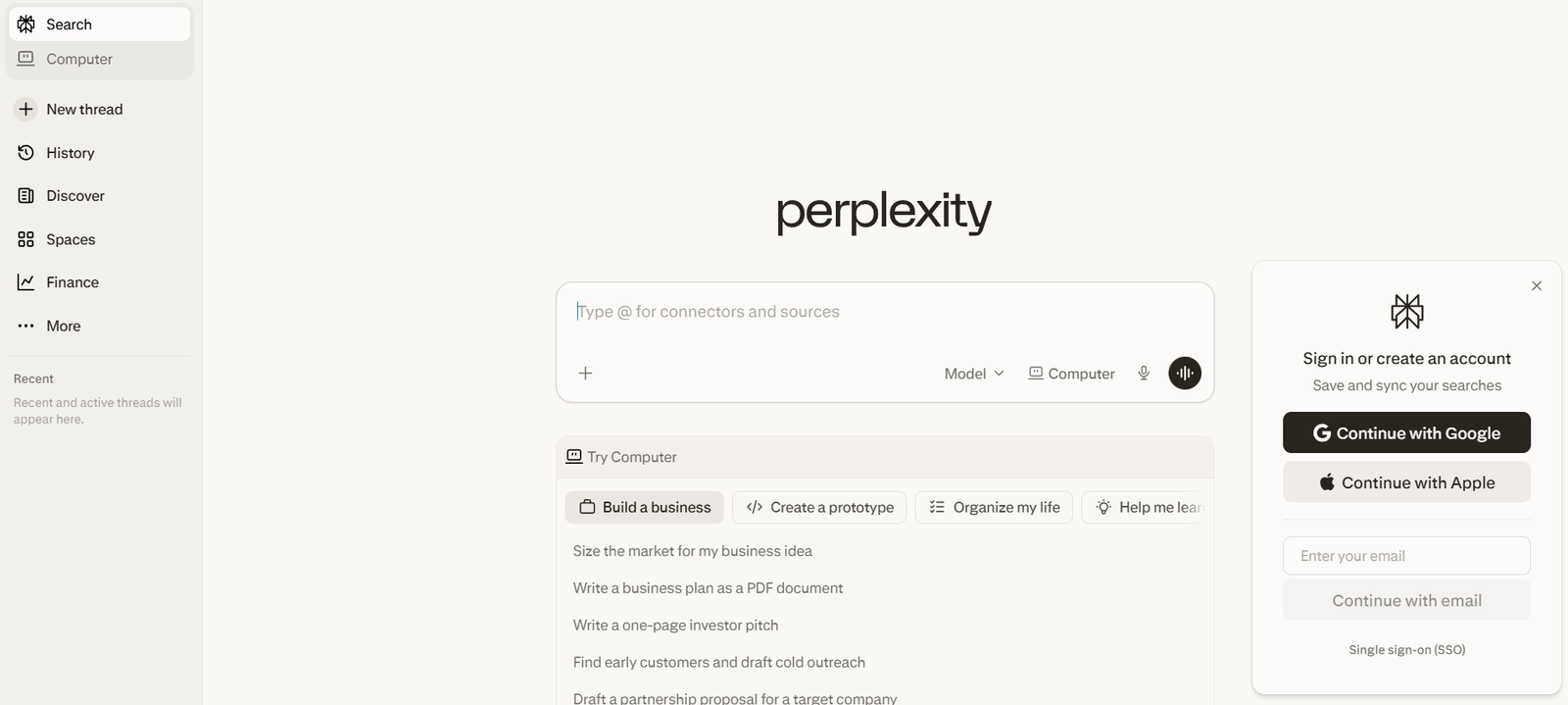
Its free plan is usable for daily research tasks.
6. Zapier: Best Free Automation Tool
Zapier’s free plan allows basic automation between apps.
Examples:
- send form data to spreadsheets
- automate email workflows
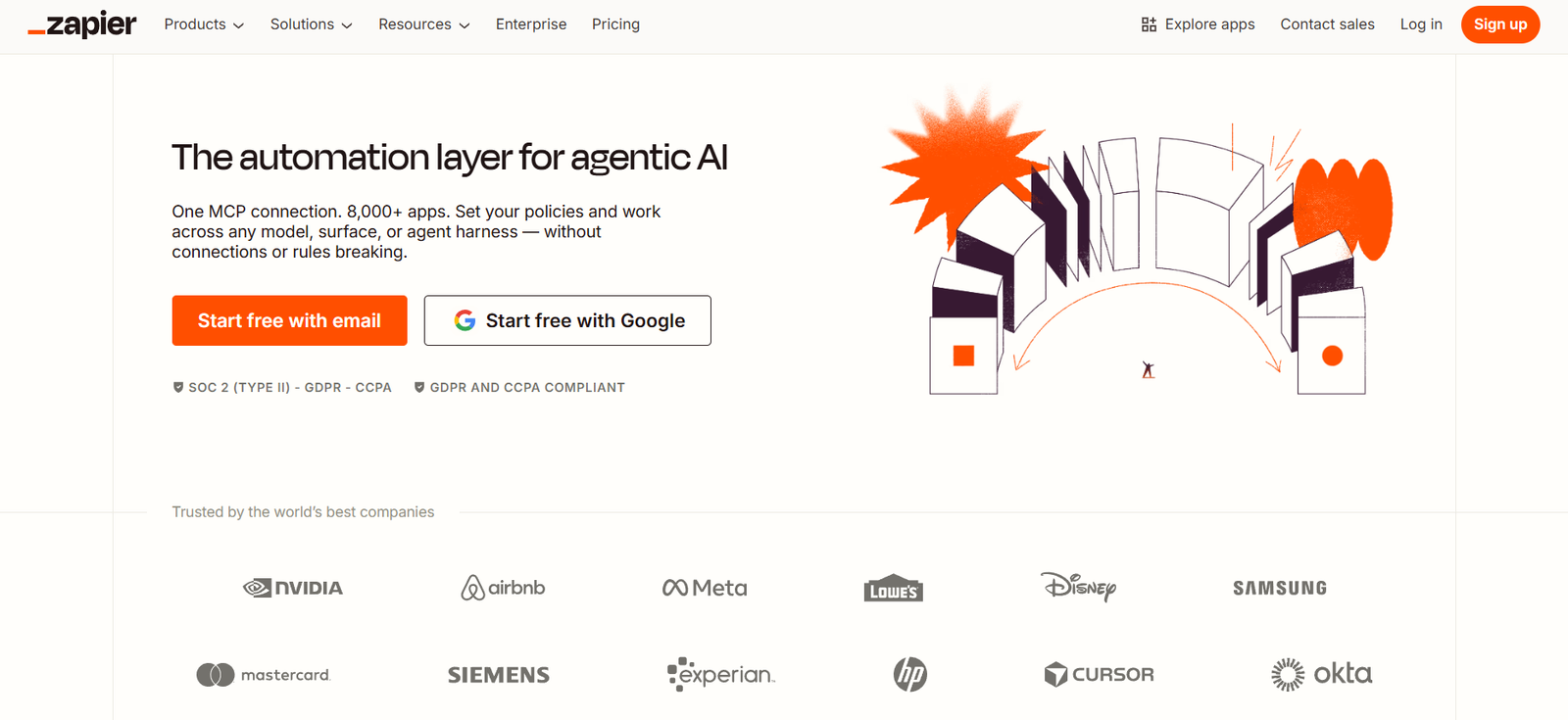
It is limited, but enough for simple use cases.
7. Descript: Best For Audio and Video Editing
Descript offers:
- transcription
- audio editing
- basic video editing
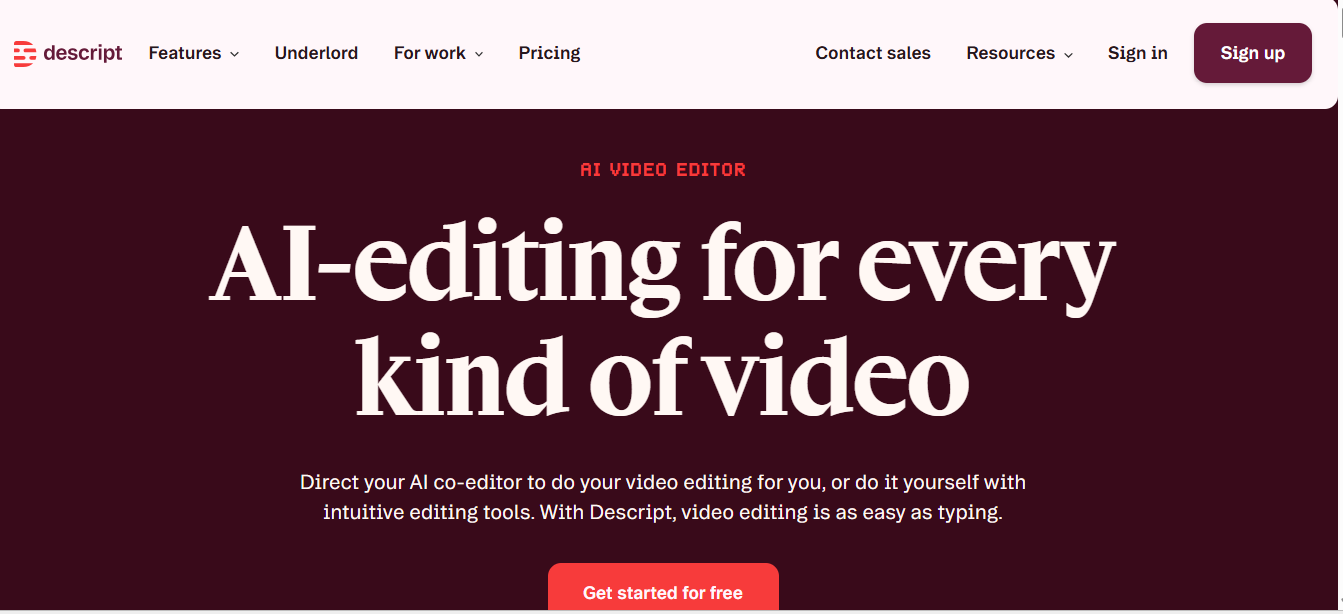
Its free plan is useful for small projects and creators.
8. CapCut: Best Free Vo Editing AI Tool
CapCut is one of the strongest free tools for:
- video editing
- AI effects
- social media content
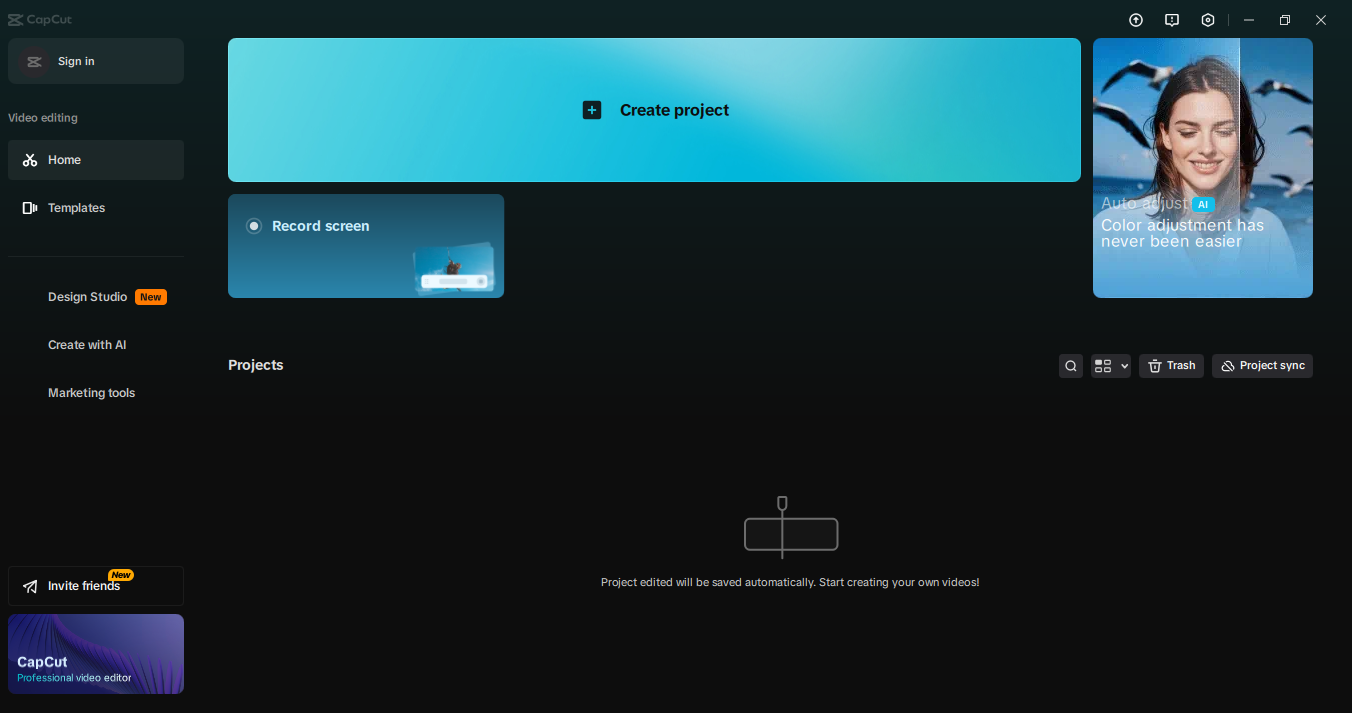
It is widely used by creators because of its powerful free features.
Best tools by use case
| Use case | Best tools |
| Writing | ChatGPT, Grammarly |
| Design | Canva |
| Research | Perplexity |
| Productivity | Notion |
| Automation | Zapier |
| Video/audio | Descript, CapCut |
How to build a free AI stack
A practical free stack could look like:
- ChatGPT → core AI assistant
- Canva → design
- Notion → organization
- Perplexity → research
- Zapier → automation
This setup covers most workflows without cost.
Common mistakes
- choosing tools based only on popularity
- ignoring free plan limitations
- using too many tools
- not optimizing workflows
- upgrading too early
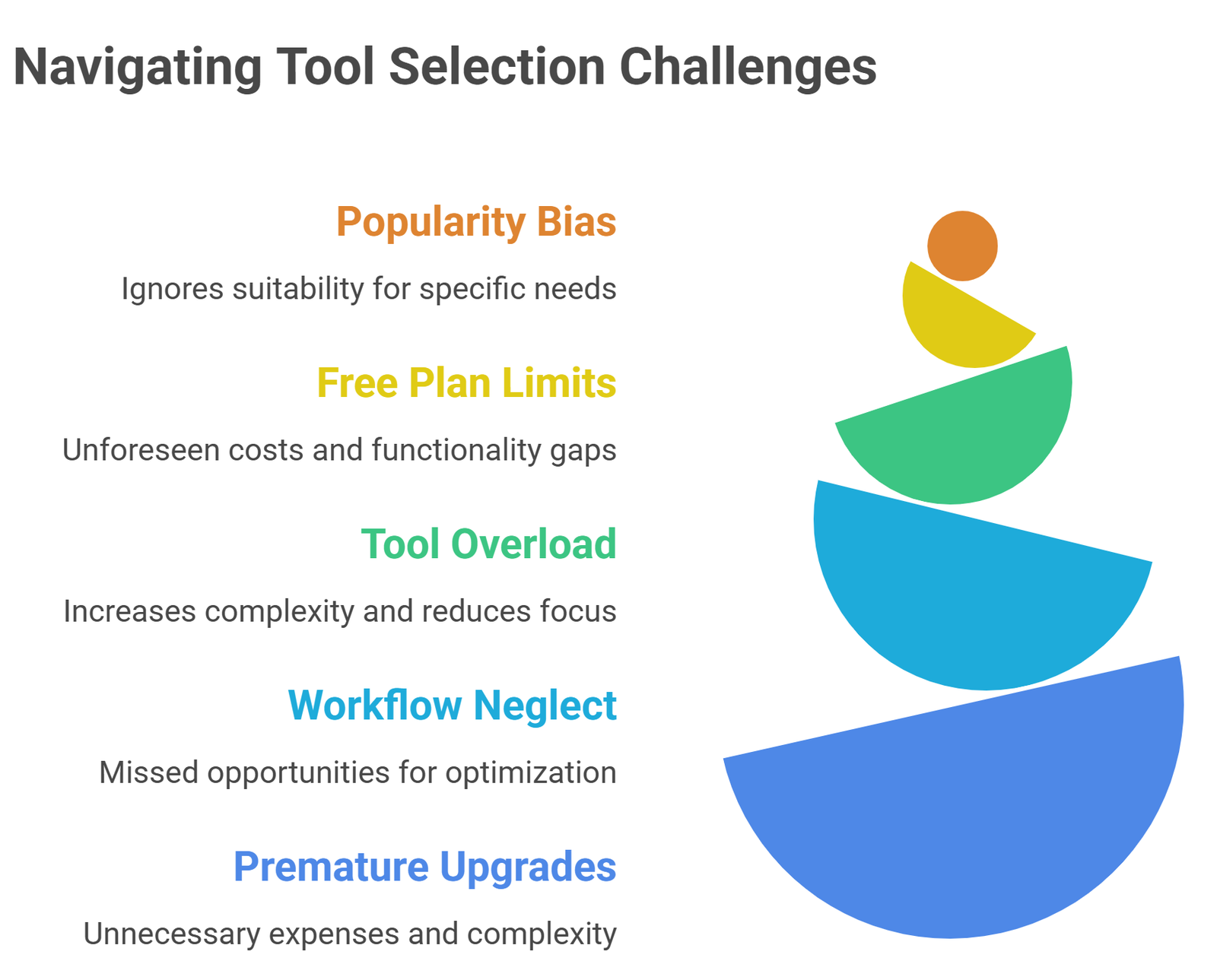
The goal is to maximize value before spending money.
Suggested Read:
- 15 Free AI Tools That Are Actually Useful
- Best AI Tools for Beginners in 2026
- Best AI Tools by Use Case in 2026
- AI Tools for Productivity in 2026
- Best AI Tools for Bloggers and Content Writers
- Best AI Workflow Automation Tools for Teams
FAQ: AI Tools with Free Plans
Are free AI tools enough?
Yes, for individuals and small teams starting out.
What is the best free AI tool overall?
ChatGPT is the most versatile.
Do free plans have limitations?
Yes, but the tools listed here are still usable.
When should you upgrade?
When usage limits start affecting productivity.
Final takeaway
The best AI tools with free plans are the ones that deliver real value without forcing you to upgrade immediately. Instead of trying every tool, focus on a small set that fits your workflow.
Start with a simple stack, use it fully, and only upgrade when necessary.