

Smallest LLMs for Low Resource Systems in 2026: Best Lightweight Models Compared
Not everyone has a high-end GPU or expensive workstation. Many users want AI that works on everyday laptops, budget desktops, mini PCs, or embedded devices.
That is why demand is growing for the smallest LLMs for low resource systems.
Modern compact language models can now handle writing help, coding support, summarization, and private chat tasks using modest hardware.
This guide compares the best lightweight LLMs for constrained systems in 2026.
In simple terms
Low resource systems usually mean devices with:
- limited RAM
- weak or no GPU
- older CPUs
- battery constraints
- storage limits
- offline requirements
Small LLMs focus on efficiency rather than maximum size.
Why Smallest LLMs Matter
Compact models help with:
- running AI locally
- lower hardware cost
- privacy-first workflows
- offline usage
- faster startup time
- edge deployment
For many real users, practical speed matters more than giant benchmark scores.
How we evaluated lightweight models
We compared compact model ecosystems using:
- memory efficiency
- speed on CPU devices
- quality for everyday tasks
- quantization support
- local deployment ease
- coding usefulness
- community support
Best Smallest LLMs for Low Resource Systems
- Microsoft Phi family – Best overall compact intelligence
- Google Gemma small variants – Great lightweight ecosystem choice
- Meta Llama smaller variants – Strong community tooling
- Mistral AI efficient small models – Great quality-to-size ratio
- Alibaba Group Qwen compact variants – Strong multilingual options
- Distilled community models – Speed-focused builds
- Quantized tiny variants – Best for older hardware
Smallest LLMs for Low Resource: Detailed comparison
| Model Family | Best For | Strengths | Considerations |
| Phi | Tiny smart models | Excellent compact capability | Smaller than frontier models |
| Gemma small | Lightweight local use | Good balance + ecosystem | Hardware needs vary by version |
| Llama small variants | Flexibility | Huge community support | Choose size carefully |
| Mistral small options | Efficiency | Strong quality per size | Availability depends on variant |
| Qwen compact | Multilingual users | Strong language range | Resource needs vary |
| Quantized builds | Old hardware | Lower RAM usage | Some quality tradeoff |
Smallest LLMs for Low Resource Systems (use case)
Best Overall for Low Resource Systems
Microsoft Phi-family compact models are widely discussed for strong intelligence in small footprints.
Best for Local Beginners
Google Gemma small variants are often beginner friendly.
Best Community Support
Meta Llama ecosystems offer broad tooling.
Best Efficiency per Size
Mistral AI compact options are popular for balanced performance.
Best Multilingual Use
Alibaba Group Qwen compact models are strong candidates.
What tasks can tiny LLMs handle?
1. Writing Assistance
Emails, notes, short drafts.
2. Coding Help
Small scripts, debugging ideas, explanations.
3. Summarization
Short to medium documents.
4. Personal Chatbots
Offline assistants.
5. Classification Tasks
Labels, sorting, tagging.
6. Search Helpers
Private local knowledge tools.
What small models may struggle with
- deep reasoning chains
- very long context tasks
- advanced coding projects
- frontier-level creativity
- multi-hour agent workflows
Choose realistic expectations.
Tiny LLMs vs Large LLMs
| Feature | Tiny LLMs | Large LLMs |
| Hardware Need | Low | High |
| Speed | Often fast | Slower locally |
| Cost | Lower | Higher |
| Privacy | Easy local use | Often cloud based |
| Reasoning Depth | Lower | Higher |
How to Run Small LLMs Better
Use Quantized Versions
Great for RAM-limited systems.
Reduce Context Length
Keeps memory lower.
Close Background Apps
Free system resources.
Use SSD Storage
Improves loading times.
Pick Right Model Size
Do not over-size unnecessarily.
Best hardware scenarios
Old Laptop (8GB RAM)
Use tiny quantized models.
Budget Desktop
Use compact CPU-friendly models.
Gaming PC
Use larger compact models faster.
Edge Devices
Use minimal distilled models.
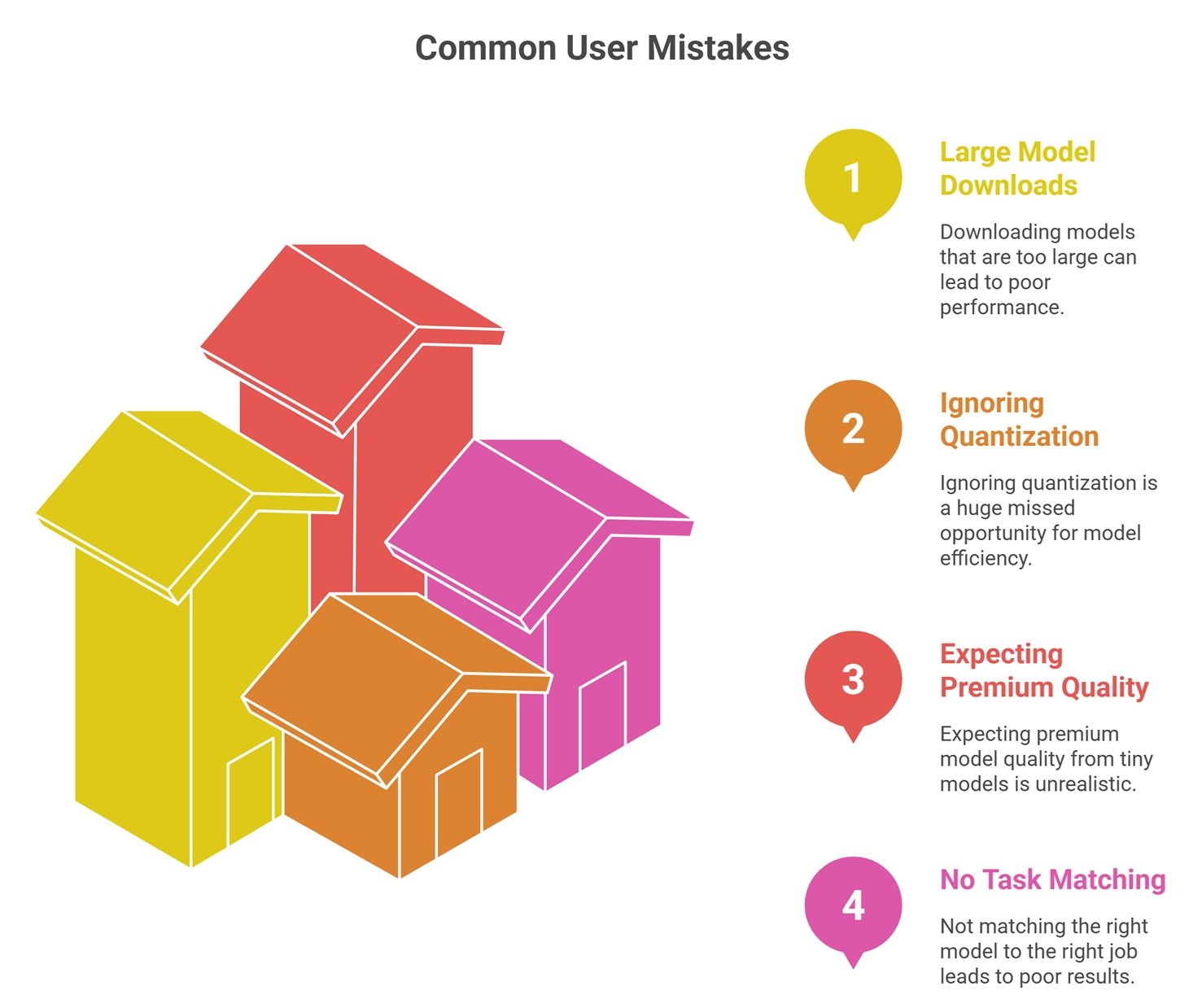
Common Mistakes Users Make
Downloading models too large
Leads to poor speed.
Ignoring quantization
Huge missed opportunity.
Expecting premium model quality
Tiny models trade capability for efficiency.
No task matching
Use the right model for the right job.
Future of tiny LLMs
Expect rapid progress in:
- smarter small models
- mobile assistants
- offline enterprise tools
- edge robotics AI
- faster laptop inference
- lower memory reasoning models
Small models are improving quickly.
Suggested Read:
- Open Source LLMs for Local Use
- Local LLM Setup
- LLM Memory Usage
- SLM vs LLM
- LLM Quantization Explained
- Open Source LLMs
FAQ: Smallest LLMs for Low Resource Systems
What is the smallest useful LLM?
It depends on the task. Very small models can still handle basic writing and classification.
Can tiny LLMs run on old laptops?
Yes, especially quantized variants.
Are small LLMs private?
Yes, when run locally.
Are they good for coding?
Basic coding tasks, yes.
Should beginners start with tiny models?
Often yes, because setup is easier.
Final takeaway
The smallest LLMs for low resource systems are making AI practical for everyone—not just users with expensive GPUs. Compact models can handle many everyday tasks privately and affordably.
Choose based on your hardware, speed needs, and realistic task complexity.