

Local LLM Setup Guide: How to Run AI on Your PC in 2026
Running AI locally has become one of the biggest trends in the LLM world. Instead of depending on cloud subscriptions or external APIs, users can now run powerful language models directly on personal devices.
That means:
- better privacy
- offline access
- lower long-term costs
- faster personal workflows
- full control over your setup
This guide explains local LLM setup in simple language for beginners.
In simple terms
A local LLM setup means:
Installing and running a language model on your own computer instead of using a hosted AI service.
You send prompts directly from your device and receive responses locally.
Popular reasons include:
- private chatbots
- coding assistants
- writing tools
- document summarization
- internal business tools
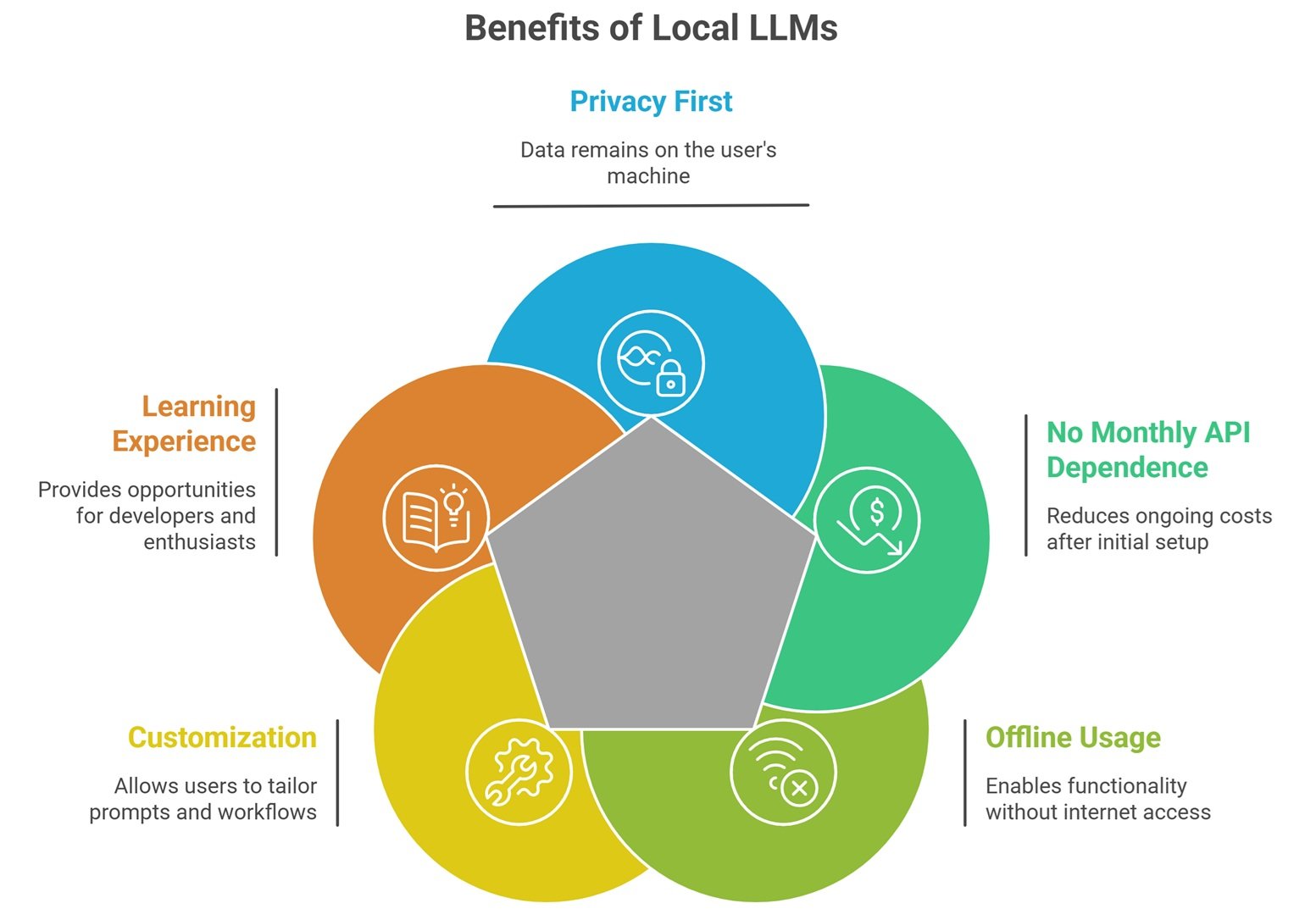
Why People Choose Local LLMs
Privacy First
Your data stays on your machine.
No Monthly API Dependence
After setup, many workflows become cheaper.
Offline Usage
Useful during travel or unstable internet.
Customization
Use your own prompts, tools, and workflows.
Learning Experience
Great for developers and AI enthusiasts.
What hardware do you need?
Basic Laptop
Good for small quantized models.
Mid-Range PC
Better for smoother responses.
Gaming PC with GPU
Strong option for faster local inference.
Workstation Setup
Useful for larger advanced models.
Apple Silicon Devices
Many users run local AI efficiently on newer Macs.
Hardware matters more than hype.
Popular local LLM ecosystems
Many users explore open ecosystems such as:
- Meta Llama-family models
- Mistral AI models
- Microsoft Phi models
- Google Gemma models
- Alibaba Group Qwen models
Choose based on hardware and use case.
Local LLM Setup: Easy setup workflow
Step 1: Choose a Local App
Many beginner tools simplify installation.
Examples may include:
- desktop local AI runners
- model managers
- developer CLI tools
- web UI packages
Step 2: Pick a Model Size
Smaller models run easier.
Step 3: Download Model Files
Usually one-time download.
Step 4: Start Chatting
Run prompts locally.
Step 5: Optimize Performance
Adjust memory, GPU, context settings.
Best beginner setup path
For Non-Technical Users
Use simple desktop GUI tools.
For Developers
Use command-line runtimes and APIs.
For Privacy Teams
Use offline isolated machines.
For Power Users
Use GPU-accelerated custom stacks.
Why quantized models help
Quantization reduces memory needs.
Benefits:
- faster loading
- lower RAM usage
- lower VRAM needs
- run larger models locally
That is why many local users choose 4-bit or 8-bit variants.
Local LLM setup for common tasks
Writing Assistant
Draft blogs, emails, notes privately.
Coding Copilot
Generate code without cloud dependence.
Research Helper
Summarize documents offline.
Internal Company Bot
Use private internal data.
Personal Knowledge Base
Search your own notes.
Local LLM vs Cloud AI Tools
| Feature | Local LLM | Cloud AI |
| Privacy | High | Depends on provider |
| Setup Ease | Lower | Higher |
| Offline Use | Yes | Usually no |
| Upfront Effort | Higher | Low |
| Long-Term Cost | Often lower | Usage based |
| Raw Model Power | Depends on hardware | Often stronger |
Local LLM Setup: Common Beginner Mistakes
Downloading Too Large a Model
Can run slowly or fail.
Ignoring RAM Limits
Memory matters.
Expecting Instant Speed on Old Devices
Hardware sets limits.
No Quantized Testing
Often easiest performance win.
Using Random Files
Only download trusted sources.
How to improve local performance
Use Smaller Models
Right-size to task.
Reduce Context Length
Very long prompts slow systems.
Use GPU Acceleration
If supported.
Close Background Apps
Free memory resources.
Try Quantized Variants
Huge efficiency gains possible.
Security best practices
- download trusted model files
- keep software updated
- isolate sensitive work machines
- review permissions
- encrypt local storage if needed
- avoid unknown plugins
Privacy improves with good hygiene.
Future of local AI
Expect growth in:
- laptop-native assistants
- stronger small models
- faster consumer GPU support
- offline multimodal AI
- private enterprise desktops
- local agent workflows
Local AI is moving mainstream quickly.
Suggested Read:
- Open Source LLMs for Local Use
- Open Source LLMs
- LLM Memory Usage
- LLM Quantization Explained
- LLM Deployment Basics
- Best LLMs for Coding
FAQ: Local LLM Setup
What is a local LLM setup?
Running an AI model on your own device.
Can I run a local LLM on a laptop?
Yes, especially smaller or quantized models.
Are local LLMs private?
Generally yes, if used offline.
Do I need a GPU?
Not always, but it helps performance.
Is local AI cheaper than APIs?
Often over time, depending on usage.
Final takeaway
A local LLM setup gives you private, flexible AI without depending fully on cloud providers. It can be ideal for learning, coding, writing, and secure workflows.
Start small, choose the right model size, and optimize based on your hardware.