

Googles Free AI Coding Tool Is Challenging Claude Code and Codex
Google’s free AI coding tool is getting serious attention because it enters a space already shaped by two powerful names: Claude Code and OpenAI Codex.
For developers, this is a big shift. For beginners, freelancers, small businesses, and creators, it may be even bigger. AI coding tools are no longer only about writing code faster. They are starting to act like small software teams that can plan, build, test, and review work across multiple steps.
That is why Google Antigravity matters. It shows where AI software development may be heading next.
Googles Free AI Coding Tool Is Not Just Another Chatbot
Google Antigravity is different from a normal coding chatbot because it is built around agents.
A regular AI coding assistant can answer questions or suggest code. An agentic coding tool can take a goal, plan the steps, modify files, run commands, test results, and report back to the user.
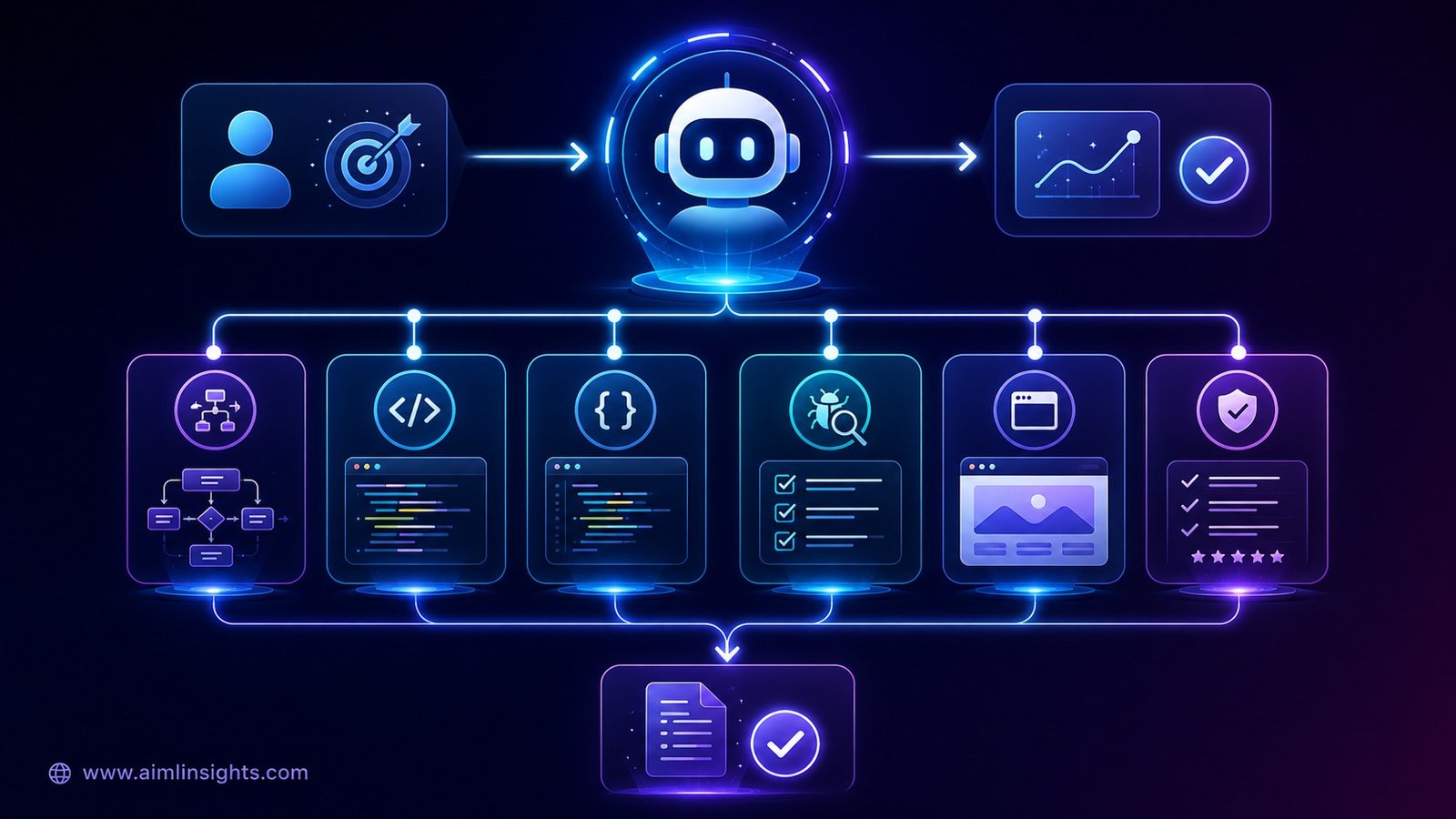
Google describes Antigravity as an agentic development platform designed to help users work at a higher, task-oriented level. It combines an AI-powered coding experience with an agent-first interface where users can deploy agents that plan, execute, and verify complex tasks across an editor, terminal, and browser.
In simple language, Antigravity is not only helping you type code. It is trying to help you manage coding work.
That is the important shift. The competition is no longer just about which model writes better JavaScript or Python. The bigger question is which tool can help users move from idea to working product with the least friction.
What Is Google Antigravity?
Google Antigravity is an AI-powered development platform built around software agents.
Google’s own developer blog says older tools focused on helping people write code faster, while newer tools need to help people orchestrate code. Antigravity introduces an Editor View for hands-on coding and a Manager Surface where users can spawn, observe, and coordinate multiple agents working asynchronously across workspaces.
This means a user can give Antigravity a task such as building a feature, fixing a bug, improving a user interface, or testing a workflow. The agent can then work across the code editor, terminal, and browser.
Google’s codelab also describes Antigravity as an agent-first platform where the AI can plan, execute, validate, and iterate on complex engineering tasks with minimal human intervention. It says the tool is available in preview for personal Gmail accounts and comes with a free quota to use premier models.
That free quota is one reason the tool is getting attention. Claude Code and Codex are strong products, but many beginners and independent builders are sensitive to monthly costs.
Why Antigravity Is Being Compared With Claude Code and Codex
Google Antigravity is being compared with Claude Code and OpenAI Codex because all three tools are moving beyond simple code suggestions and into agentic software development.
Claude Code is designed to help developers work across codebases, build features, fix bugs, and automate development tasks. OpenAI Codex also supports agent-style coding workflows where users can manage multiple coding tasks and work across longer software projects.
Antigravity enters the same race with a different focus: agent orchestration. Google describes Antigravity as an agentic development platform where users can delegate complex software tasks to agents that can plan, execute, verify, and work across the editor, terminal, and browser.
That makes the comparison important. The market is shifting from “which AI writes better code?” to “which AI can help users build, test, and manage software more effectively?”
How Antigravity Works for Beginners
For beginners, the easiest way to understand Google Antigravity is to think of it as a project workspace.
Instead of asking an AI model to write one block of code, you describe a larger goal.
For example:
“I want to build a landing page for a premium fitness brand.”
A normal chatbot may give you HTML and CSS. Antigravity can work more like an agent system. One part of the system may plan the app structure. Another may write front-end code. Another may test the page. Another may use the browser to check whether the result works.
Google’s official explanation says Antigravity can offload end-to-end tasks that previously required context switching, such as writing a feature, launching an app in the terminal, and using the browser to test whether the component functions correctly.
This is what makes AI coding agents useful for non-developers. They reduce the number of separate technical steps a person must understand before seeing a working result.
But there is an important warning: beginners should still review results carefully. AI can build something that looks good but has weak security, messy structure, broken mobile layout, or poor performance.
Antigravity vs Claude Code: Which One Fits Your Workflow?
The best tool depends on the user.
Claude Code is strong for developers who already work in codebases and want deep help with refactoring, debugging, and reasoning through software problems. It is especially useful for people who are comfortable with developer workflows and want a powerful coding partner.
Antigravity may be easier to understand for users who want a more visual or project-oriented agent workflow. Its Manager Surface is designed to let users coordinate multiple agents rather than only chat with one assistant inside a coding window. Google says this surface allows users to spawn and observe multiple agents working asynchronously.
The difference is not simply “which one is smarter.”
A better way to think about it:
Claude Code feels more attractive for hands-on developers who want deep codebase help.
Google Antigravity feels more attractive for builders who want to manage multiple AI agents around a product goal.
That makes Antigravity especially interesting for solo founders, freelancers, marketers, students, and small business owners who want to create prototypes without starting from zero.
Antigravity vs OpenAI Codex: The Real Difference
OpenAI Codex is also becoming a serious agentic coding platform.
OpenAI introduced the Codex app as an interface for managing multiple agents, running work in parallel, and collaborating over long-running tasks. OpenAI has also expanded Codex access, including availability on Windows after its macOS launch.
So the difference between Codex and Antigravity is not that one has agents and the other does not. Both are moving toward parallel AI coding work.
The bigger difference is ecosystem.
Codex connects naturally with ChatGPT and OpenAI’s developer world. Antigravity connects naturally with Google’s Gemini ecosystem, AI Studio, Android, Firebase, Workspace APIs, and cloud tools.
At Google I/O 2026, Google said developers can use Google AI Studio powered by the Antigravity coding agent, export projects to Antigravity, and connect agents with Workspace APIs and Android development flows.
That means your choice may depend on where your work already lives.
If you use ChatGPT heavily and want OpenAI’s coding stack, Codex may feel natural. If you already use Google tools, Gemini, Firebase, Android, or AI Studio, Antigravity may become more attractive.
Why Google Is Offering Antigravity With Free Access
Google is making Antigravity available in preview with a free quota for personal Gmail accounts, which lowers the entry barrier for developers, students, freelancers, and non-technical builders who want to test agentic coding.
This approach also fits Google’s larger AI strategy. By connecting Antigravity with Gemini, AI Studio, Android, Firebase, Workspace APIs, and Google Cloud tools, Google can bring more builders into its developer ecosystem.
For beginners, free preview access makes it easier to experiment without committing to a paid coding tool immediately. For Google, it creates a wider path for users to try Gemini-powered development workflows before deciding whether they need higher usage limits or paid plans.
The important point is that “free” does not mean unlimited. Google’s own documentation says Antigravity includes quota-based access, and heavier usage may depend on plan limits. Users should check current pricing and quota details before relying on it for daily production work.
What Google Antigravity Means for Businesses
For businesses, Antigravity could make software prototyping faster.
A small business owner could use AI coding tools to test a landing page idea. A marketer could create a campaign microsite. A founder could build a demo before hiring a full engineering team. A developer could delegate testing, bug fixing, or user interface changes.
This does not replace professional software development. It changes the starting point.
Instead of waiting weeks for a prototype, teams may create something rough in hours, then ask developers to review, improve, and secure it.
That is valuable because speed matters. A working prototype can help test demand, pitch clients, show investors, or explain an idea to a team.
But businesses should avoid treating AI-generated apps as production-ready by default. Security, scalability, accessibility, privacy, and performance still need human review.
Risks and Limitations of AI Coding Agents
AI coding agents are powerful, but they can also make confident mistakes.
Google’s codelab warns that Antigravity’s ability to browse the web is both a superpower and a vulnerability because agents visiting compromised documentation sites could face prompt injection attacks. Google recommends using a browser URL allowlist to reduce this risk.
That matters because AI agents do not just generate text. They may browse, read files, write code, run commands, and change project folders.
The risk increases when agents get more autonomy.
Users should watch for:
- Wrong code that appears correct
- Security weaknesses
- Broken mobile layouts
- Poor database design
- Overuse of external libraries
- Hidden costs from API usage
- Prompt injection from unsafe web pages
- Confusion when multiple agents change files at once
This is why humans still matter. AI coding agents can speed up software work, but they need clear instructions, permissions, testing, and review.
Which AI Coding Tool Should You Use?
Use Google Antigravity if you want a free AI coding tool to explore agentic development, build prototypes, test product ideas, or work inside Google’s AI ecosystem.
Use Claude Code if you are already a developer and want strong codebase understanding, deep reasoning, and help across complex software tasks.
Use OpenAI Codex if you are already using ChatGPT or OpenAI tools and want an agentic coding workflow connected to the OpenAI ecosystem.
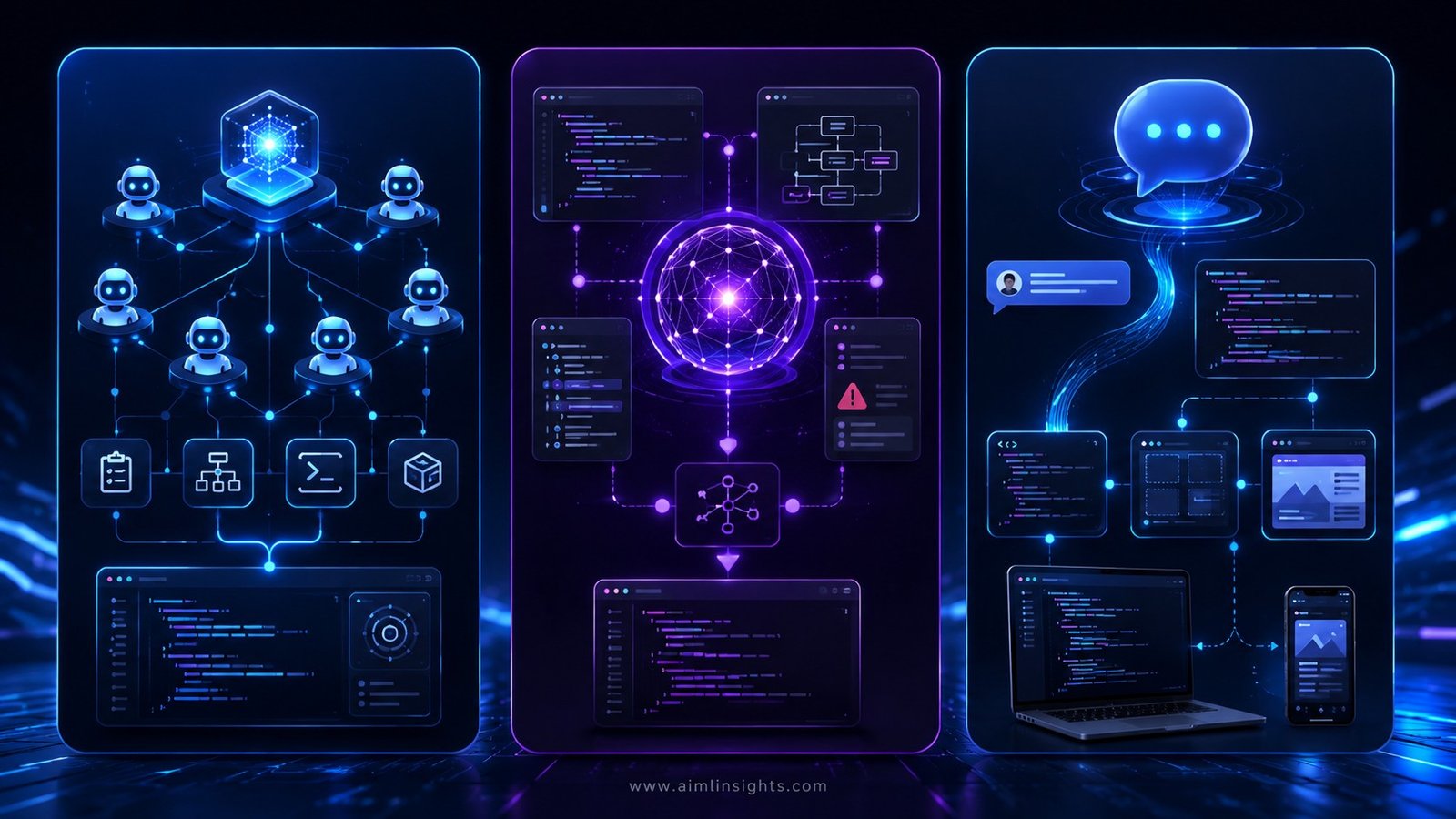
For beginners, Antigravity may feel more approachable because free preview access lowers the entry barrier. For professional developers, the better choice depends on the codebase, workflow, pricing, model quality, and integrations.
The smartest approach is not to choose based on hype. Choose based on the task.
If you want to prototype quickly, try Antigravity.
If you want deep code reasoning, try Claude Code.
If you want ChatGPT-connected coding agents, try Codex.
Simple Explanation for Beginners
Think of AI coding tools like three different types of helpers.
A basic chatbot is like a tutor. It explains code.
Claude Code is like a senior developer sitting beside you.
OpenAI Codex is like a coding command center connected to OpenAI’s tools.
Google Antigravity is like a small AI software team inside your computer, where agents can plan, build, test, and report progress.
That does not mean it will build perfect apps automatically. It means the way people build software is becoming more guided by goals and less limited to manual coding.
What Comes Next
The next phase of AI coding will likely focus on agents that can work longer, test better, use safer permissions, and connect more deeply with business tools.
Google is already pushing this direction through Managed Agents in the Gemini API, which can reason, use tools, and execute code in isolated Linux environments.
That points to a future where AI coding agents are not only desktop tools. They may become part of cloud platforms, enterprise workflows, mobile app builders, and automated business systems.
For users, the opportunity is huge. The barrier to building software is falling.
But the responsibility is also growing. If AI can build faster, people must learn how to review smarter.
Conclusion: Googles Free AI Coding Tool
Google’s free AI coding tool is challenging Claude Code and Codex because it changes the way people think about software development.
Google Antigravity is not only a coding assistant. It is an agent-first platform where users can delegate tasks, coordinate agents, and build software at a more goal-driven level.
Claude Code remains strong for serious developers. OpenAI Codex is powerful for users inside the OpenAI ecosystem. Antigravity stands out because Google is pushing free preview access, Gemini-powered agents, AI Studio connections, and a workflow designed around multiple agents.
For beginners, this could make app building feel less intimidating. For businesses, it could speed up prototyping. For developers, it could reduce repetitive work.
The winner is not the tool with the loudest launch. The winner is the tool that helps you build safely, quickly, and reliably.
Key Takeaways
- Google Antigravity is an agentic development platform, not just a coding chatbot.
- Google’s free AI coding tool is competing directly with Claude Code and OpenAI Codex.
- Antigravity focuses on multi-agent software development and task orchestration.
- Claude Code may suit experienced developers who need deep codebase reasoning.
- OpenAI Codex fits users already working inside the OpenAI and ChatGPT ecosystem.
- Antigravity may be useful for beginners, freelancers, founders, and small businesses building prototypes.
- AI coding agents still need human review, testing, and security checks.
Suggested Read:
- AI Agents Explained Simply
- Best AI Tools for Productivity
- OpenAI Codex Explained
- Google Gemini AI Updates
FAQ: Googles Free AI Coding Tool
What is Google Antigravity?
Google Antigravity is an agentic development platform that lets users delegate software tasks to AI agents that can plan, write code, run commands, use the browser, and verify results.
Is Google Antigravity free?
Google says Antigravity is available in preview for personal Gmail accounts and includes a free quota to use premier models. Heavy usage may still depend on quotas or paid plans.
How does Google Antigravity compare with Claude Code?
Google Antigravity focuses on agent orchestration and project-level workflows, while Claude Code is strong for developers who want help building features, fixing bugs, and working across codebases.
How does Google Antigravity compare with OpenAI Codex?
Both tools support agentic coding workflows. Codex is closely connected to OpenAI and ChatGPT, while Antigravity connects strongly with Google’s Gemini, AI Studio, Android, Firebase, and Workspace ecosystem.
Can beginners use AI coding tools?
Yes, beginners can use AI coding tools for prototypes, landing pages, simple apps, and learning. But they should still check the output carefully because AI-generated code can contain bugs or security problems.
Which AI coding tool should you use?
Use Antigravity for Google-connected prototypes and agent workflows, Claude Code for deep codebase work, and Codex for OpenAI-connected coding tasks. The best choice depends on your workflow, budget, and technical level.
What are the risks of AI coding agents?
The risks include wrong code, weak security, prompt injection, broken app logic, unclear file changes, and overreliance on AI. Google’s codelab specifically warns that browser-enabled agents can face prompt injection risks from compromised documentation sites.
References:
- Google Developers Blog: Build with Google Antigravity.
- Google I/O 2026 developer highlights: Antigravity, Managed Agents, Gemini API, AI Studio.
- Google Codelab: Getting Started with Google Antigravity.
- OpenAI: Introducing the Codex app.
- Claude Code official docs overview.
- Times of India report on Antigravity 2.0 vs Claude Code and Codex.