
Best AI Workflow Automation Tools for Teams
AI workflow automation tools are changing how teams operate. Instead of manually moving data, sending updates, or repeating tasks, teams can now automate entire workflows across apps, systems, and departments.
The best AI workflow automation tools for teams are not just about automation—they combine AI + integrations + decision-making. Tools like Zapier, Make, Notion AI, Airtable, HubSpot, and Slack AI help teams reduce manual work and improve productivity at scale.
In simple terms
Workflow automation tools connect your apps and let AI handle repetitive tasks.
Instead of:
- copying data between tools
- sending manual updates
- tracking tasks across systems
AI tools do it automatically.
What makes a good automation tool for teams?
From analyzing top-ranking blogs and real usage patterns, the best tools share these features:
- strong integrations (apps, APIs)
- easy workflow building
- AI-powered actions (not just triggers)
- team collaboration support
- scalability across workflows
Most comparisons focus on features—but real value comes from how well tools fit into team workflows.
Quick comparison table
| Tool | Best for | Strength | Limitation |
| Zapier | Easy automation | Large app ecosystem | Costs scale with usage |
| Make | Advanced workflows | Visual builder | Steeper learning curve |
| Notion AI | Internal workflows | All-in-one workspace | Limited external automation |
| Airtable | Data workflows | Flexible database + automation | Setup complexity |
| HubSpot | Sales automation | CRM integration | Paid scaling features |
| Slack AI | Team communication | Context-aware automation | Limited outside Slack |
| n8n | Open-source automation | Full control | Requires setup |
| Pipedream | Developer workflows | API-first automation | Less beginner-friendly |
1. Zapier: Best For Easy Automation
Zapier is one of the most widely used workflow automation tools. It connects thousands of apps and allows teams to create simple automations without coding.
Typical use cases:
- send leads to CRM
- trigger emails from form submissions
- update spreadsheets automatically
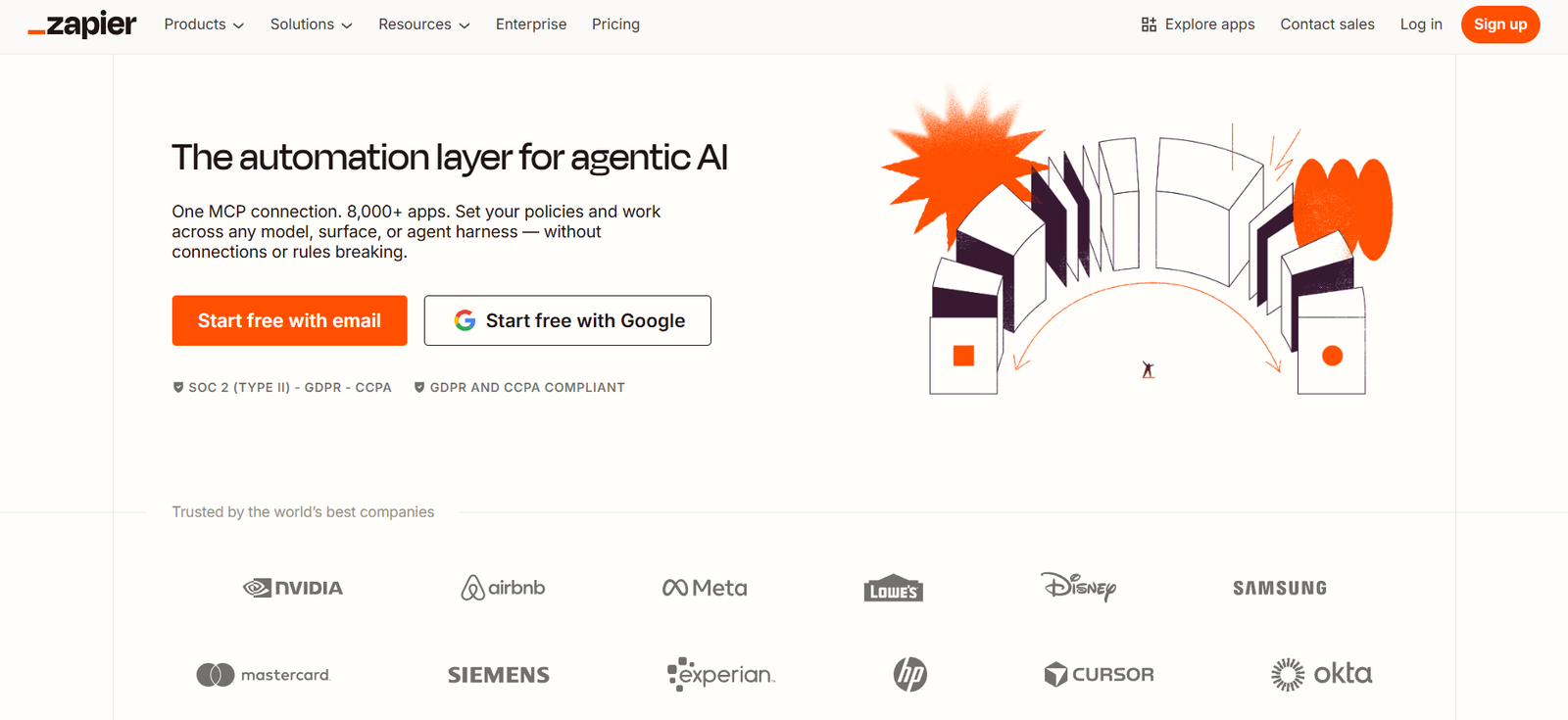
Its strength is simplicity. Teams can quickly automate workflows without technical expertise.
2. Make: Best For Advanced Workflows
Make (formerly Integromat) is ideal for more complex workflows.
It offers:
- visual workflow builder
- multi-step logic
- advanced automation scenarios
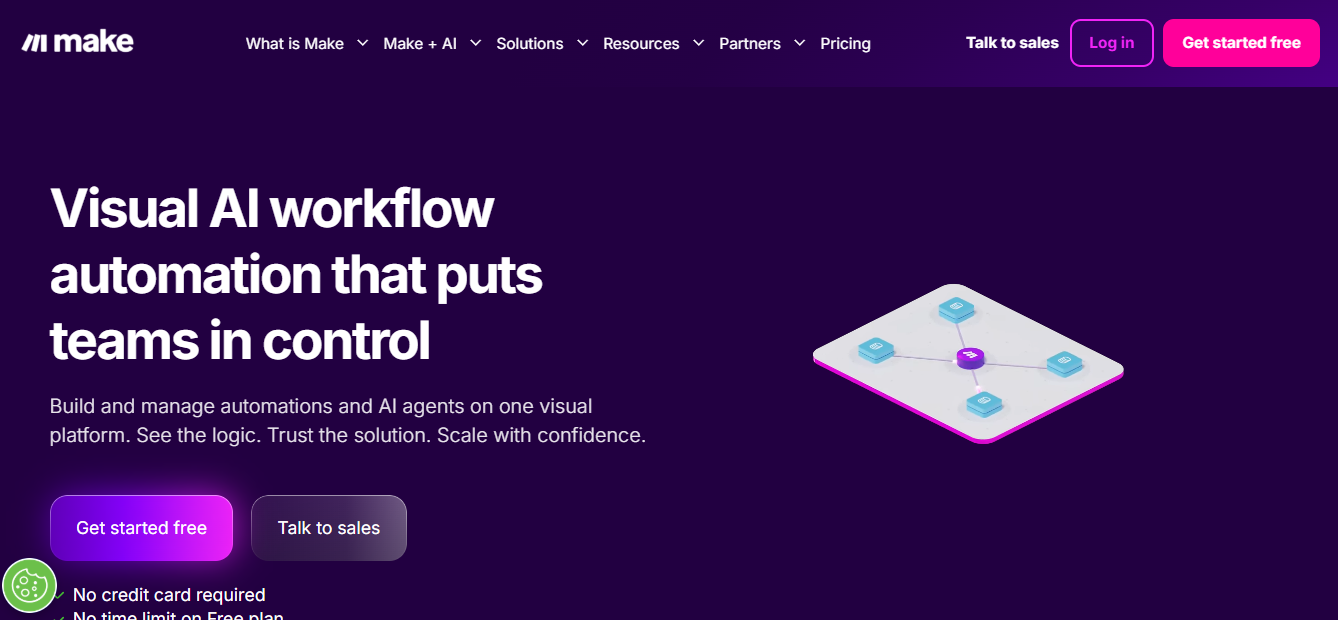
Teams that need detailed control often prefer Make over simpler tools.
3. Notion AI: Best For Internal Team Workflows
Notion AI helps teams automate internal processes like:
- documentation
- content creation
- project tracking
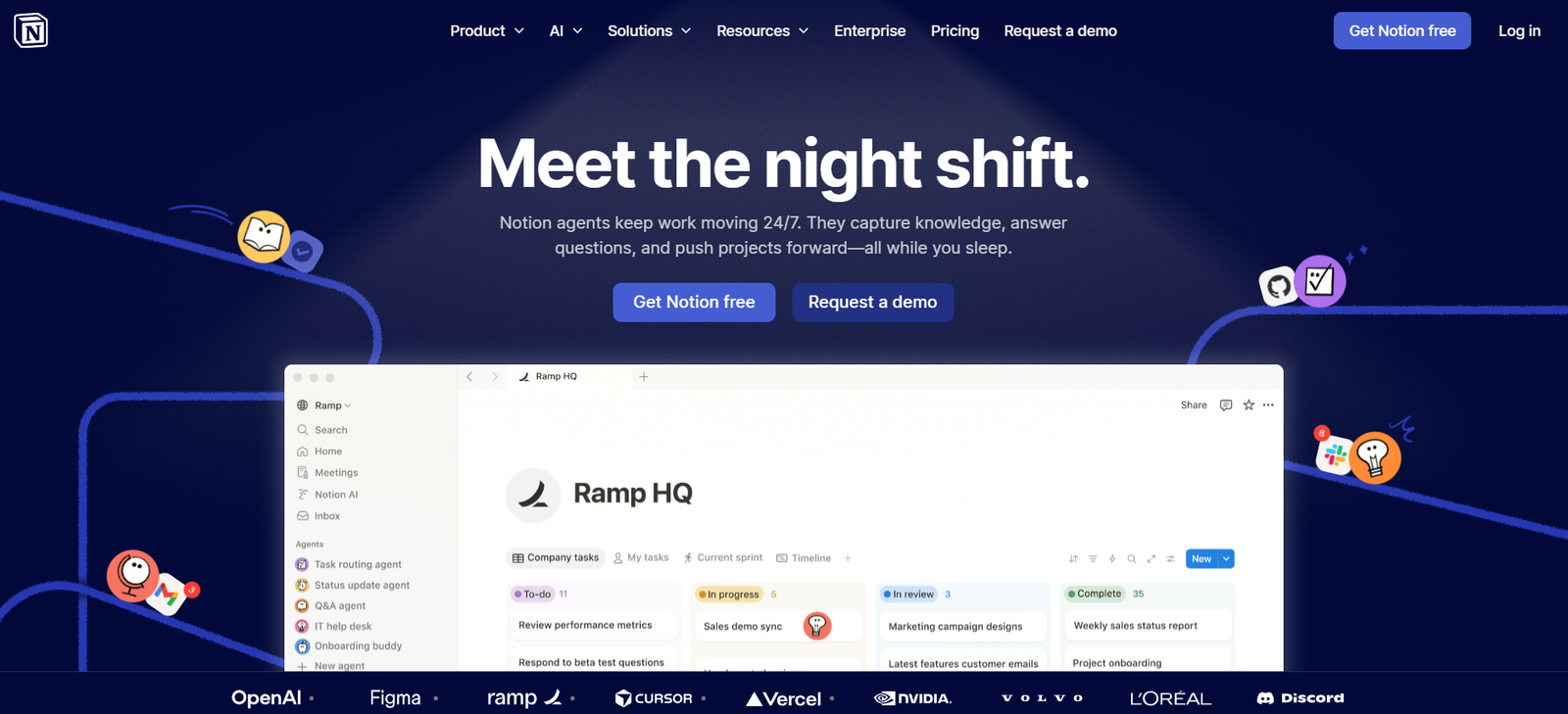
Instead of switching tools, teams can manage workflows in one place.
4. Airtable: Best For Data-driven Workflows
Airtable combines database functionality with automation.
Teams use it for:
- project tracking
- content calendars
- CRM-like workflows
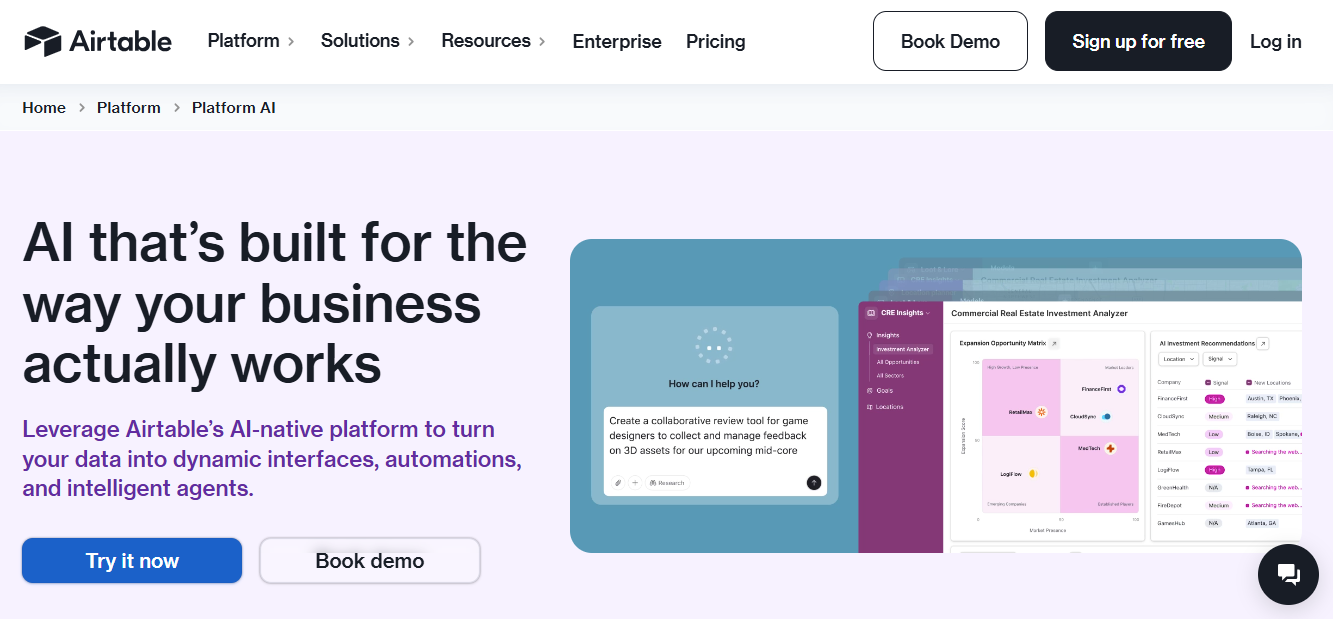
It works well when workflows are structured around data.
5. HubSpot: Best For Sales and Marketing Automation
HubSpot automates:
- lead tracking
- email campaigns
- customer journeys

For teams focused on growth, it connects marketing and sales workflows.
6. Slack AI: Best For Team Communication Automation
Slack AI enhances team communication by:
- summarizing conversations
- automating updates
- retrieving information
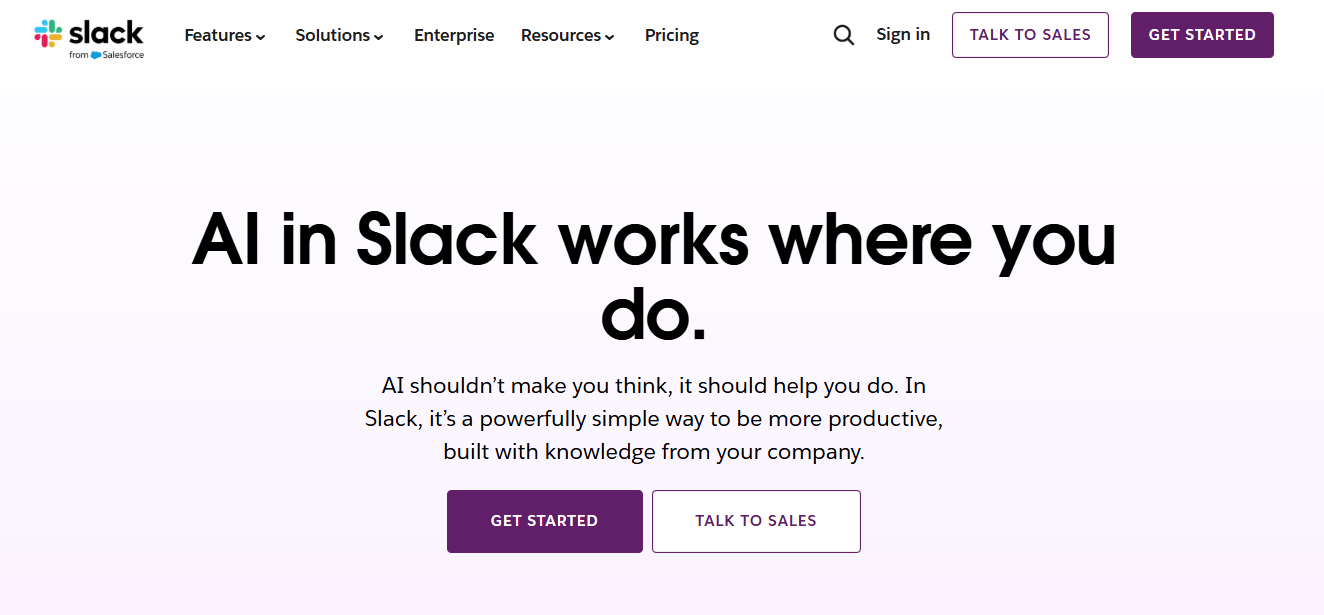
It reduces time spent searching messages and managing communication.
7. n8n: Best Open-source Automation Tool
n8n is an open-source alternative to tools like Zapier.
It offers:
- full control over workflows
- self-hosting options
- custom integrations
It is ideal for teams that want flexibility and control.
8. Pipedream: Best For Developer-focused Automation
Pipedream is designed for developers who want to build automation using APIs.
It supports:
- event-driven workflows
- code-based automation
- integration with modern tools
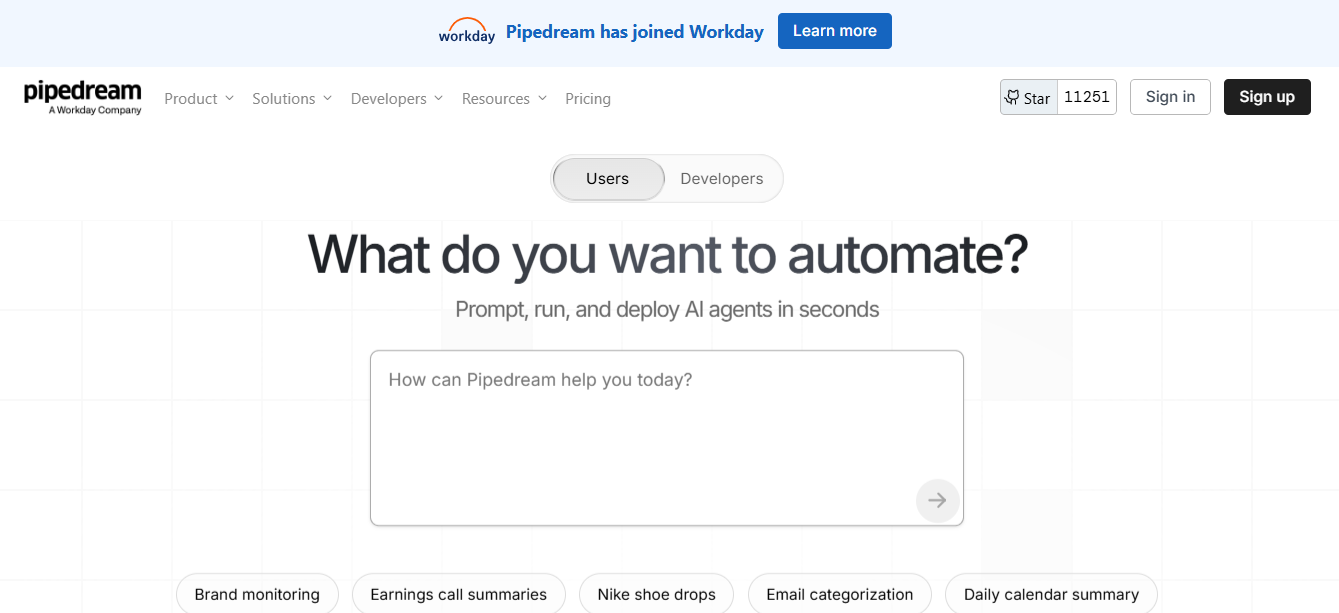
It is powerful but requires technical knowledge.
Best tools by team use case
| Use case | Best tools |
| Simple automation | Zapier |
| Complex workflows | Make |
| Internal operations | Notion AI |
| Data management | Airtable |
| Sales & marketing | HubSpot |
| Communication | Slack AI |
| Custom workflows | n8n |
| Developer automation | Pipedream |
How teams actually use these tools together
Most teams do not rely on a single tool. A typical stack looks like:
- Zapier or Make for automation
- Notion or Airtable for organization
- Slack for communication
- CRM (HubSpot) for customer workflows
This combination creates a connected system rather than isolated tools.
Common mistakes teams make
- automating inefficient processes
- choosing tools without integration support
- overcomplicating workflows
- ignoring scalability
- not training team members
Automation works best when workflows are simple and well-defined.
Suggested Read:
- AI Tools for Productivity in 2026
- Best AI Tools by Use Case in 2026
- Best AI Tools for Small Businesses on a Budget
- 15 Free AI Tools That Are Actually Useful
- Best AI Tools for Bloggers and Content Writers
- Best AI Agent Frameworks for Developers in 2026
FAQ: Best AI Workflow Automation Tools
What is the best AI workflow automation tool?
Zapier is the easiest to start with, while Make is better for advanced workflows.
Are these tools suitable for small teams?
Yes. Many offer free or low-cost plans.
Do you need coding skills?
Most tools are no-code, but developer tools like Pipedream require coding.
Should teams use multiple tools?
Yes, combining tools often provides better results.
Final takeaway
AI workflow automation tools help teams save time, reduce errors, and scale operations. The best tool depends on your workflow complexity, technical skills, and integration needs.
Start simple, automate one workflow, and expand gradually. The goal is not automation for its own sake—but building a system that makes your team more efficient.