
Best AI Tools for Productivity in 2026
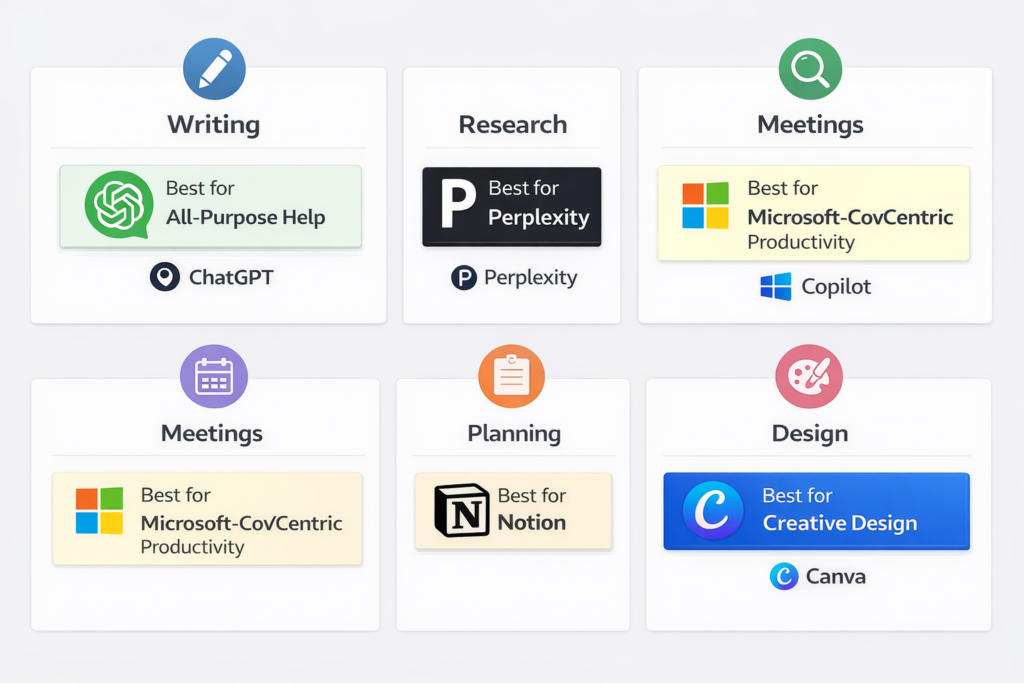
The best AI tools for productivity in 2026 are not the ones with the most features. They are the ones that reduce friction in specific workflows. For most people, that means one strong general assistant, one research tool, one organization tool, and one specialist for meetings, design, or editing. Right now, the most useful category leaders are ChatGPT, Perplexity, Claude, NotebookLM, Grammarly, Microsoft Copilot, Notion, Canva, Gamma, and Otter.
In simple terms
Do not ask, “What is the best AI tool?” Ask, “What part of my work is slow, repetitive, or messy?” That is how the best-ranking productivity roundups structure their recommendations, and it is also the most useful way to choose a tool in real life. A writing assistant will not replace a meeting assistant, and a research-first tool will not always be the best choice for planning or presentations.
How I selected these tools
I prioritized tools with clear real-world use cases, meaningful current availability, and strong official positioning around productivity tasks. I also favored products that repeatedly appear across top-ranking roundup pages because they map well to common search intent: writing, research, notes, meetings, design, presentations, and workflow organization.
Quick comparison table: AI Tools for Productivity
| Use case | Best tool | Why it stands out |
| General productivity help | ChatGPT | Broadest all-purpose assistant |
| Research and source discovery | Perplexity | Fast answers with visible sources |
| Long-form drafting | Claude | Strong for structured writing and analysis |
| Source-grounded notes | NotebookLM | Built around uploaded sources |
| Editing and rewrite support | Grammarly | Fast clarity and polish |
| Microsoft-based work | Copilot | Best fit for Microsoft ecosystem users |
| Workspace organization | Notion | Strong for docs, planning, and structured work |
| Design and visuals | Canva | Easy AI-assisted design |
| Presentations | Gamma | Fast deck creation |
| Meeting notes | Otter | Practical transcription and summaries |
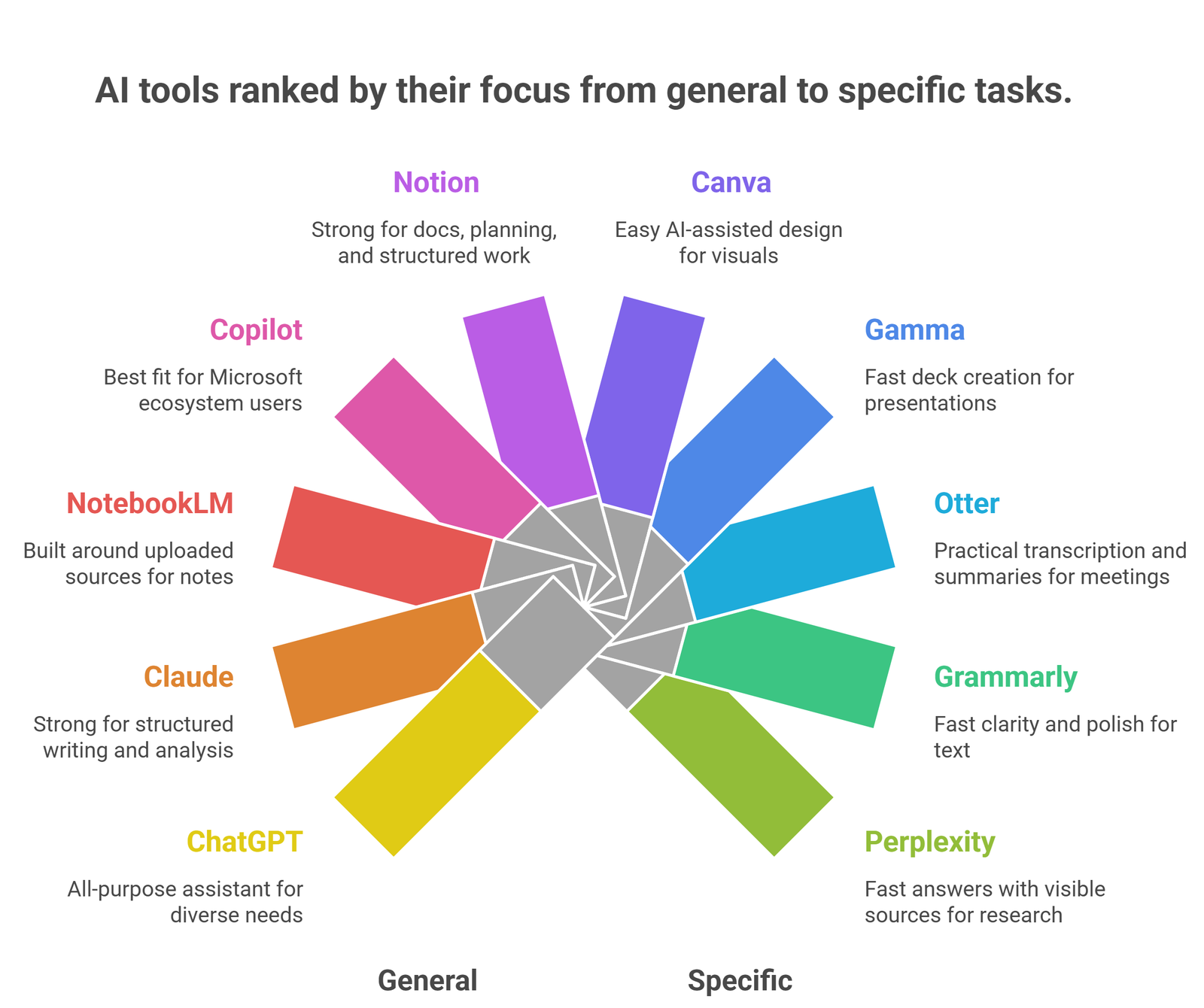
This format reflects what current high-performing pages do well: show category-based picks early, then explain the trade-offs below.
ChatGPT: Best Overall AI Tool For Productivity
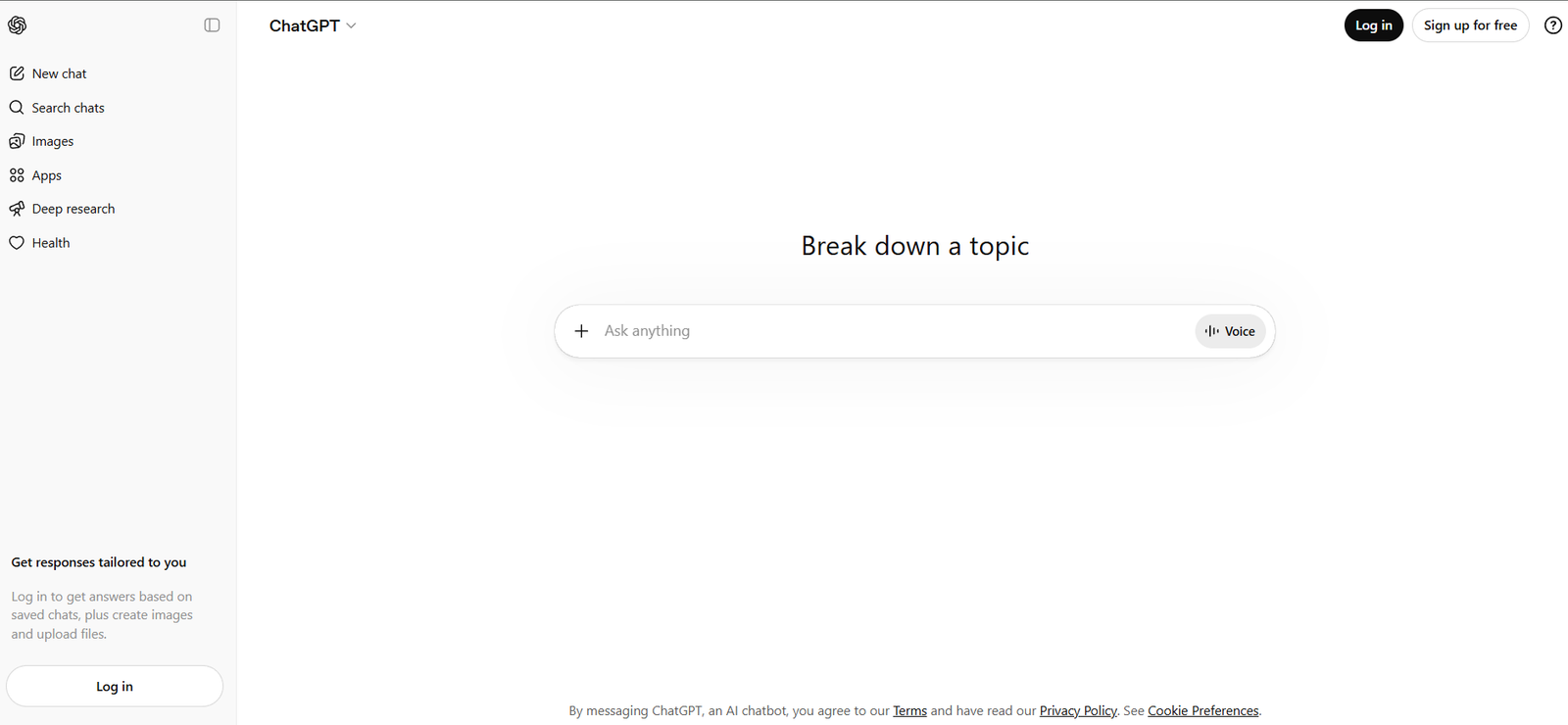
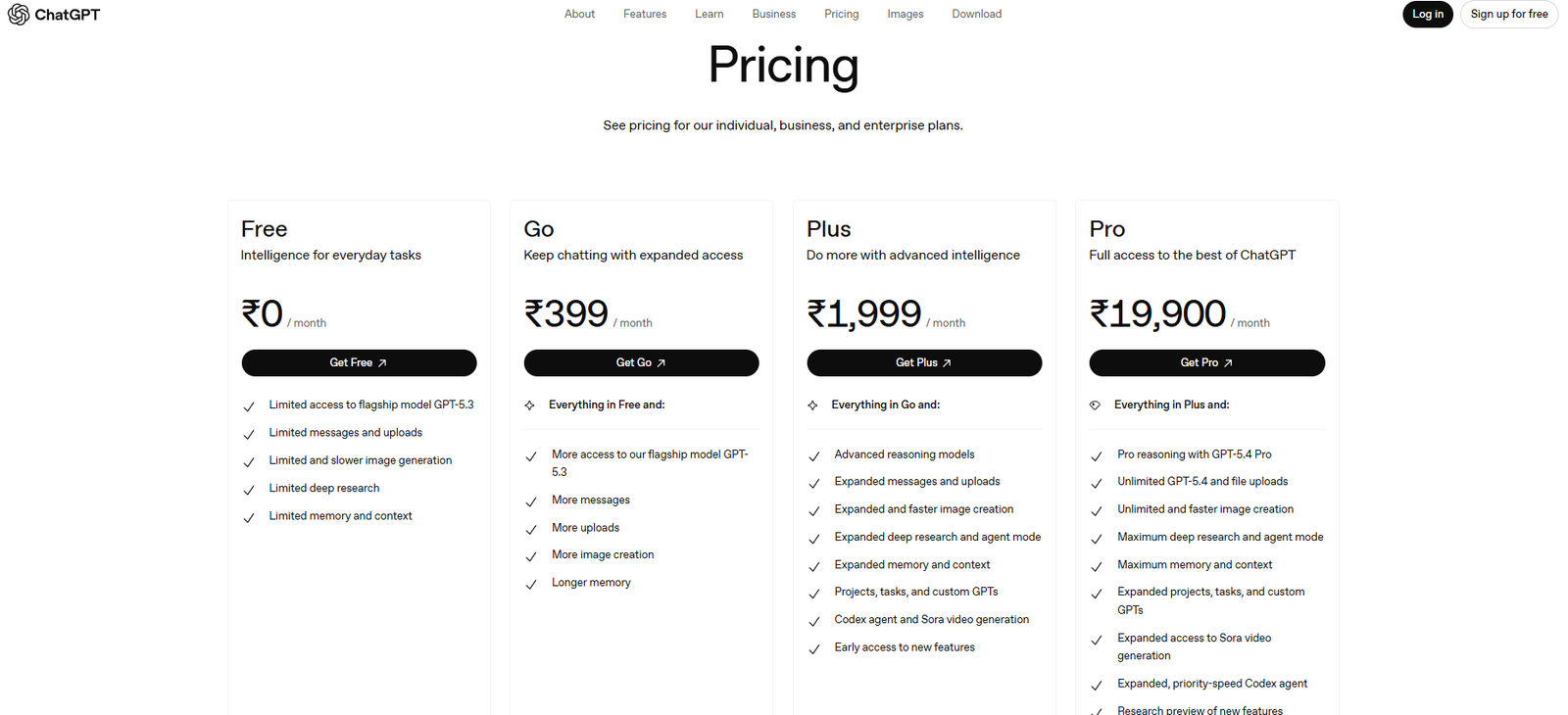
ChatGPT remains the easiest starting point because it covers the widest range of everyday productivity tasks in one place: brainstorming, summarizing, rewriting, explaining, outlining, and general task support. OpenAI’s pricing pages confirm that a free version is available, while paid plans expand access and limits. That flexibility is a major reason it keeps appearing in current productivity roundups.
Perplexity : Best For Research-Heavy Productivity
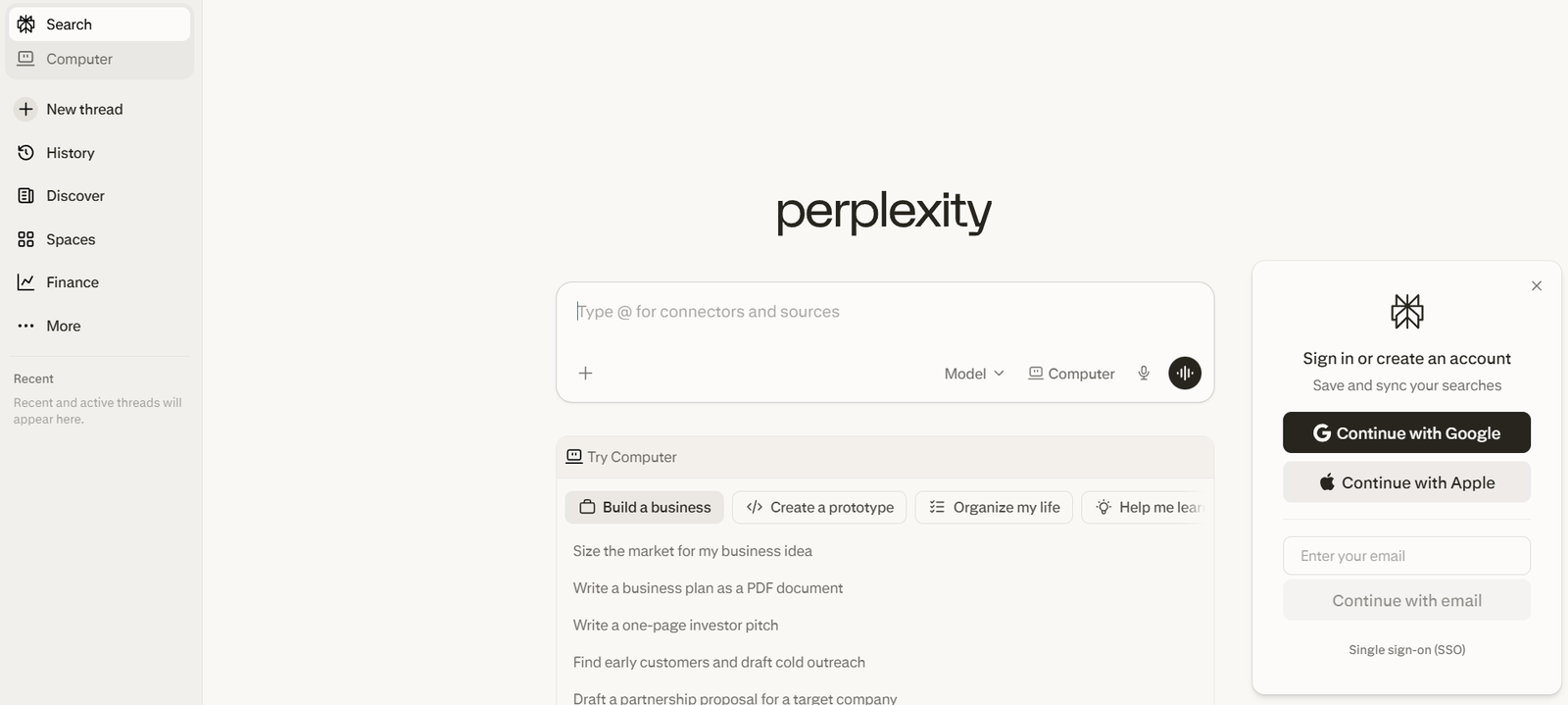
Perplexity is strongest when your bottleneck is not writing but finding and checking information faster. Its product pages position it as an answer engine, and that is still the most useful mental model. For research, comparison, and quick evidence gathering, it is often more efficient than a general chatbot because the workflow starts with sources.
Claude: Best For Long-Form Thinking and Drafting
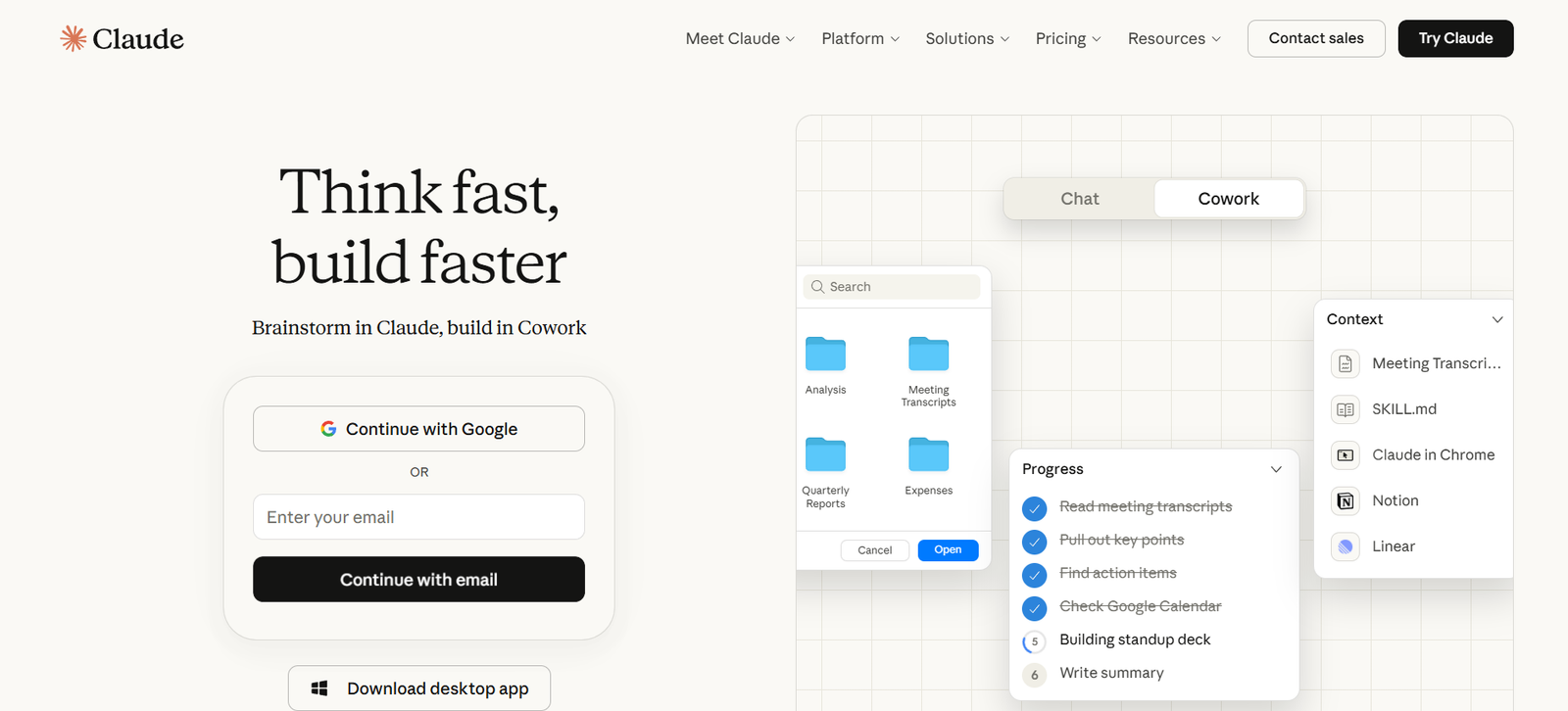
Claude is a strong productivity pick for people who spend more time drafting, analyzing, and refining ideas than searching the web. Anthropic positions Claude for writing, analysis, and problem-solving, and its free plan makes it accessible as a serious second tool in a small productivity stack. It is especially useful when the task needs calmer, more structured output.
NotebookLM: Best For Notes, Study, and Source-Grounded Work
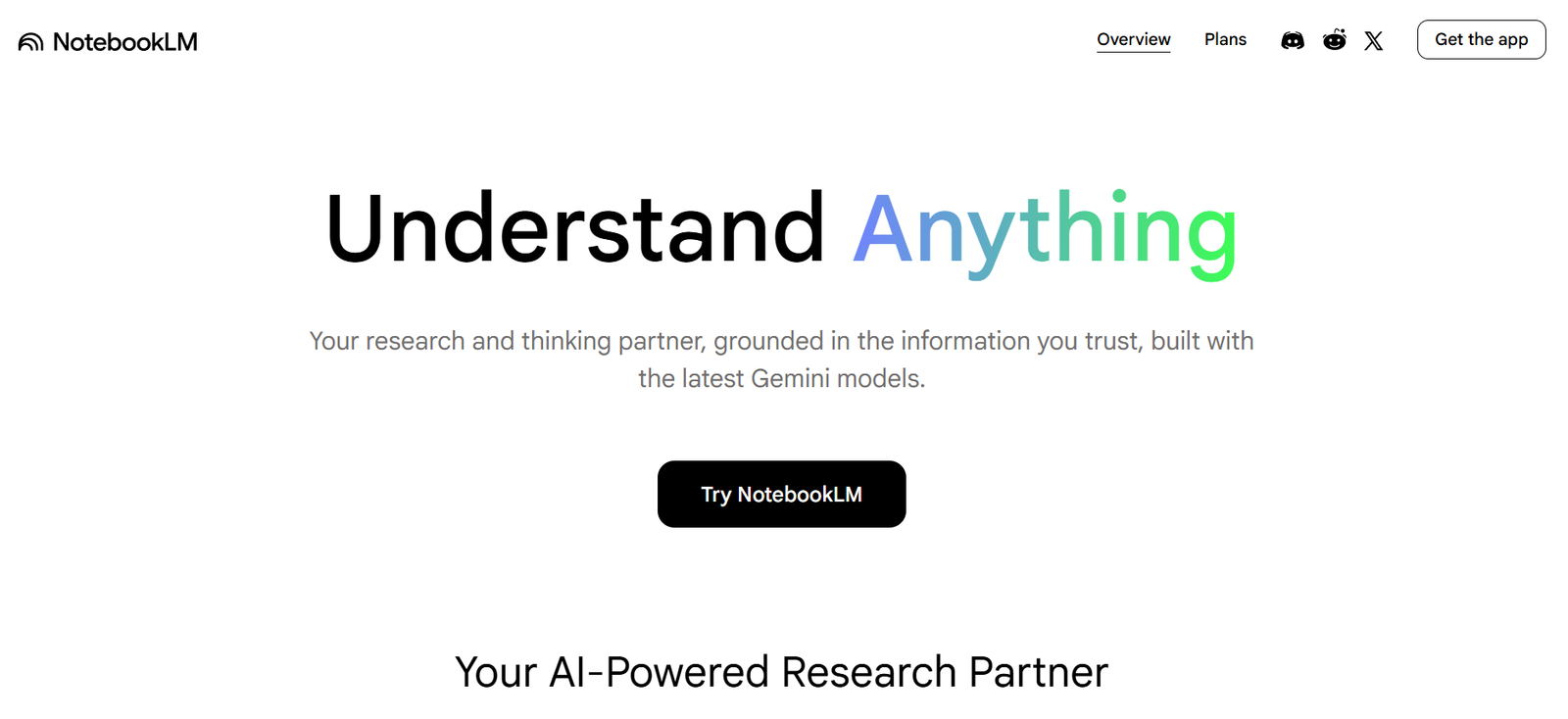
NotebookLM is one of the most practical productivity tools when you already have source material such as PDFs, reports, notes, or websites. Google positions it as an AI research tool and thinking partner, which makes it especially useful for understanding, synthesis, and note-based work rather than generic chat. This is a different productivity model: less “ask anything,” more “work from my material.”
Grammarly : Best For Editing and Writing Cleanup
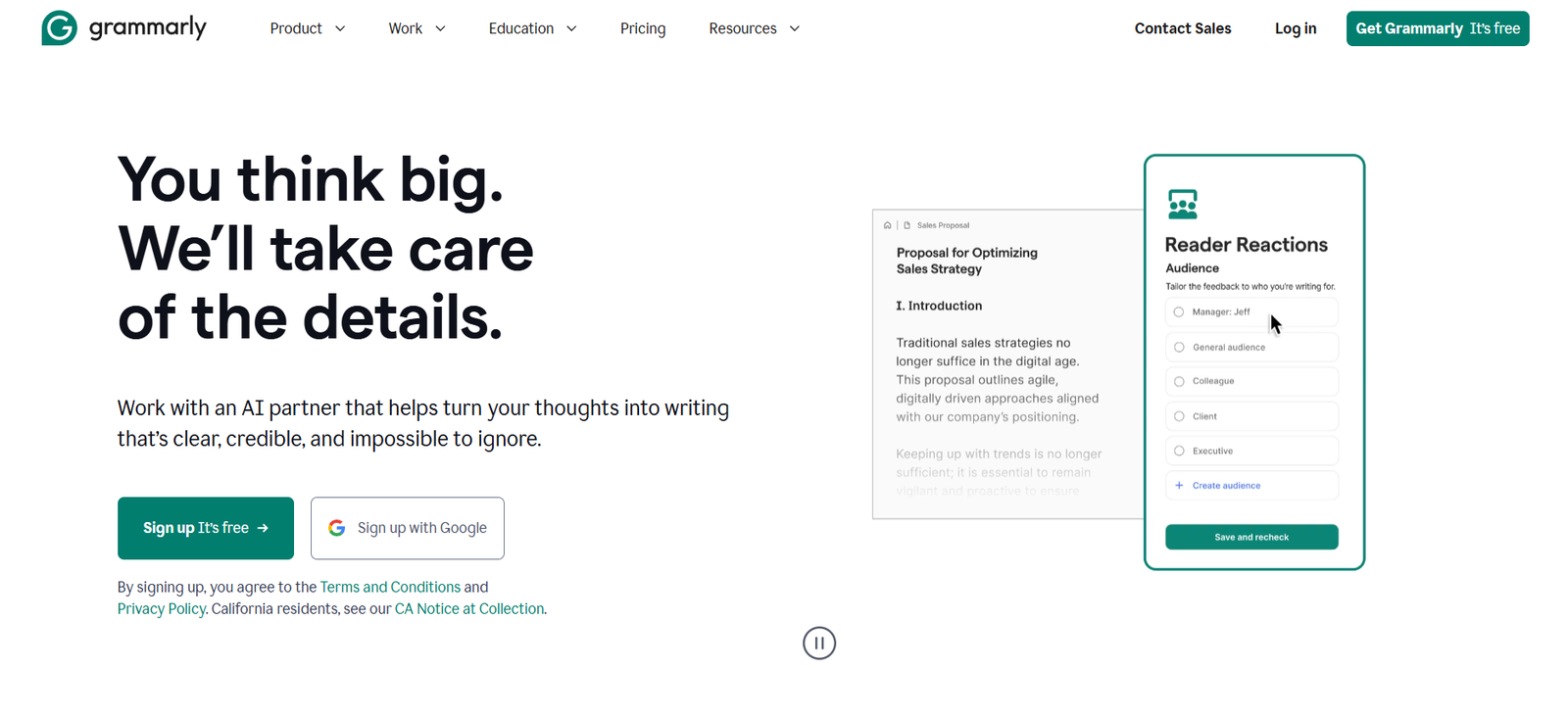
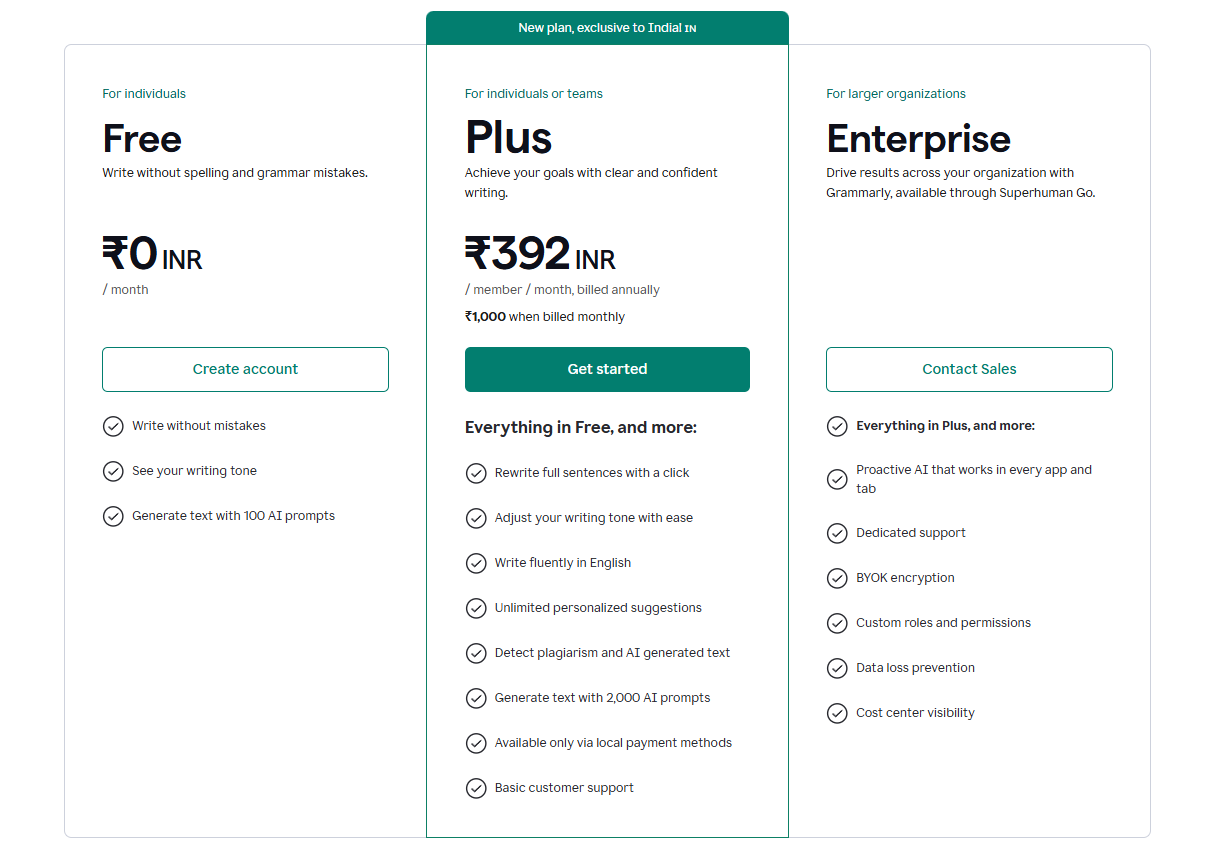
Grammarly stays useful because writing quality is a daily productivity issue for most professionals. Its official pages emphasize AI writing assistance, ideas, outlines, rewriting, and clarity improvement across apps and websites. It is not a deep research tool, but it is one of the highest-utility tools here because it improves output at the point where many people lose time: editing.
Microsoft Copilot: Best For Microsoft-Centric Workflows
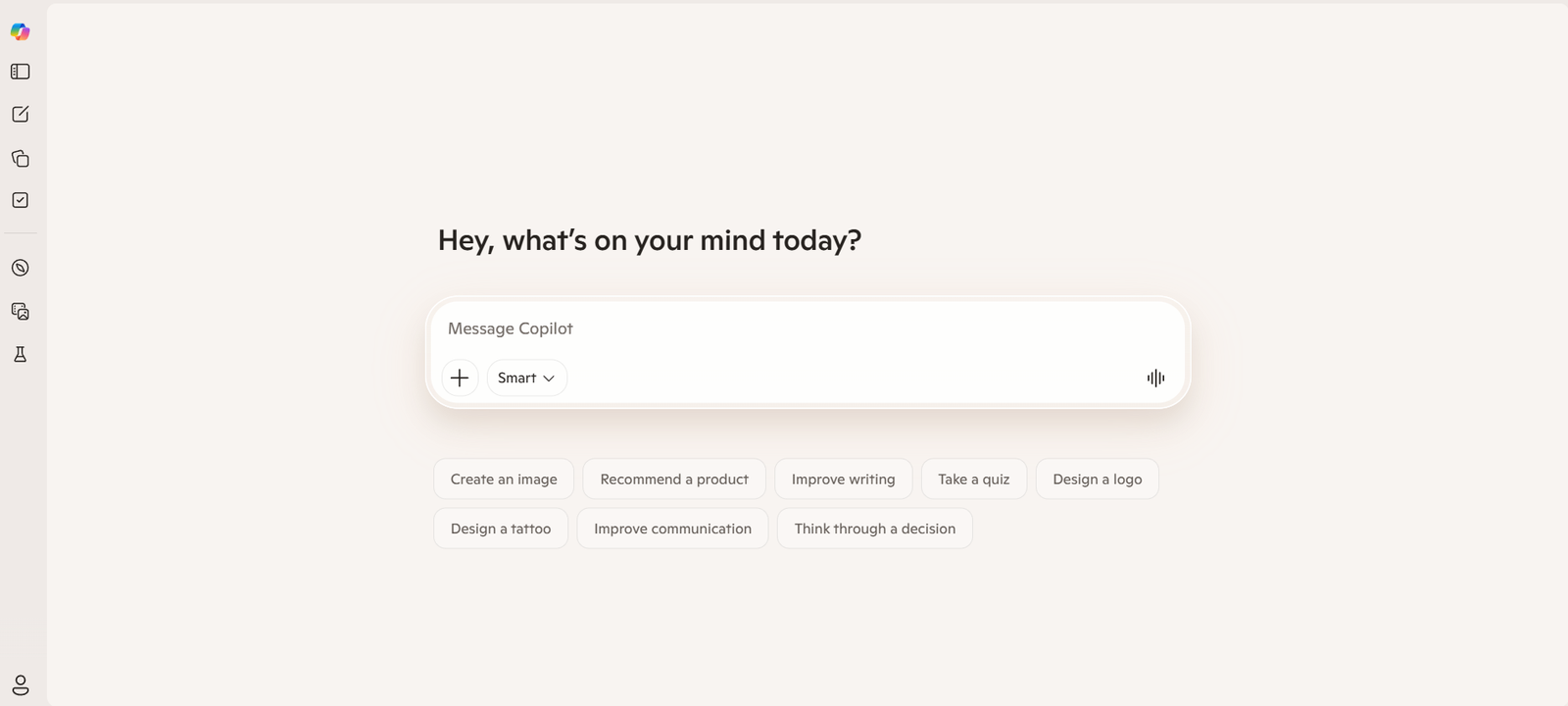
Copilot makes the most sense when your work already lives in Word, Outlook, Teams, Excel, and the broader Microsoft ecosystem. Microsoft states that Copilot is available for free online and in apps, while deeper Microsoft 365 features sit behind paid plans. For people already inside Microsoft tools every day, this context advantage matters more than raw model novelty.
Notion: Best For Organized Productivity Systems
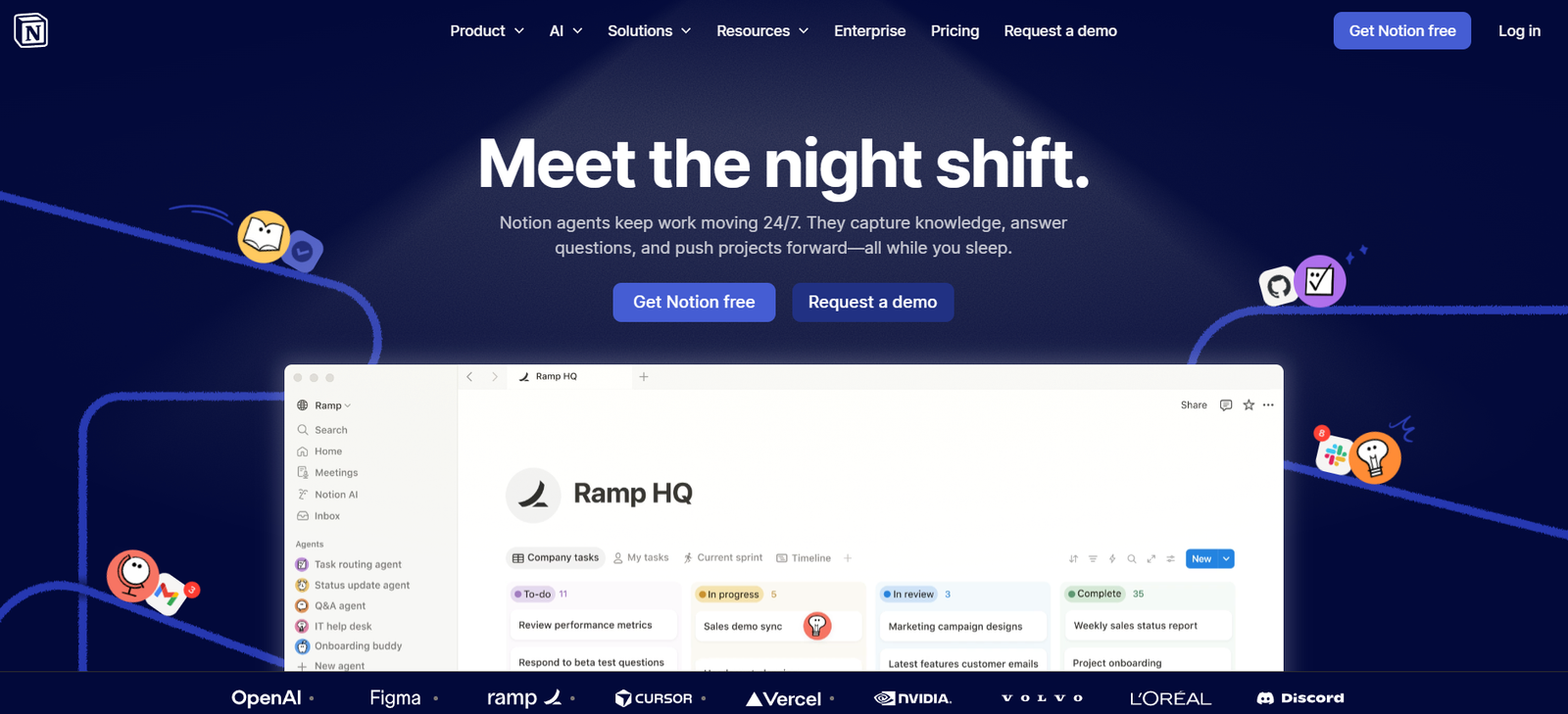
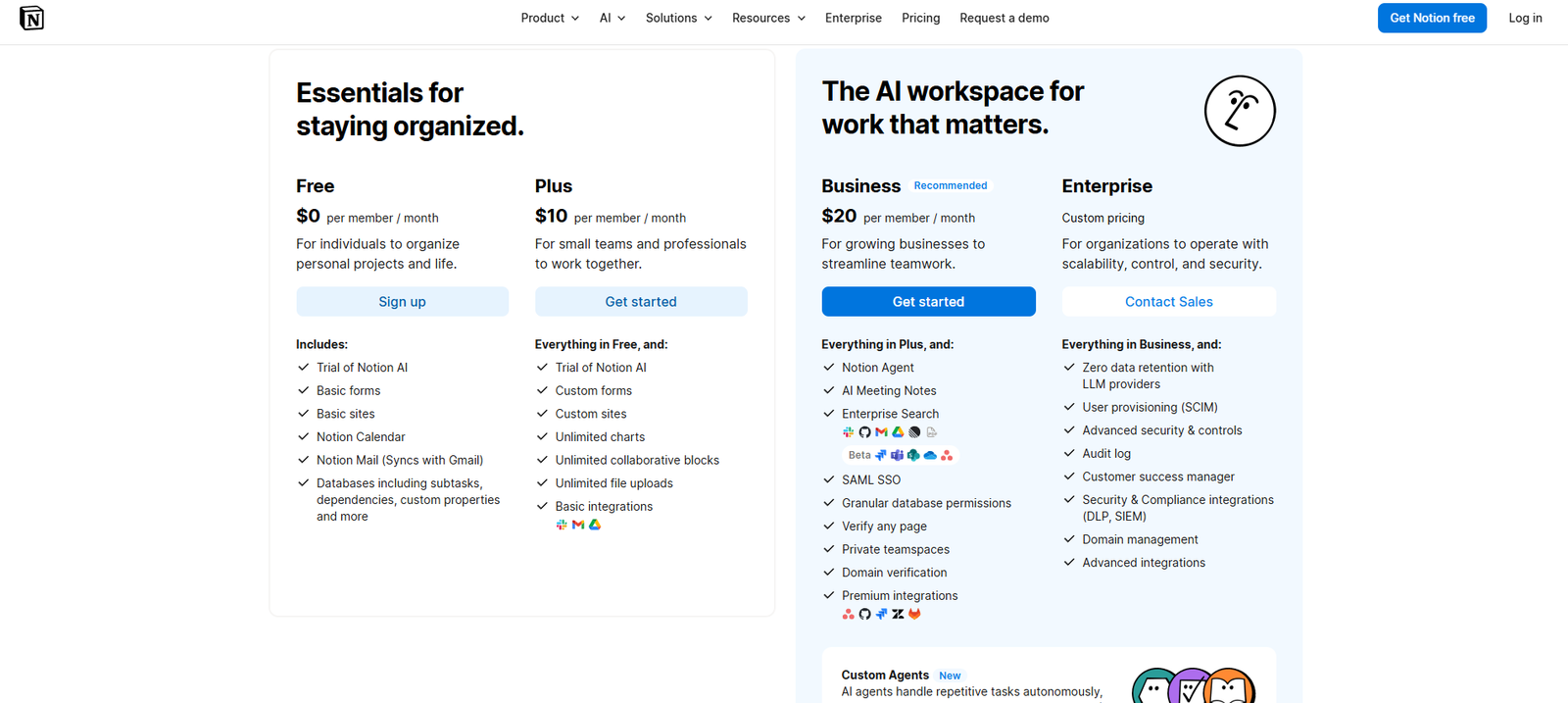
Notion is strongest when your problem is not one-off prompting but structured work: notes, docs, calendars, planning, and connected workflows. Notion’s product and pricing pages show a free plan plus AI trials and agent-related capabilities, which makes it useful for people who want one organized workspace rather than a collection of disconnected AI tabs.
Canva: Best For Visual Productivity
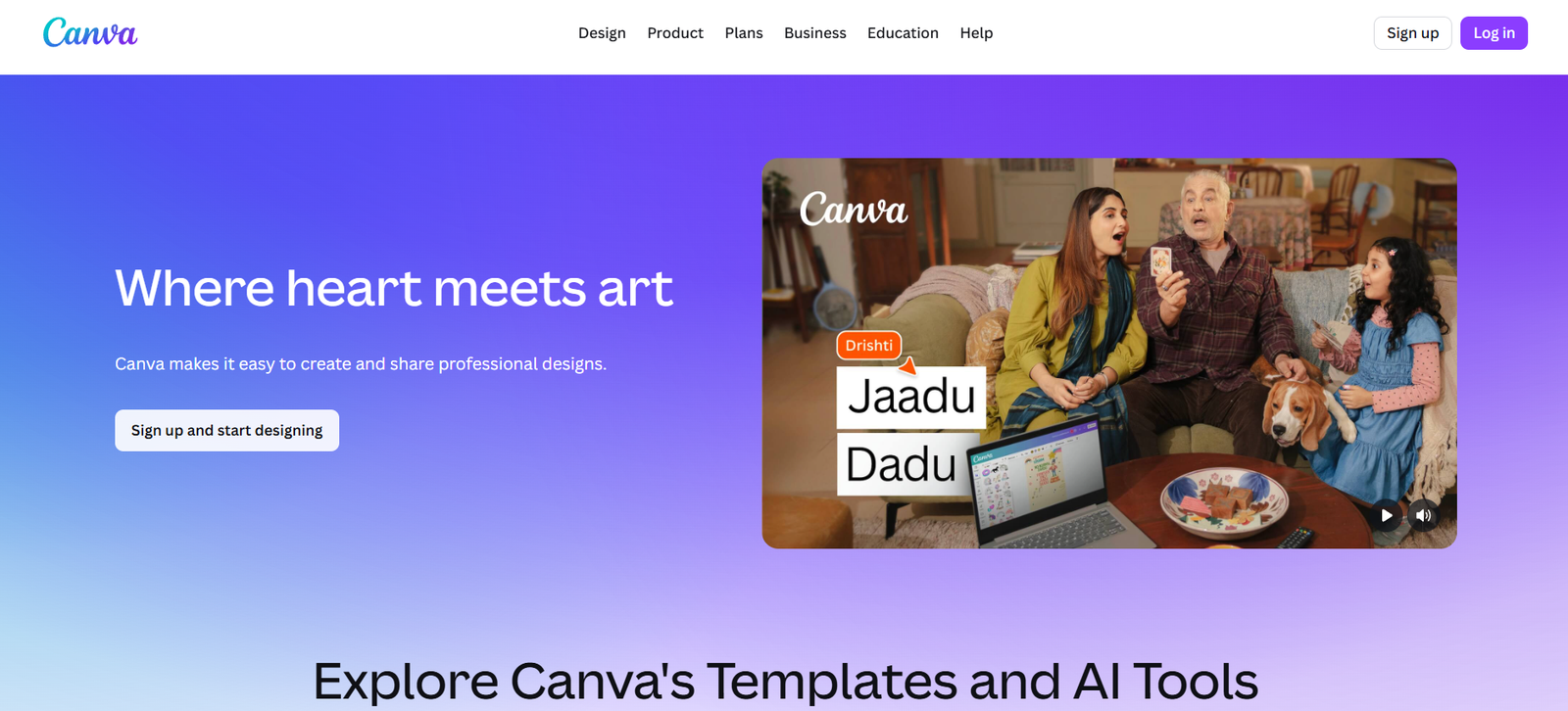
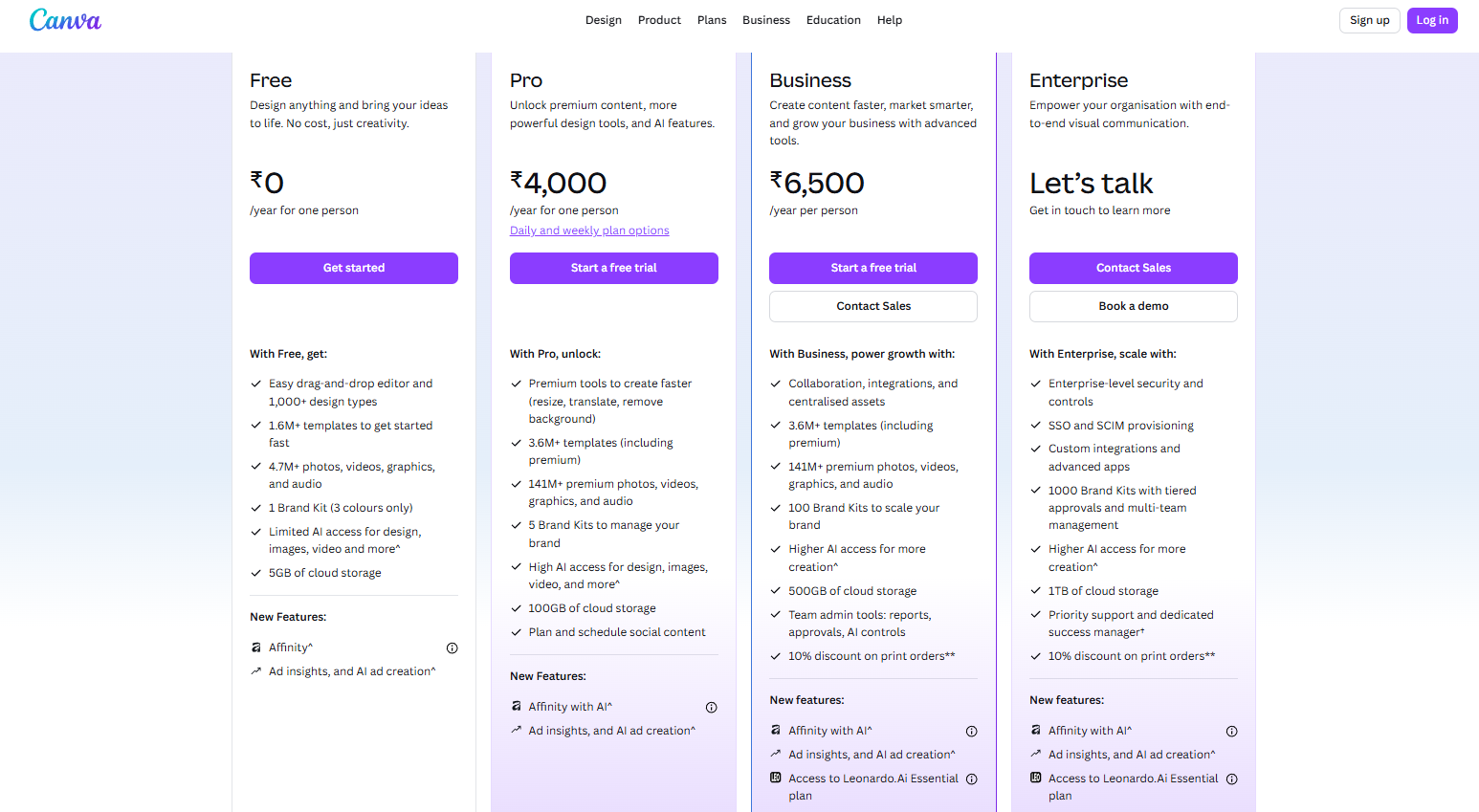
Canva is one of the easiest recommendations for users who need presentations, social graphics, internal visuals, or quick design assets without specialist skills. Canva’s Magic Design and Magic Studio pages position it as an AI-assisted design system for fast creation, which is exactly why it works so well in productivity workflows. It saves time at the packaging stage, not the research stage.
Gamma: Best For AI Presentations
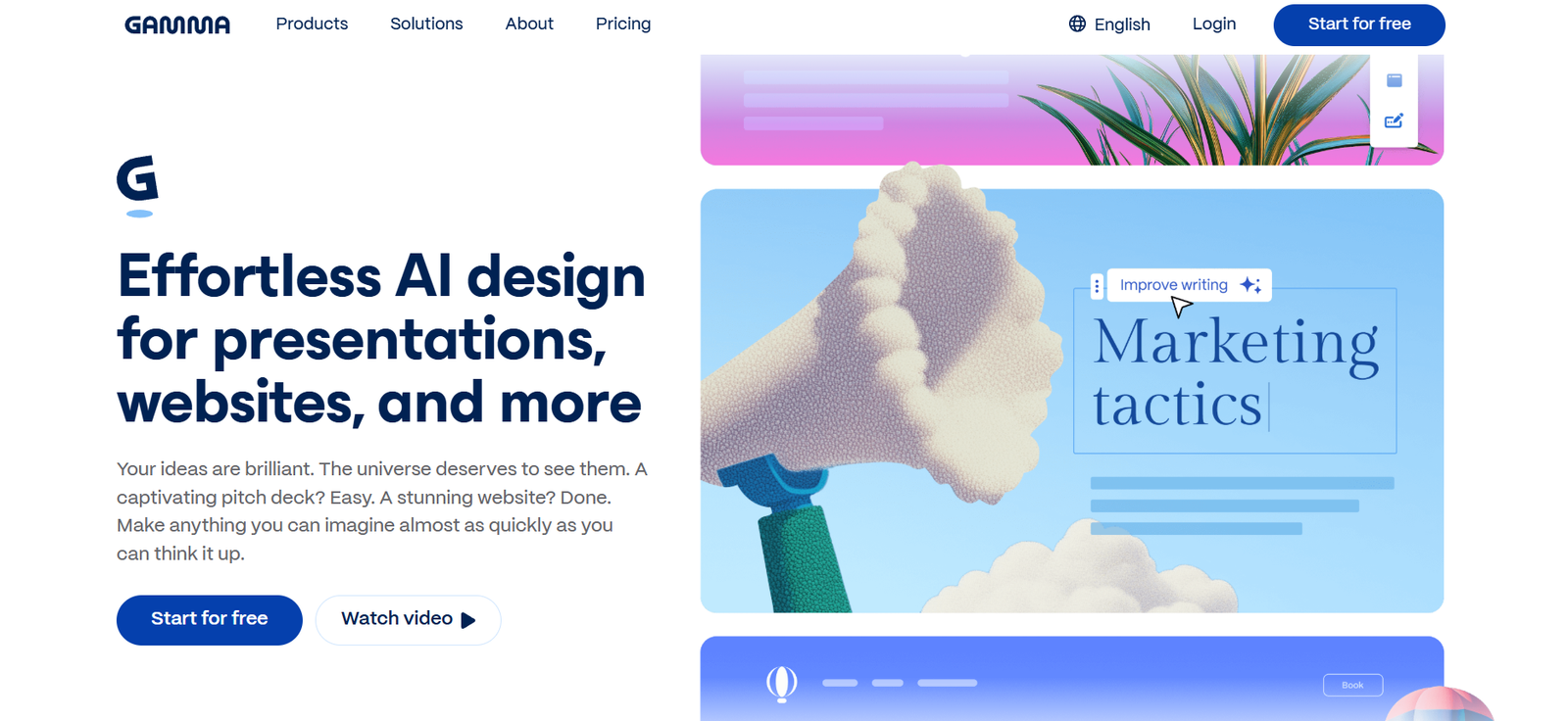
Gamma is best when the productivity goal is turning rough notes or outlines into a clean deck quickly. Its pricing and product pages make the positioning clear: AI-powered presentations, docs, and lightweight sites with a free plan. That focused use case is also why tools like Gamma keep appearing in high-ranking roundup lists under presentations rather than under general chat.
Otter: Best For Meetings and Transcription
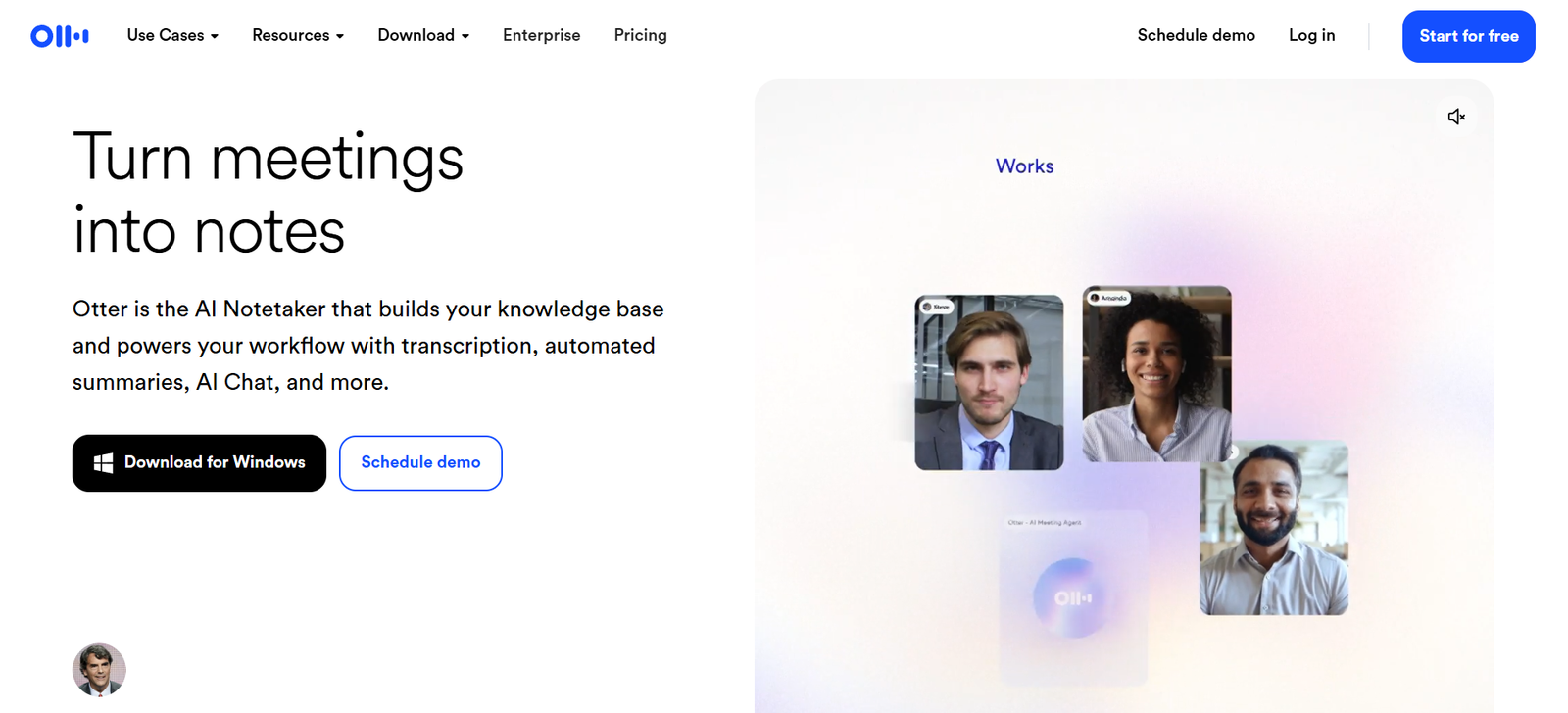
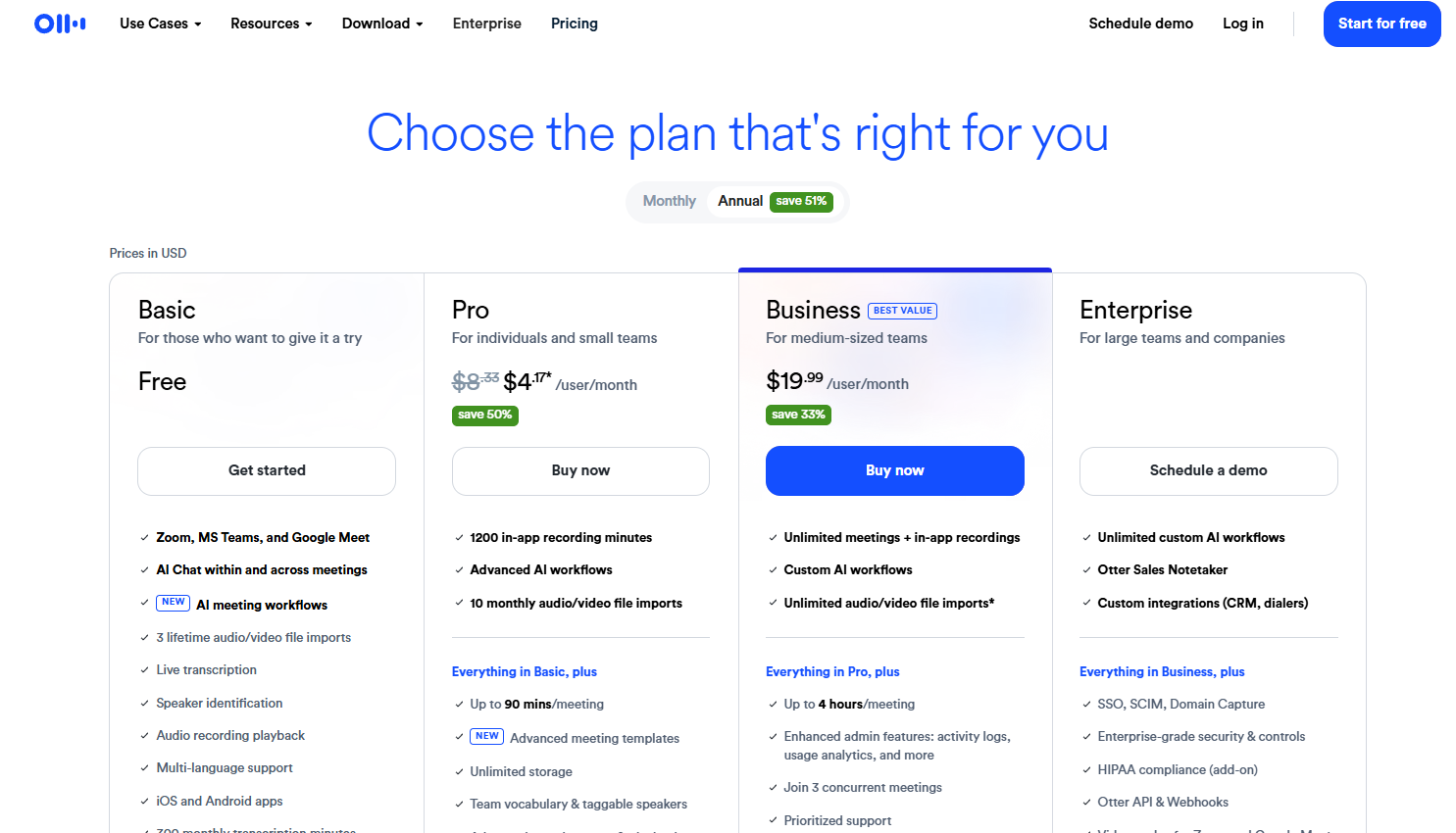
Otter is one of the most practical productivity tools for people whose work is meeting-heavy. Its official pages show a free Basic plan and position the product around transcription, summaries, AI chat over meetings, and cross-platform meeting support. This makes it a better meeting productivity pick than trying to force a general chatbot to do note-taking after the fact.
Best AI tools for productivity by use case
If you want one flexible assistant, choose ChatGPT. If you need research and source-backed discovery, choose Perplexity. If you need deeper drafting, choose Claude. If you work from your own notes and documents, choose NotebookLM. If your main issue is editing, choose Grammarly. If your workflow lives in Microsoft tools, choose Copilot. If you need an organized workspace, choose Notion. If you create visuals or slides, choose Canva or Gamma. If your work is meeting-heavy, choose Otter. This use-case framing mirrors what top-ranking pages do well, but it is also the clearest way to reduce tool confusion.
Common mistakes to avoid
The biggest mistake is buying overlapping tools too early. Another is picking tools based on trend status instead of bottleneck. A third is expecting one app to handle research, drafting, organization, meetings, and design equally well. The pages already ranking strongly in this space tend to succeed because they simplify this choice by category, not because they list the most products.
Suggested Read:
- Best AI Tools for Beginners in 2026
- Best AI Tools by Use Case in 2026
- Best Free AI Tools in 2026
- AI Tools With Free Plans Worth Using in 2026
- Best AI Tools for Students: Research, Notes, and Presentations
- Best AI Tools for Bloggers and Content Writers
- ChatGPT vs Perplexity vs Claude for Research Tasks
- Best AI Workflow Automation Tools for Teams
FAQ: Best AI Tools for Productivity
What is the best AI tool for productivity overall?
For most people, ChatGPT is still the strongest all-purpose starting point because it covers the widest range of general productivity tasks in one place.
What is the best AI productivity tool for research?
Perplexity is one of the strongest research-first options because it is built around source-backed answers rather than only general chat.
What is the best AI tool for notes and knowledge work?
NotebookLM is especially strong when you already have your own source files and want grounded summaries, notes, and understanding support.
What is the best AI tool for meetings?
Otter is one of the clearest choices for meeting-heavy workflows because it is built specifically for transcription, summaries, and searchable meeting records.
Should I use one AI tool or several?
Most people get the best results from a small stack: one general assistant plus one or two specialist tools based on their real workflow. That pattern also matches how current ranking pages group recommendations.
Final takeaway
The best AI tools for productivity in 2026 are the ones that solve your next real workflow problem. Start with one broad assistant like ChatGPT, then add a specialist based on your bottleneck: Perplexity for research, NotebookLM for grounded notes, Grammarly for cleanup, Canva or Gamma for output, Notion for organization, or Otter for meetings. That is a more effective strategy than chasing one “best AI tool” headline.