
Best AI Tools for Beginners in 2026
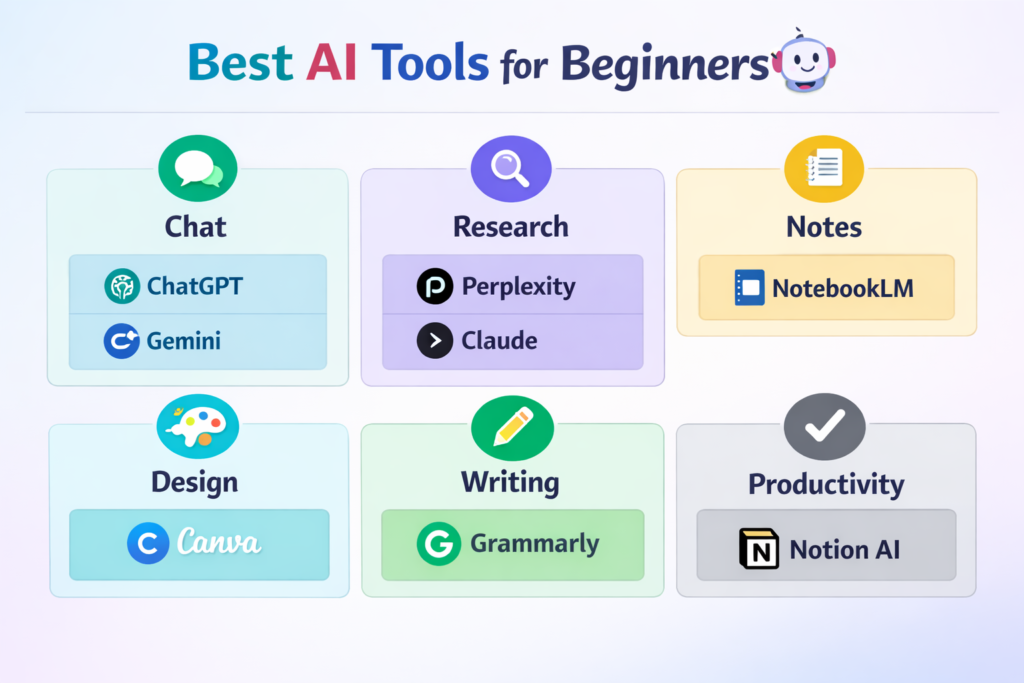
The best AI tools for beginners in 2026 are the ones that help with common tasks right away, not the ones with the longest feature list. A good beginner tool should be easy to start, useful on day one, and flexible enough to support writing, research, study, design, or daily work. The strongest beginner-friendly picks right now are ChatGPT, Gemini, Claude, Perplexity, NotebookLM, Canva, and Grammarly. These tools all offer approachable entry points, and most of them also offer free access or free starting tiers.
In simple terms
If you are new to AI, the smartest move is not to learn ten tools at once. Start with one tool for general help, one tool for research or notes, and one tool for output. That is also the pattern visible across current high-attention beginner roundups: people do better when they choose by task, not by hype.
What makes an AI tool beginner-friendly?
A beginner-friendly AI tool usually has four qualities. First, it has a simple interface. Second, it solves a common problem quickly. Third, it does not require technical setup. Fourth, it gives enough value before asking the user to commit to a paid plan.
That last point matters. OpenAI, Anthropic, Grammarly, Canva, and several others clearly position free or easy-entry plans as ways to start using the product immediately, which is a big reason these tools keep showing up in beginner-facing lists.
Best AI Tools for Beginners : Quick comparison table
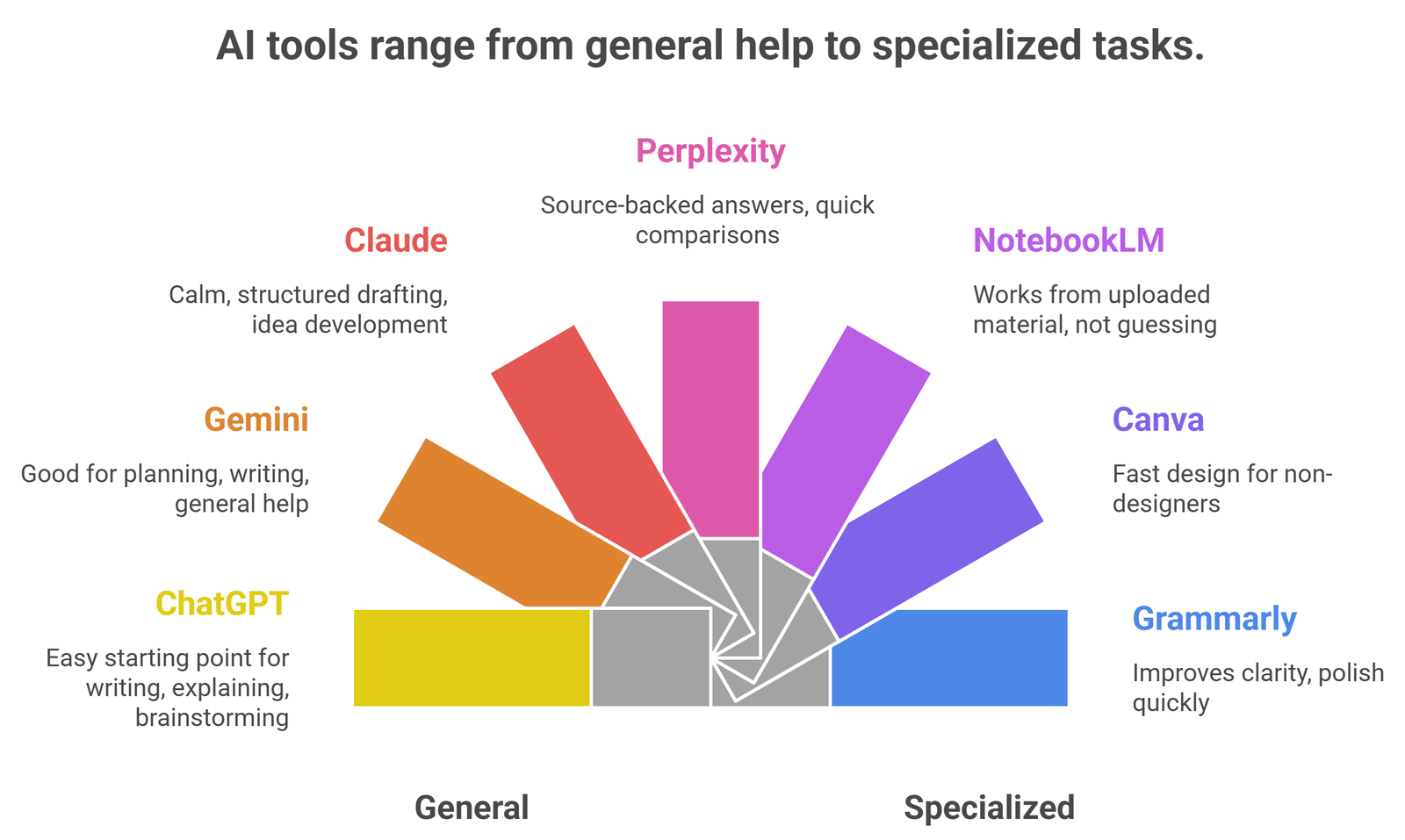
| Tool | Best for | Why beginners like it | Main limitation |
| ChatGPT | General all-purpose help | Easy starting point for writing, explaining, and brainstorming | Free plan has limits |
| Gemini | Google-based everyday use | Good for planning, writing, and general help | Best fit if you already use Google heavily |
| Claude | Clear long-form writing | Calm, structured drafting and idea development | Less research-first than Perplexity |
| Perplexity | Fast research | Source-backed answers and quick comparisons | Not a full writing workspace |
| NotebookLM | Notes and study from your own sources | Works from uploaded material instead of guessing | Best only if you already have source files |
| Canva | Visual content and presentations | Fast design for non-designers | Not built for deep research or writing |
| Grammarly | Editing and cleanup | Improves clarity and polish quickly | Less useful for idea generation |
ChatGPT: Best Overall AI Tool For Beginners
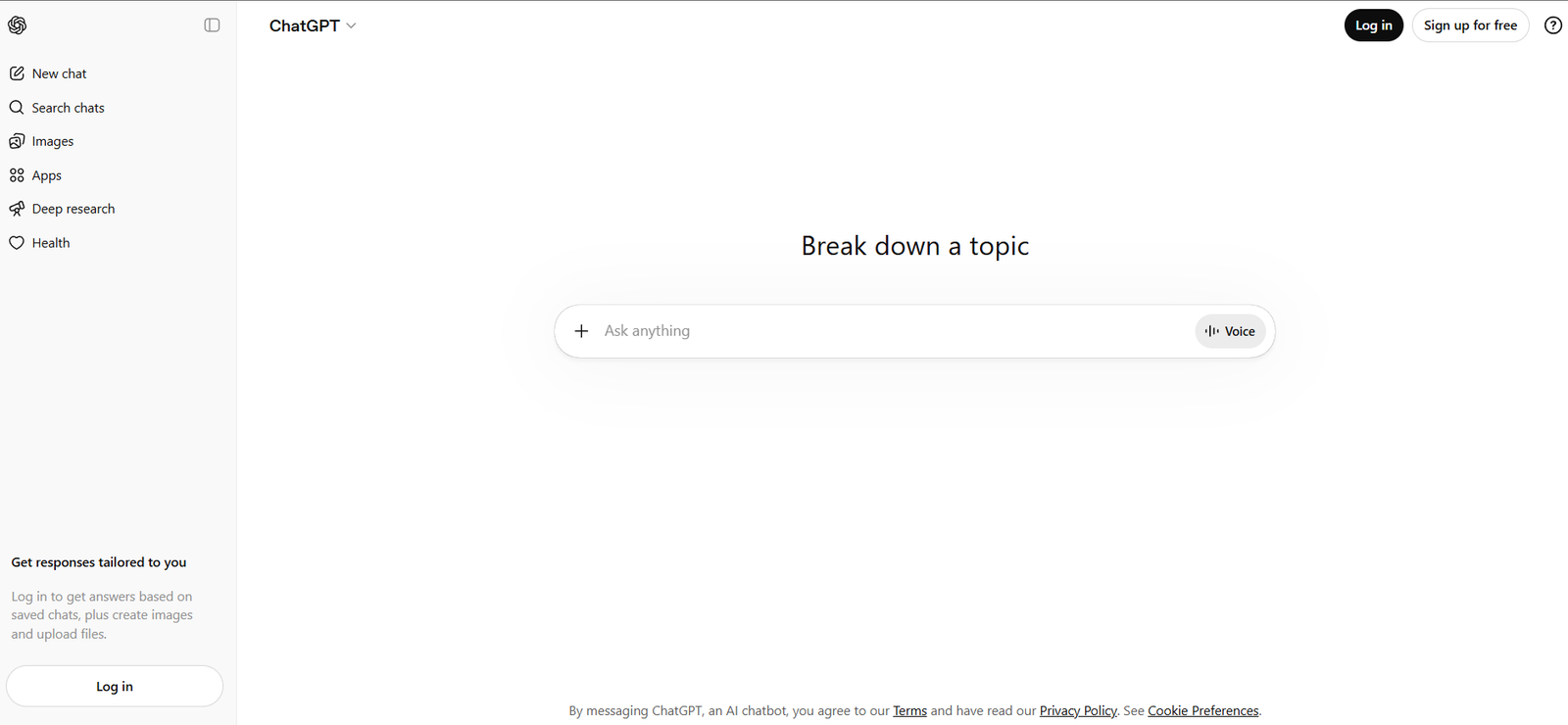
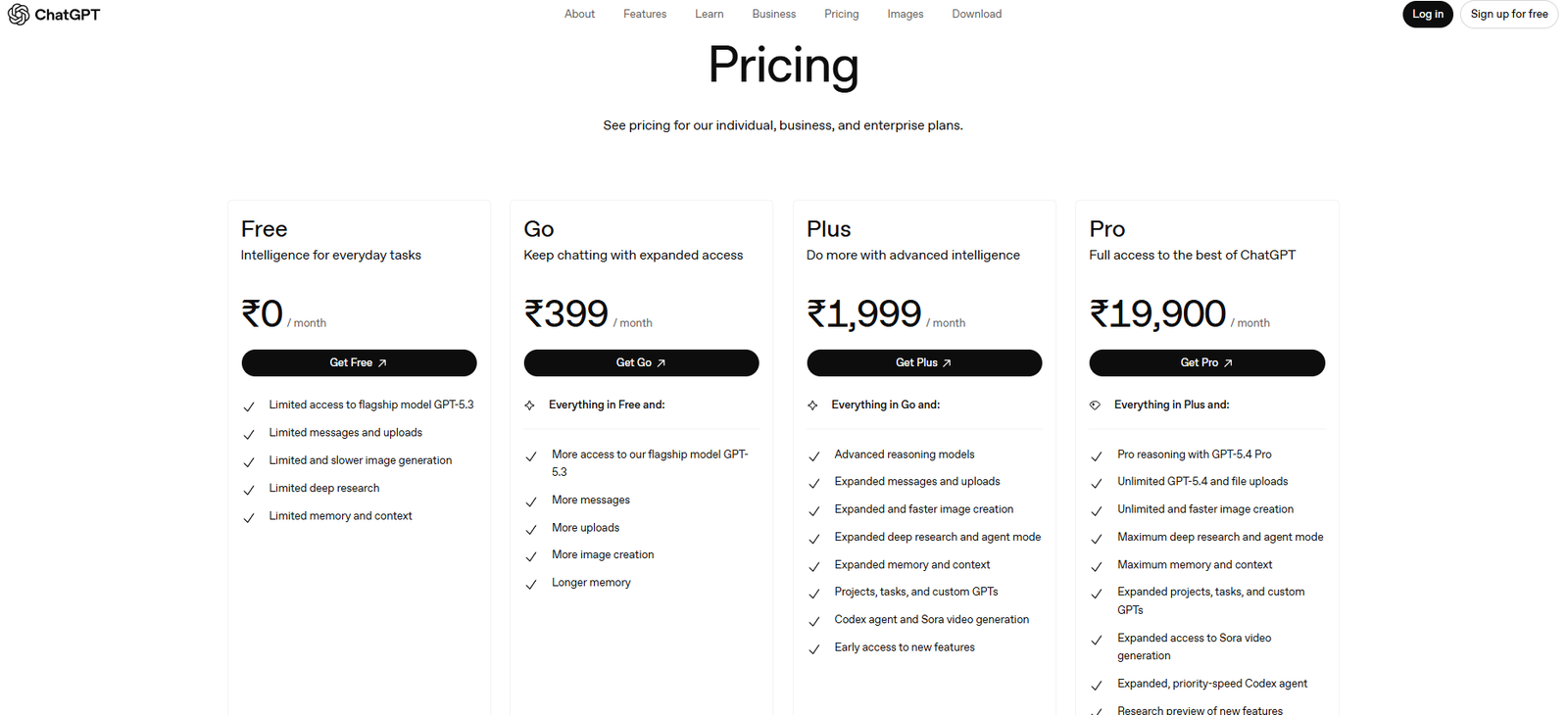
ChatGPT is still the easiest all-round starting point because it covers the broadest range of beginner tasks in one interface. OpenAI’s free plan is positioned for everyday conversations, writing help, and learning, while the broader pricing page describes it as suitable for everyday tasks with limited access and usage caps on the free tier. That makes it a strong default recommendation for people who are still discovering how they want to use AI.
For a beginner, ChatGPT works especially well when the task is still vague. You can use it to explain a topic, clean up a rough email, summarize notes, brainstorm ideas, or turn a messy thought into a checklist. That flexibility is why broad comparison sites still treat it as a general-purpose category leader.
Gemini: Best For Google users
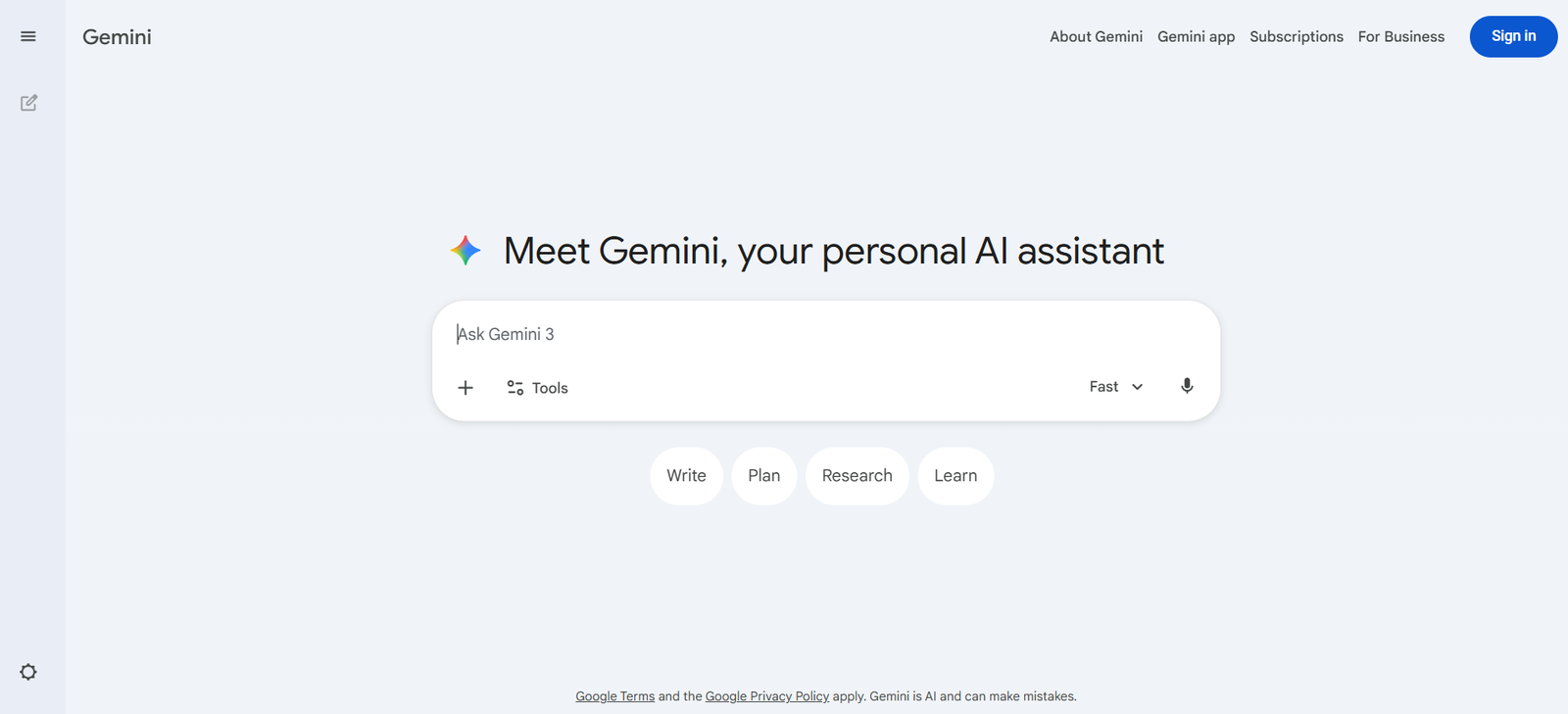
Gemini is a strong beginner option for people who already use Google products heavily. Google’s official Gemini pages position it as an AI assistant for writing, planning, brainstorming, and more, while the pricing pages show a free base experience with paid upgrades layered on top. That makes Gemini especially approachable for users who want AI help without learning a new kind of workflow.
In practice, Gemini is a good fit for light daily productivity: planning, outlining, drafting, asking questions, and working inside a familiar ecosystem. It is a strong recommendation for beginners who do not want to manage a separate stack right away.
Claude: Best For Thoughtful Writing
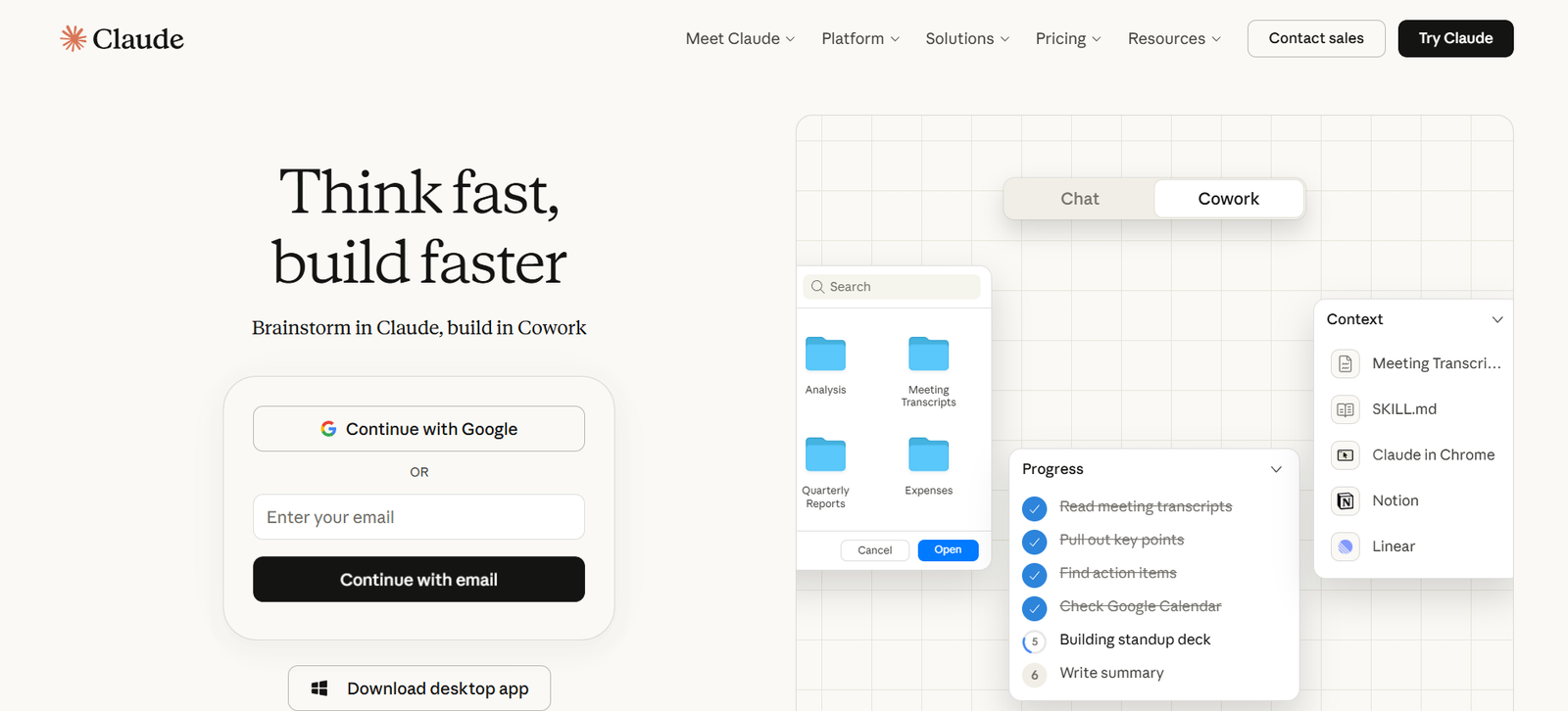
Claude is often a better beginner choice than people expect, especially for users who care about readable long-form writing. Anthropic’s pricing pages show a free plan, while the paid plan is explicitly described as being for everyday productivity and adds more usage, projects, and research-oriented capabilities. That positioning makes Claude a very practical starting point for essays, reports, structured drafts, and cleaner rewrites.
Claude is less about flashy output and more about steady drafting. For beginners who feel overwhelmed by research-heavy tools, that makes it easier to trust as a writing companion.
Perplexity: Best For Research and Source-Backed answers
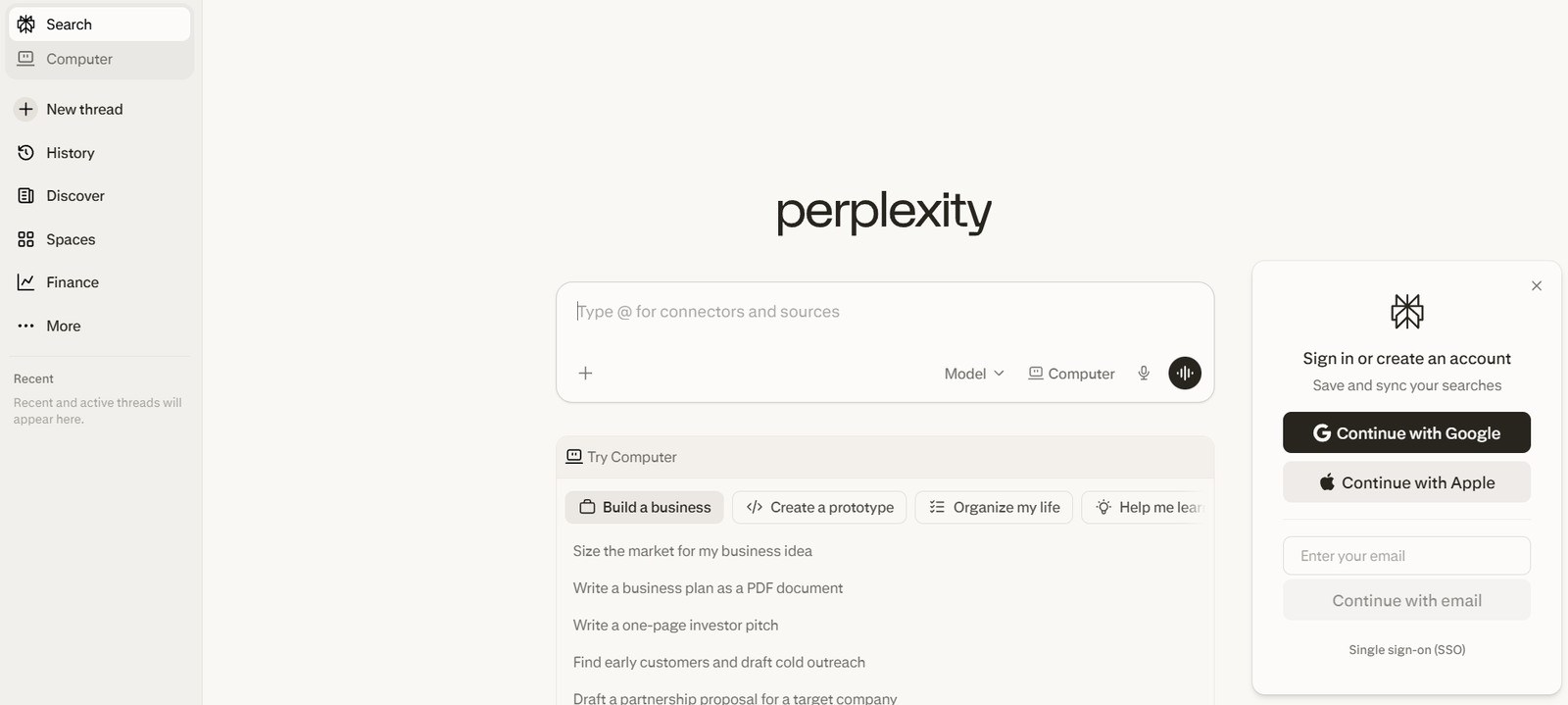
Perplexity is one of the clearest beginner tools because its core promise is simple: ask a question and get an answer with sources. Its official homepage describes it as a free AI-powered answer engine, and its paid pages position Pro as an expansion of that base research experience. For beginners who do not want black-box answers, this source-first structure is a major advantage.
This is the tool to start with when the main problem is research, not drafting. If you want quick comparisons, starting points, or source trails, Perplexity is usually easier for beginners than trying to force a general chatbot into a research role.
NotebookLM: Best For Notes, Study, and Source-Grounded Workflows
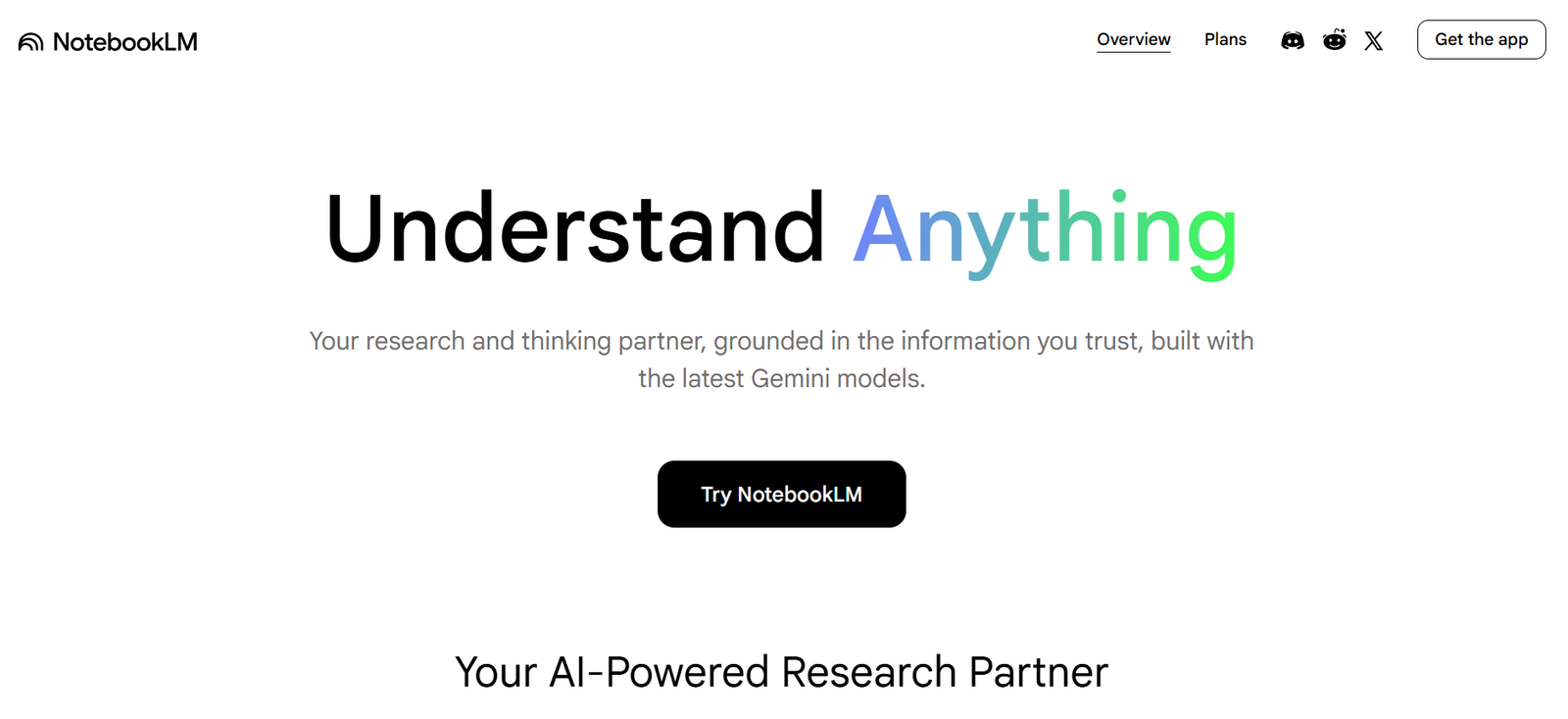
NotebookLM is one of the best beginner tools when you already have material to work from. Google describes it as a research and thinking partner built around your sources, which makes it useful for students, analysts, and anyone turning documents into usable notes. That grounded workflow is very different from generic chat, and often more trustworthy for study or document-heavy work.
If a beginner asks, “What tool helps me learn from my own PDFs and notes?” NotebookLM is one of the strongest answers right now.
Canva: Best For Visuals and Presentations
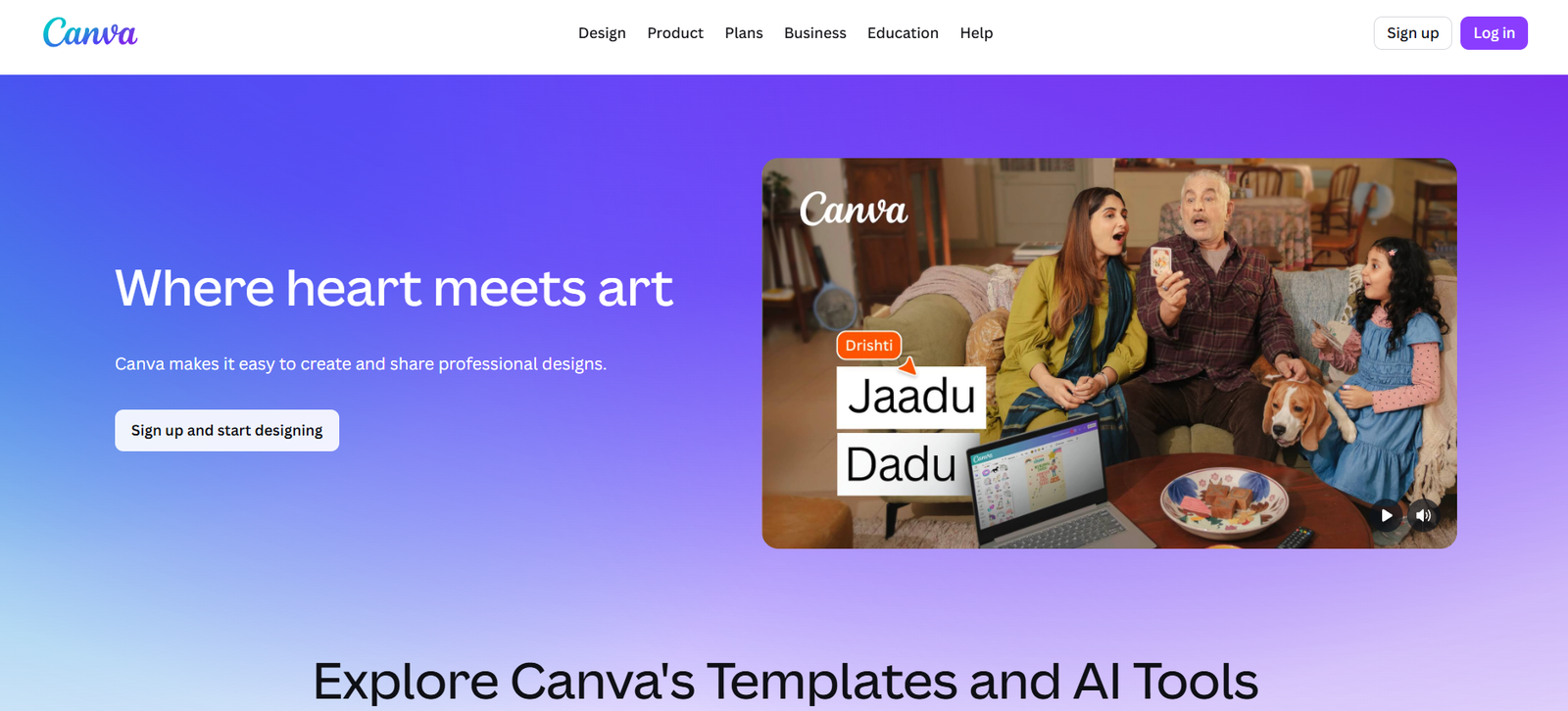
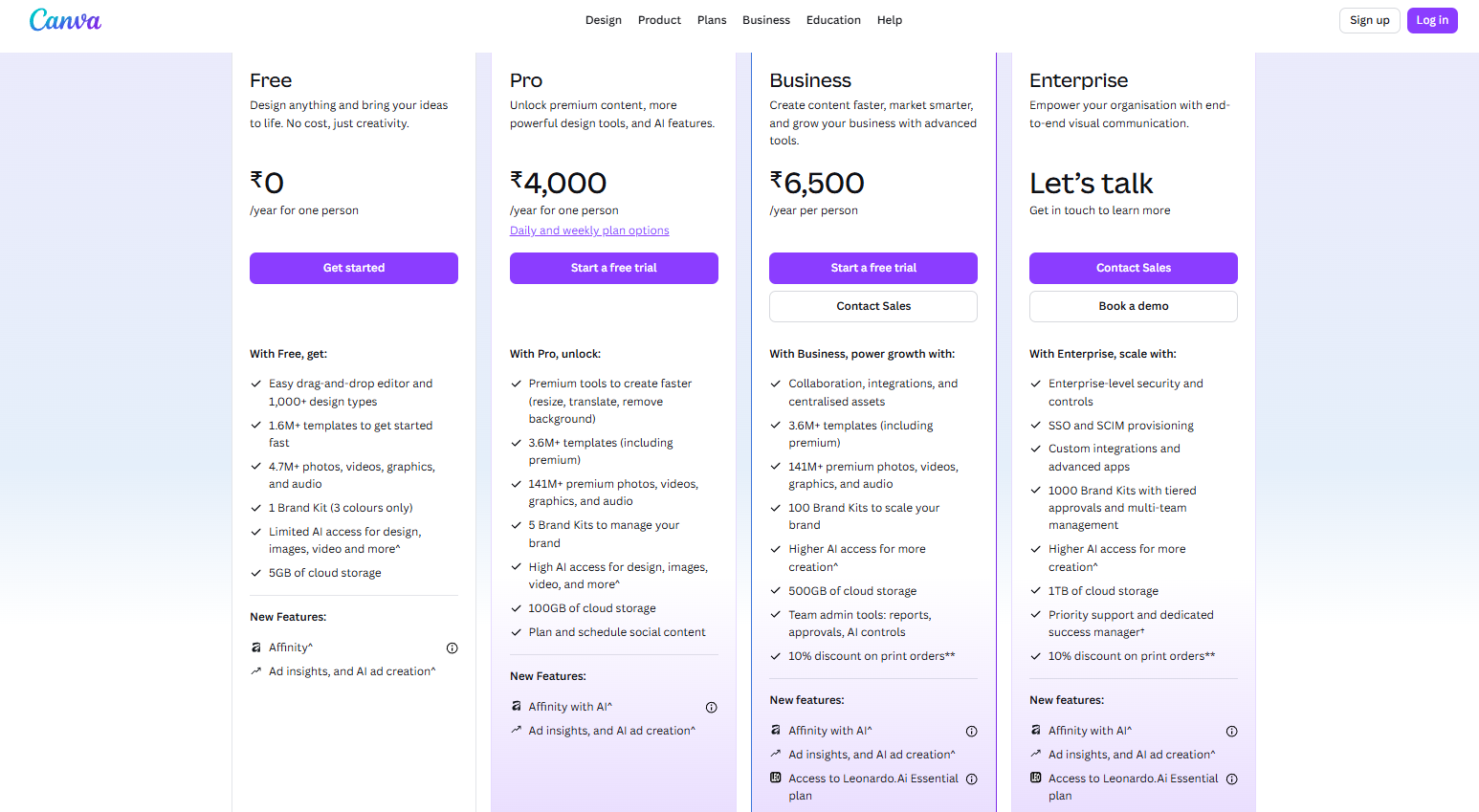
Canva remains one of the easiest beginner AI recommendations because it helps people make visual output without needing design skills. Its official pages describe Magic Design as a free AI design tool, and Canva’s broader site still emphasizes that the platform is free to use for many core design workflows. That makes it especially useful for slides, social posts, simple graphics, and presentation assets.
This matters because many beginners do not just need text help. They need to turn ideas into something presentable.
Grammarly: Best For Writing Cleanup
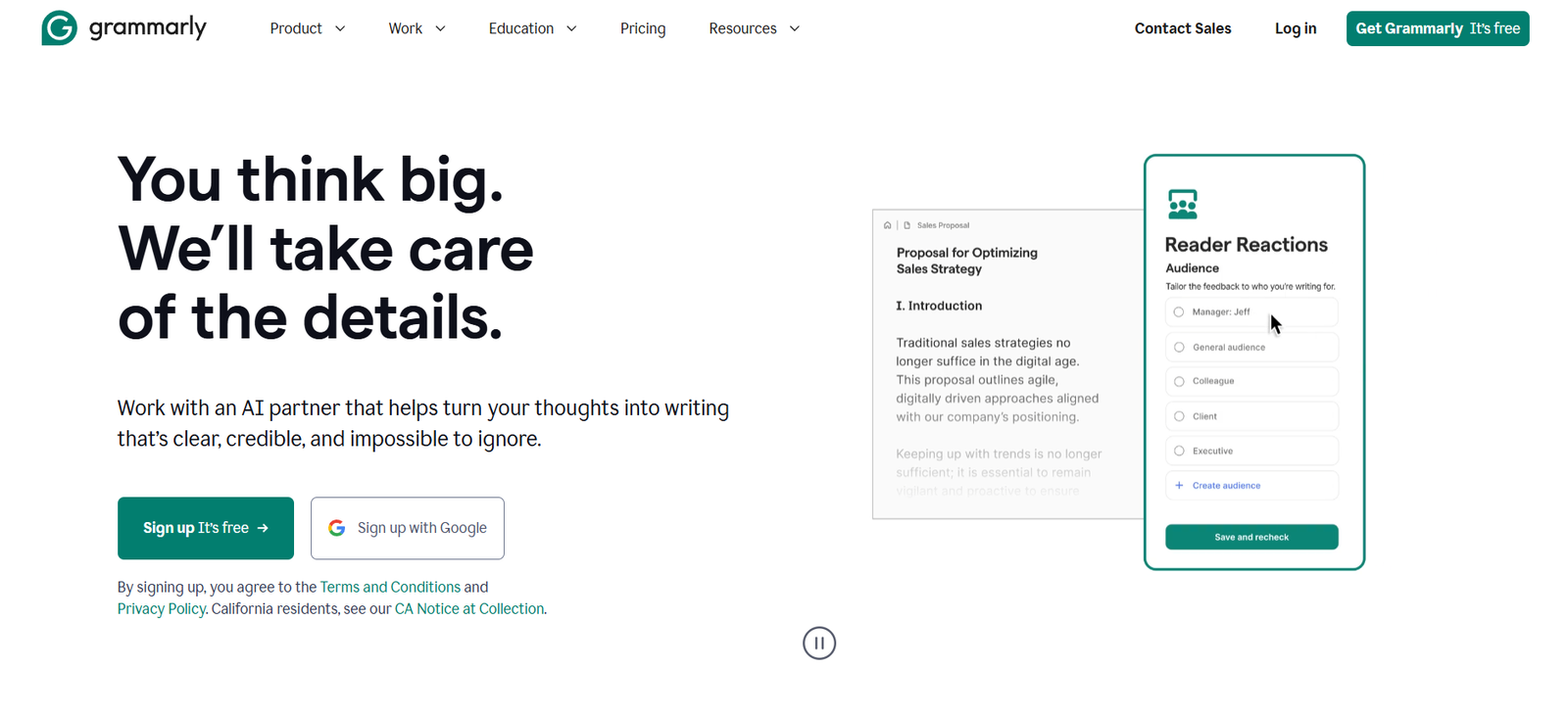
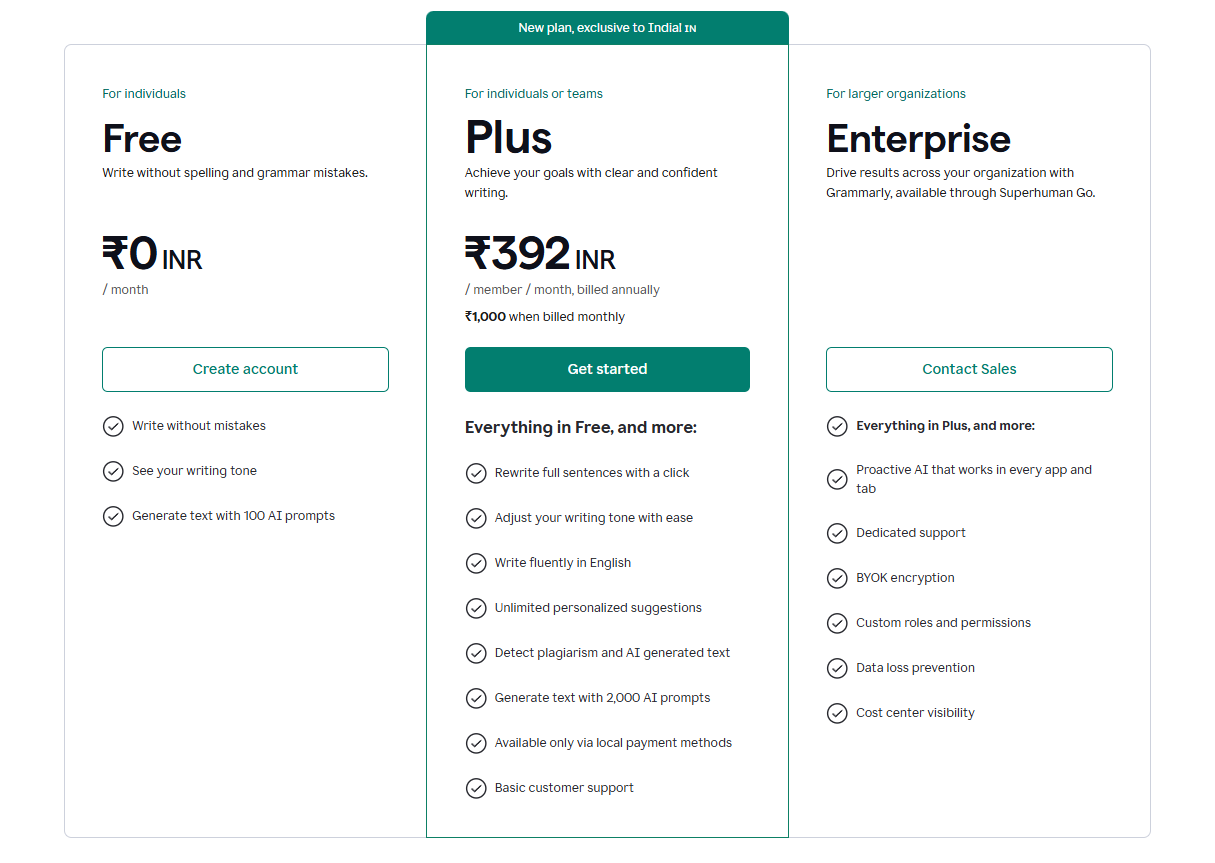
Grammarly is one of the highest-utility AI tools for beginners because nearly everyone writes. Its official site explicitly frames the product as free AI writing assistance, and its AI writing assistant pages position it as a tool for ideas, outlines, and rewriting across everyday writing tasks. That makes it very practical for email, essays, reports, and content cleanup.
It is not the best research or ideation tool here, but it is one of the easiest tools to get real value from on day one.
Which beginner should choose which tool?
A student who wants quick explanations and note help should start with ChatGPT or NotebookLM. A user who wants research and verifiable links should start with Perplexity. A beginner writer should look at Claude or Grammarly. Someone making slides or social graphics should start with Canva. And someone already deep in Google tools may find Gemini the easiest place to begin. These use-case splits are also what current SERP patterns reward, because they match how users actually search.
Common mistakes beginners should avoid
The biggest mistake is signing up for too many tools too quickly. Another is expecting one tool to be perfect for research, writing, design, planning, and verification all at once. A third is treating fluent AI output as automatically correct.
A better beginner rule is simple: start with one general tool and one specialist tool. That gives you enough range without unnecessary overlap.
Suggested Read:
- Best AI Tools by Use Case in 2026
- Best Free AI Tools in 2026
- AI Tools for Productivity in 2026
- Best AI Tools for Students: Research, Notes, and Presentations
- Best AI Tools for Bloggers and Content Writers
- AI Tools for Research and Writing in 2026
- Prompt Engineering for Beginners: A Practical Guide
FAQ: Best AI Tools for Beginners
What is the best AI tool for beginners overall?
For most people, ChatGPT is still the best overall starting point because it covers the broadest range of beginner tasks in one place and has a free plan.
What is the easiest AI tool for research?
Perplexity is one of the easiest research-first tools because it is built around answers with sources rather than only general chat.
What is the best beginner AI tool for writing?
Claude is a strong choice for long-form drafting, while Grammarly is better for cleanup and polishing.
Are free AI tools enough for beginners?
Often, yes. Several major tools in this list have free access or free starting plans, though usage and premium features are limited.
Final takeaway
The best AI tools for beginners in 2026 are the ones that make the first win easy. Start with ChatGPT for general help, Perplexity for research, NotebookLM for source-based notes, Claude for long-form writing, Canva for visuals, and Grammarly for cleanup. That small stack is enough for most beginners to get useful results without confusion or tool overload.