
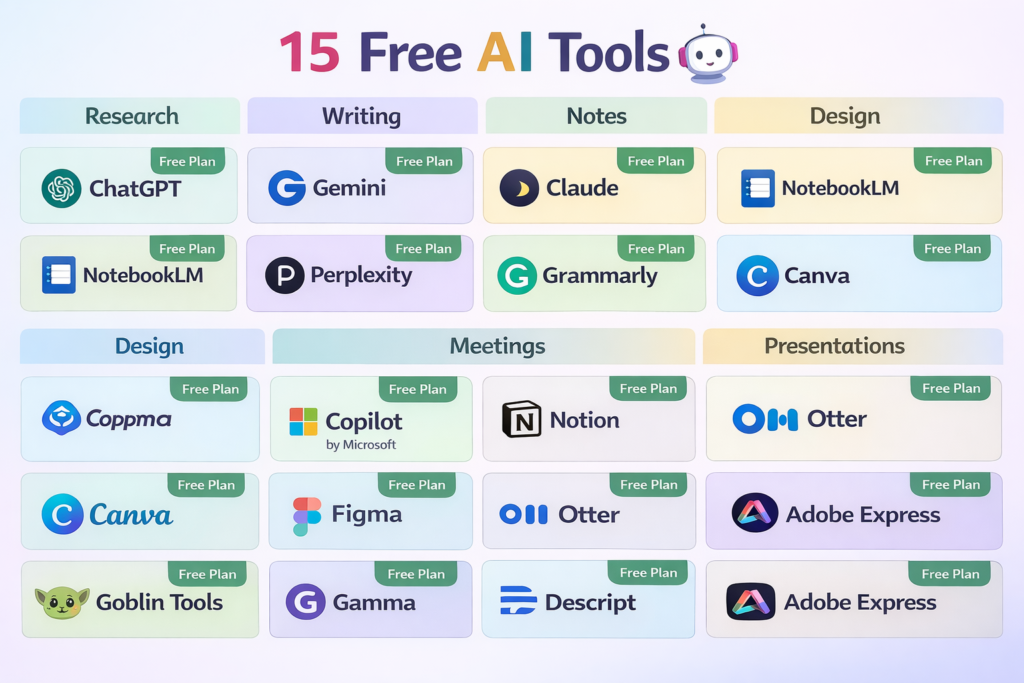
15 Free AI Tools That Are Actually Useful
Free AI tools are everywhere, but many are too limited to be useful beyond a quick demo. The good ones help you finish real work before they ask for money. In 2026, the strongest free options usually fall into a few practical categories: general AI help, research, note-taking, writing, design, meetings, and presentations. If a tool cannot help you complete one of those jobs on day one, it probably does not belong on a serious list.
In simple terms
The best free AI tools are not necessarily the most advanced. They are the ones that reduce friction immediately. A student may need source-backed research. A creator may need faster draft cleanup. A team member may need meeting notes or a quick presentation. The right tool depends on the task, not the hype.
How this list was chosen
I prioritized tools with a real free entry point and a clear use case. I also looked at what current high-ranking roundup pages do well: they surface practical tools by category, explain trade-offs quickly, and avoid pretending one tool can replace everything. That is the right lens here too.
15 Free AI Tools: Quick comparison table
| Tool | Best for | Why it is useful for free |
| ChatGPT | General help | Broad everyday use with a free tier |
| Gemini | Writing and planning | Easy entry for Google users |
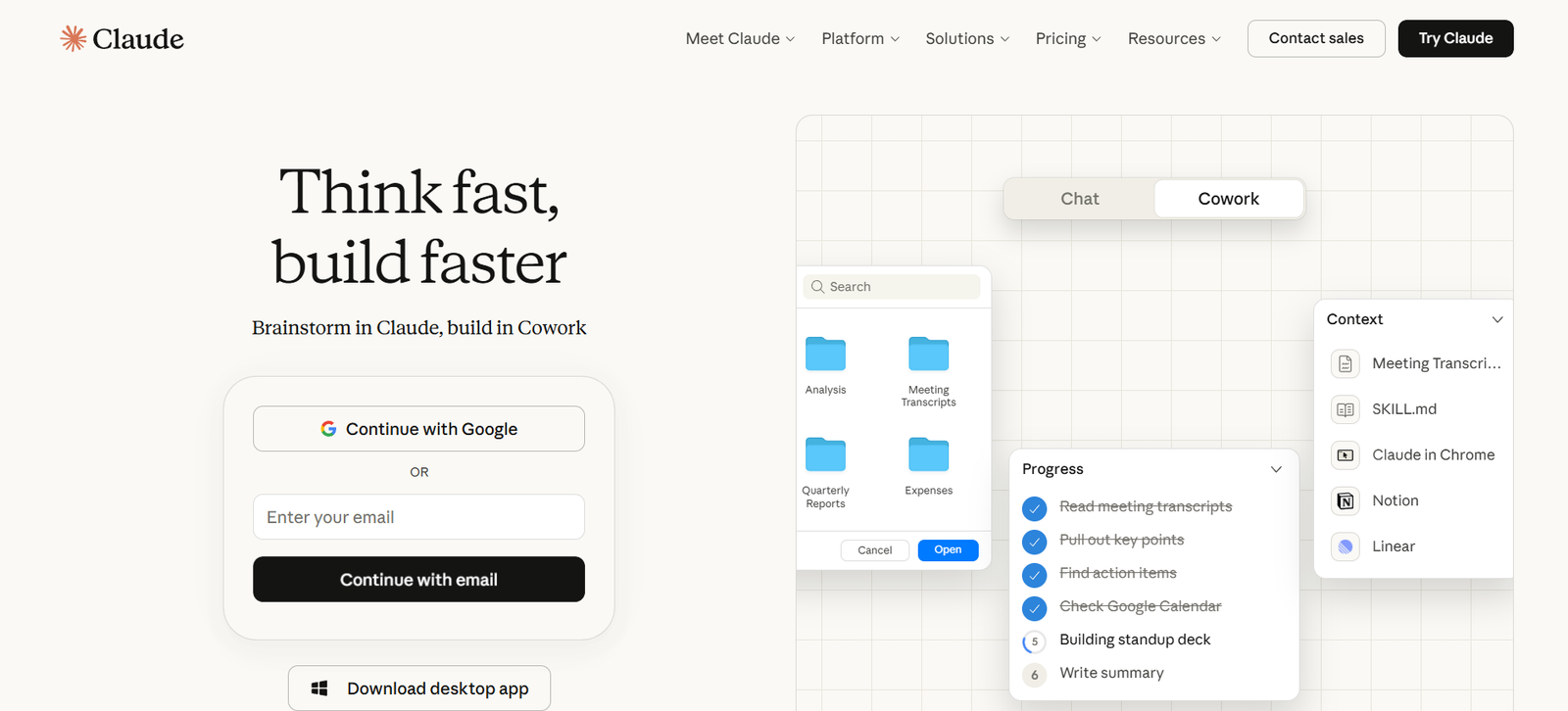
| Claude | Thoughtful drafting | Good free plan for structured writing |
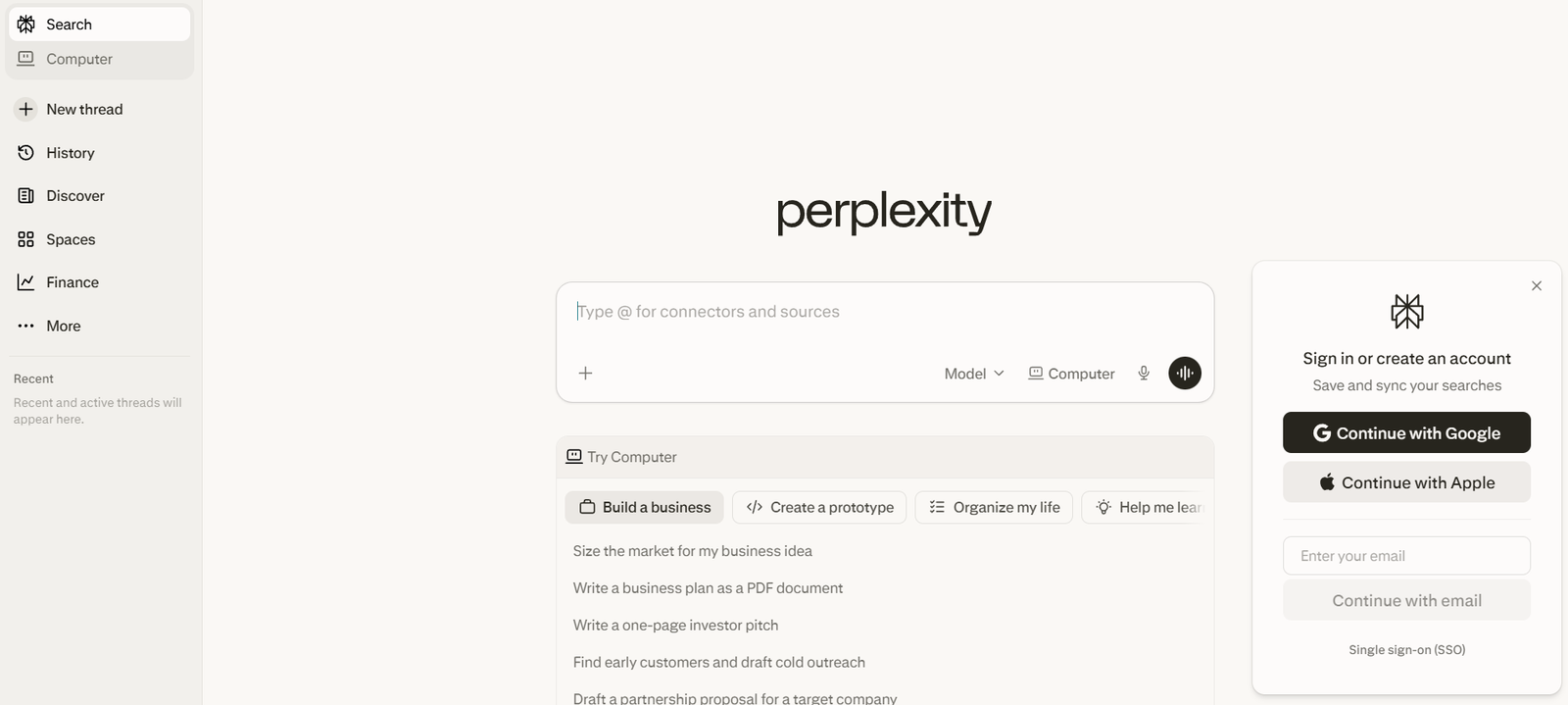
| Perplexity | Research | Source-backed answer engine |
| NotebookLM | Notes from sources | Strong for uploaded documents |
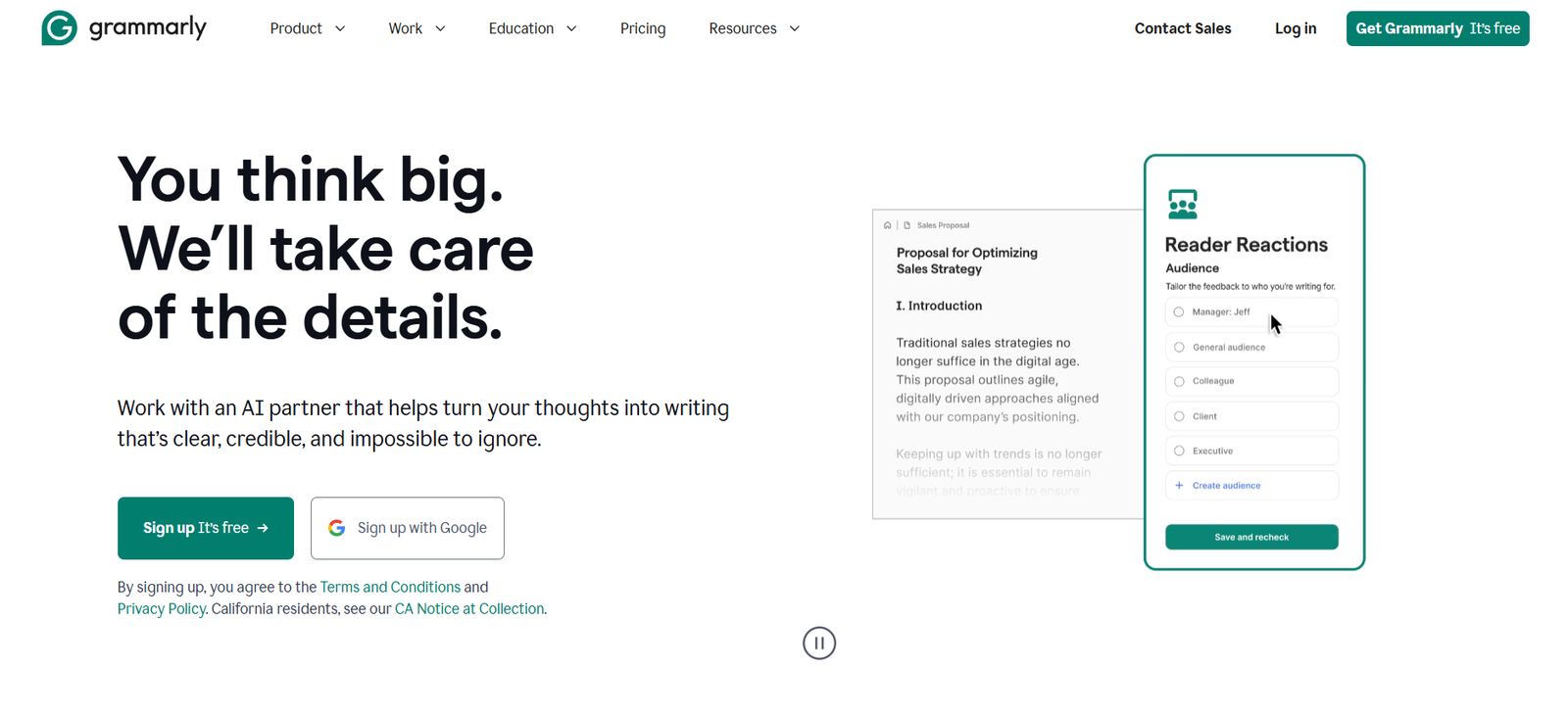
| Grammarly | Editing | Quick clarity and grammar help |
| Canva | Design | Free AI-assisted visual creation |
| Gamma | Presentations | Free AI slide generation |
| Copilot | Productivity | Free access for light everyday use |
| Notion | Organized workspaces | Free plan for docs and planning |
| Otter | Meetings | Free transcription starter plan |
| Descript | Video and audio editing | Free plan for creator workflows |
| Figma | Design workflows | Free starter access plus AI features |
| Goblin Tools | Task breakdown | Useful lightweight free helpers |
| Adobe Express | Quick creative work | Free plan with AI-supported creation |
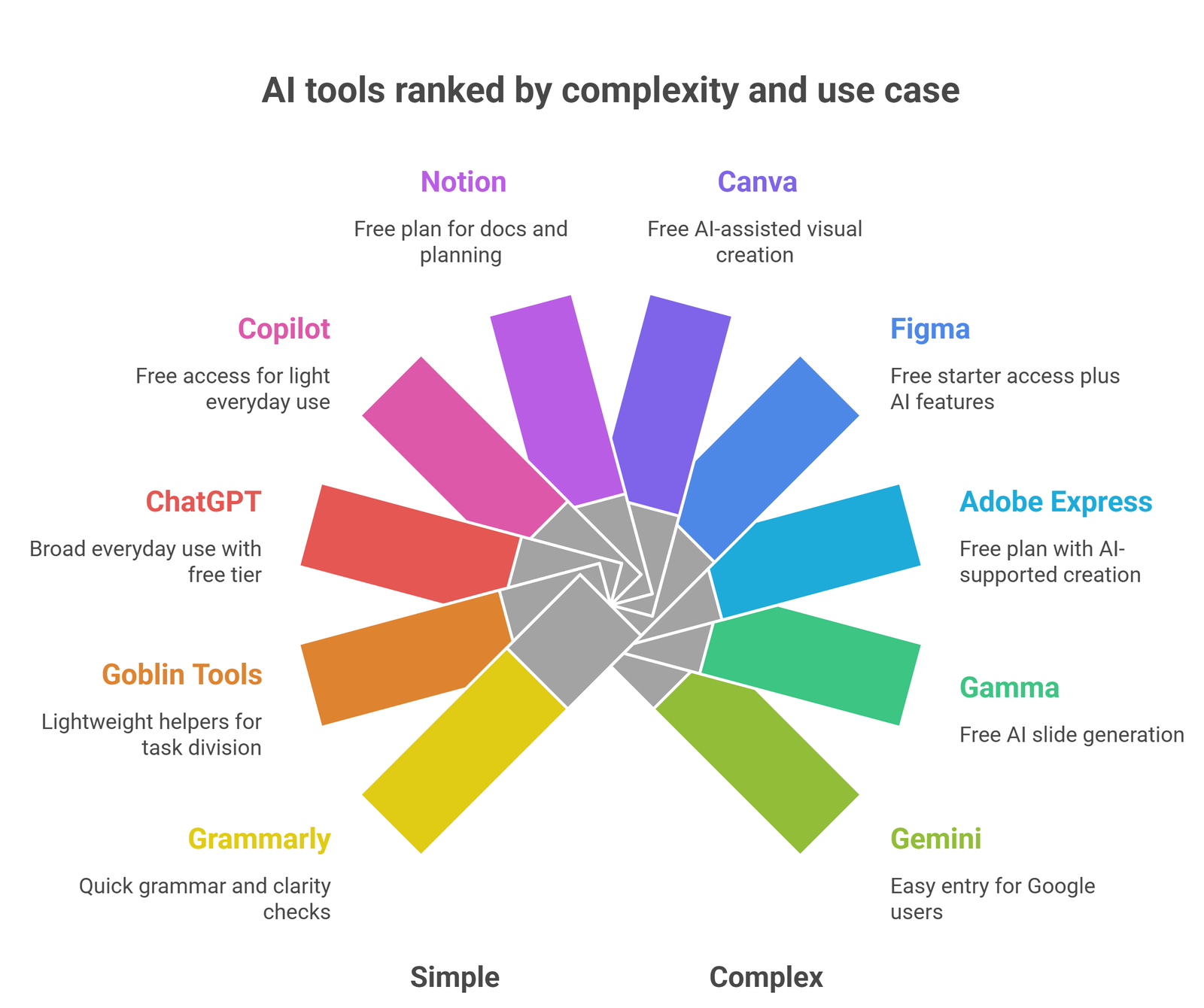
ChatGPT
ChatGPT remains one of the best free starting points because it covers brainstorming, rewriting, explaining, and summarizing in one interface. OpenAI offers a free plan, which is why ChatGPT still appears in most current free-tool lists. It is especially useful when you do not yet know exactly what kind of AI help you need.
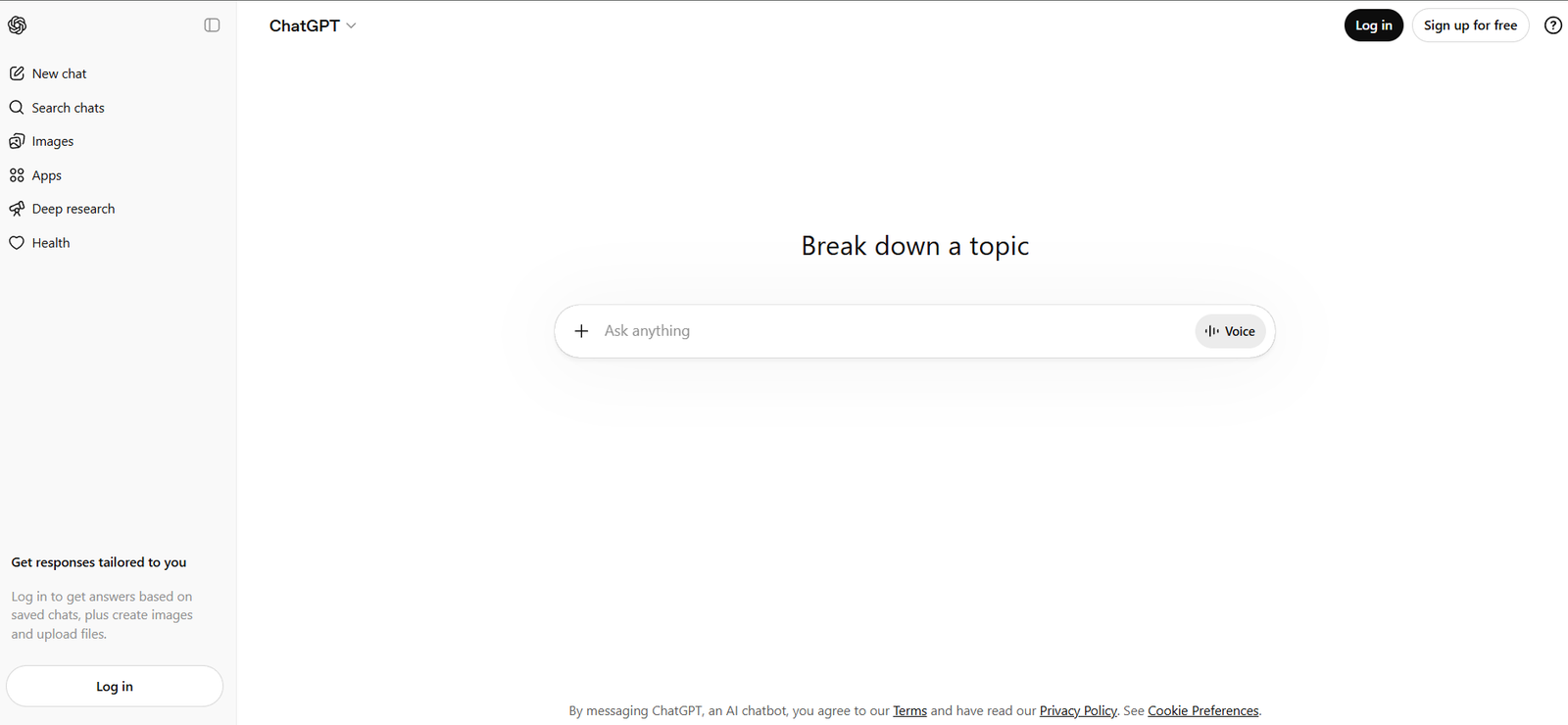
Gemini
Gemini is a strong choice for users already working inside Google’s ecosystem. It is helpful for light writing, planning, idea generation, and general questions. For beginners, its biggest strength is familiarity: it feels like an extension of an everyday workflow rather than a separate specialist tool.
Claude
Claude is one of the better free options for long-form drafting, structured writing, and calmer output. It is especially useful when the task is not just “give me ideas,” but “help me shape this into something coherent.” That makes it a strong free writing companion rather than just another general chatbot.
Perplexity
Perplexity is one of the most useful free AI tools for research because it is built around answers with sources. That makes it easier to use for research, comparisons, and topic exploration than many general-purpose assistants. If your biggest bottleneck is finding reliable starting points fast, Perplexity is one of the clearest free picks.
NotebookLM
NotebookLM is especially useful when you already have PDFs, notes, websites, or other source material. Instead of asking a model to answer from general memory, you can work from your own content. That grounded workflow makes it one of the best free AI tools for study, revision, and source-based note creation.
Grammarly
Grammarly remains one of the highest-utility free AI tools because nearly everyone writes. It is not the best option for deep research, but it is one of the fastest ways to improve clarity, grammar, and sentence flow in real work. That alone makes it more useful than many flashy free tools that do not solve a daily problem.
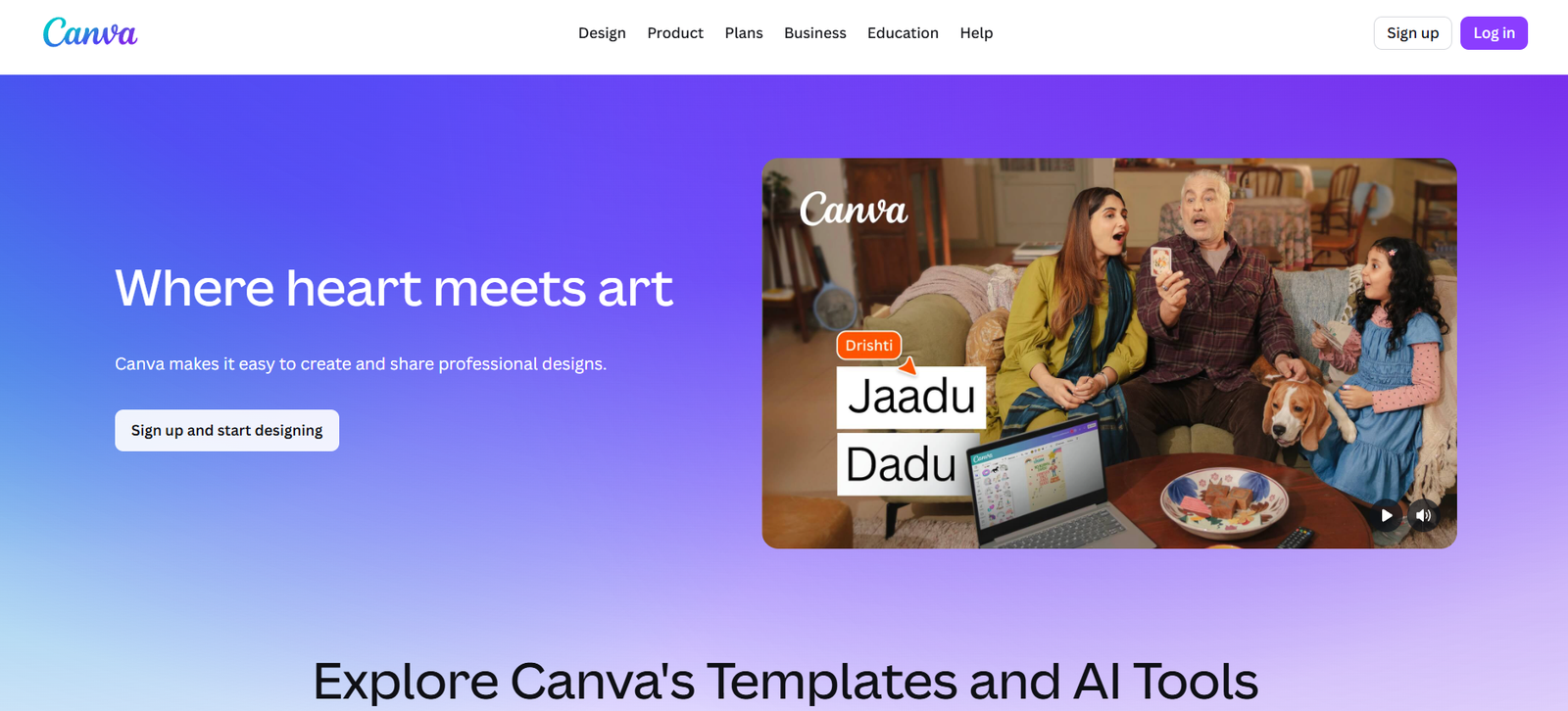
Canva
Canva is a strong free AI pick for users who need visuals, slides, thumbnails, or social assets. It is particularly valuable for non-designers because it helps turn rough ideas into something presentable quickly. That makes it more practical than a purely text-focused tool for many users.
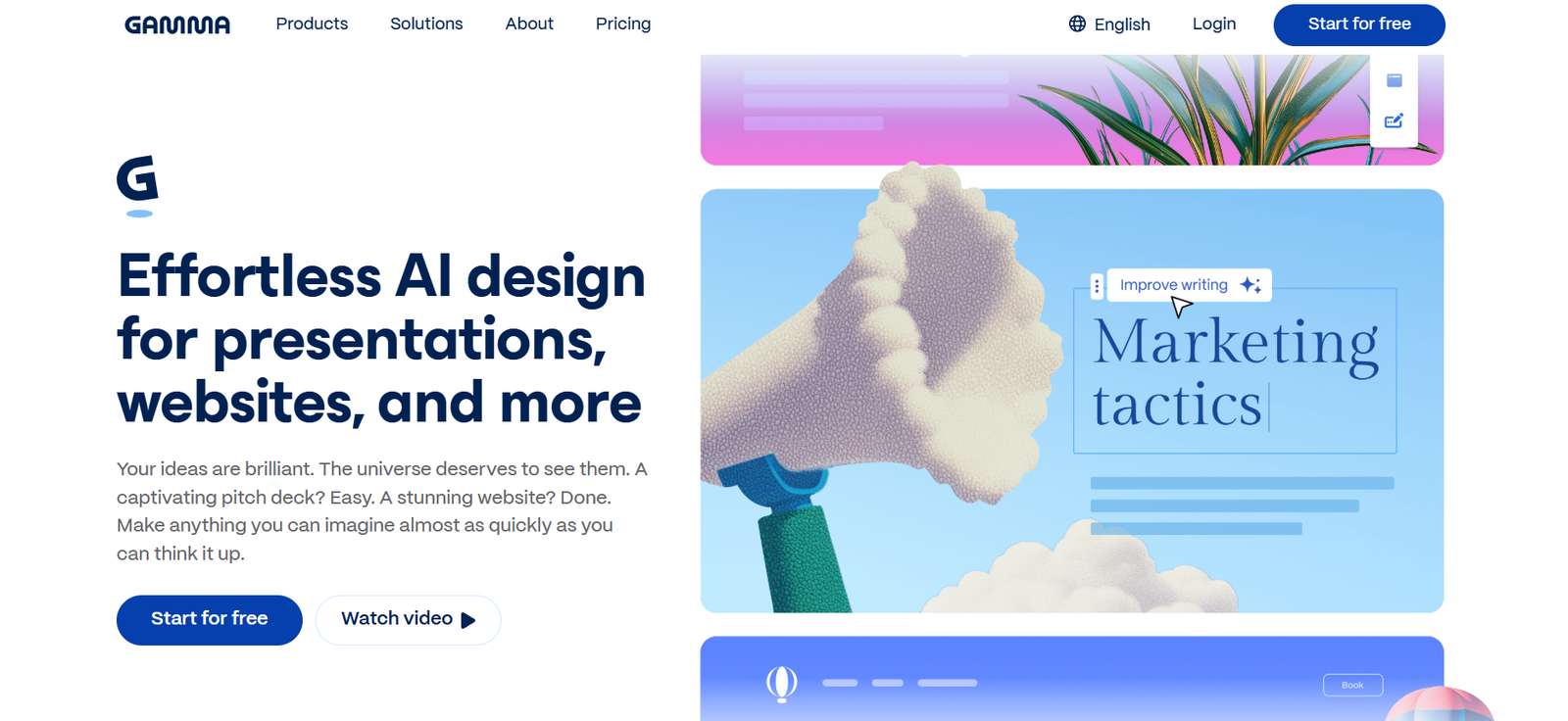
Gamma
Gamma is one of the best free AI presentation tools because it helps users turn notes into decks fast. If the task is “make this presentable,” Gamma often gives faster value than a general-purpose AI assistant.
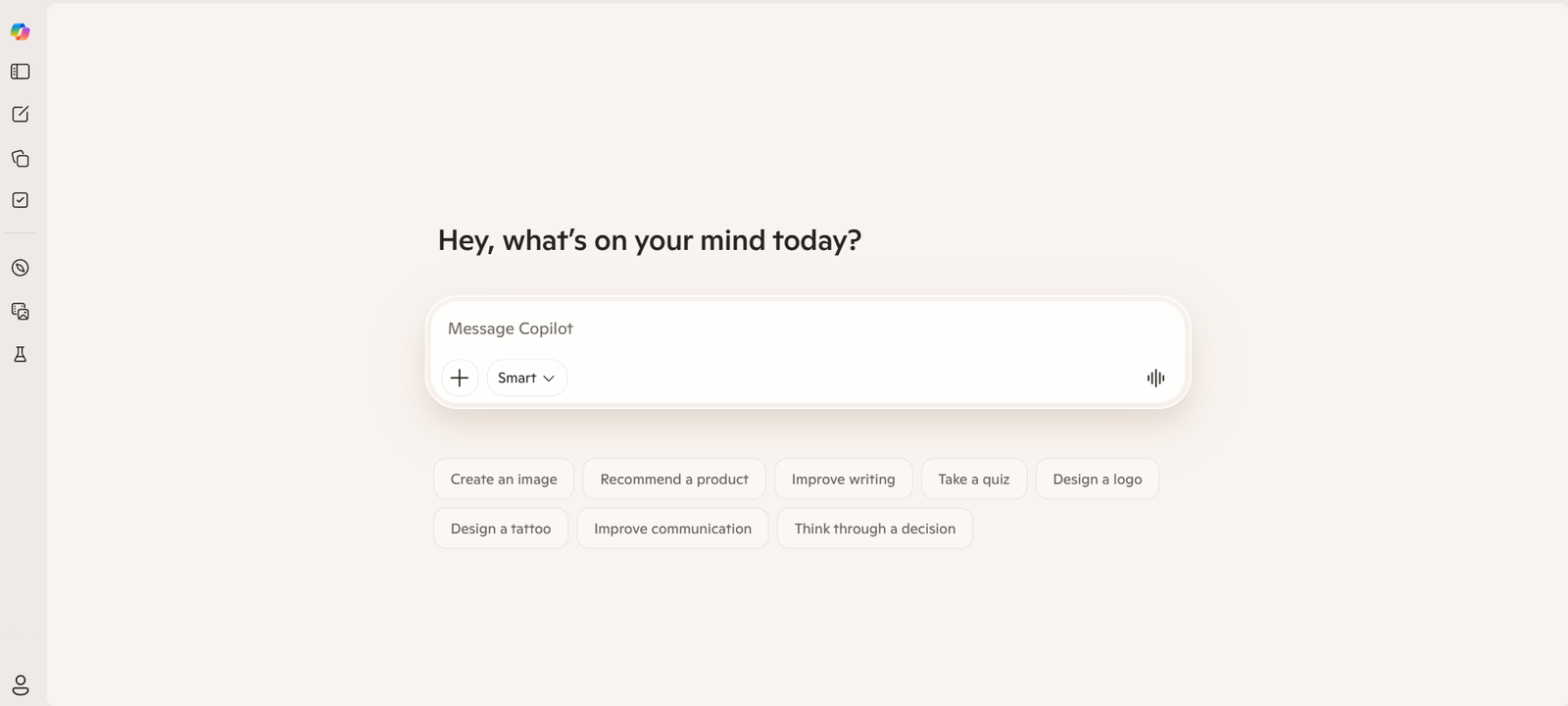
Microsoft Copilot
Copilot is useful for light productivity and everyday assistance, especially for users already comfortable with Microsoft’s ecosystem. It is best treated as a practical helper rather than a research-first or specialist writing tool.
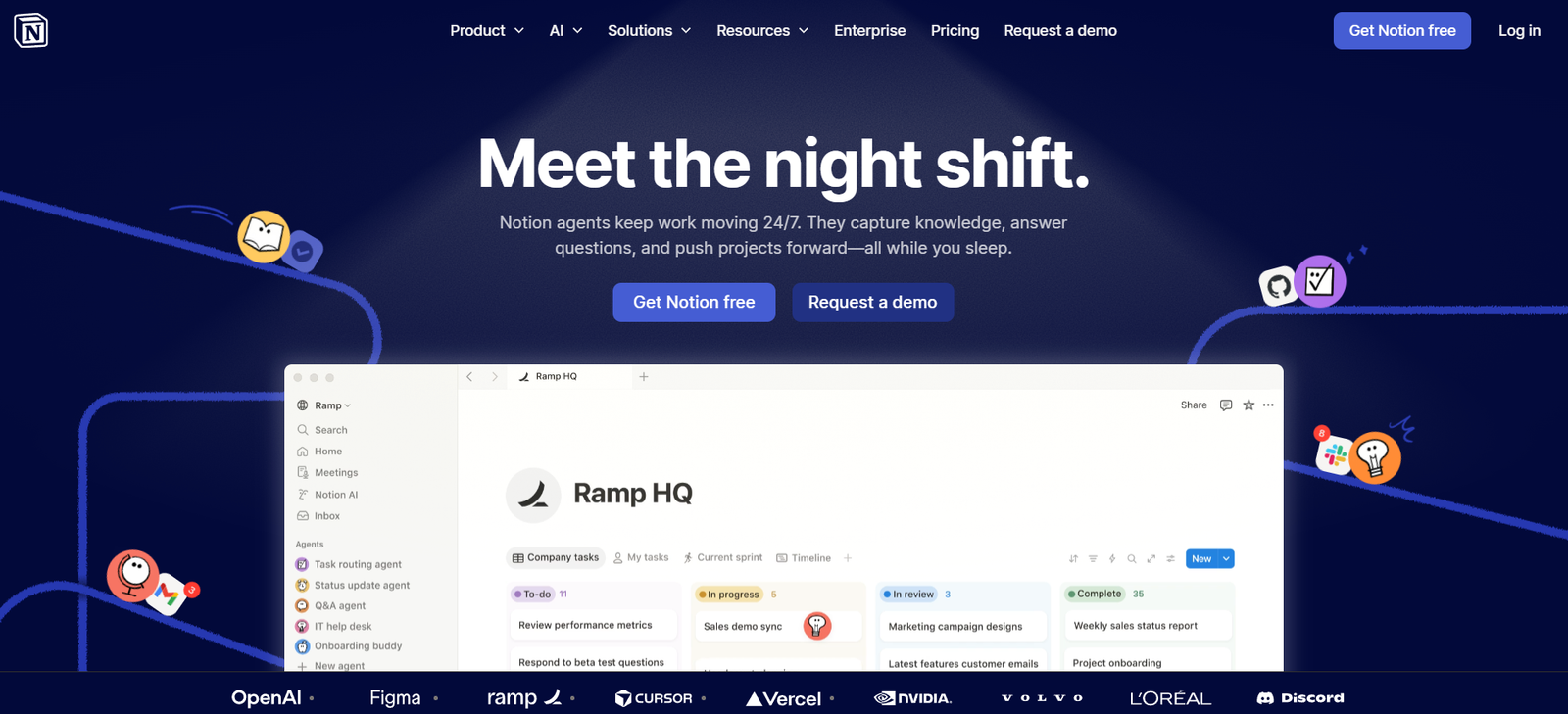
Notion
Notion is strongest when AI needs to live inside docs, notes, and planning systems. It is less immediate than a chatbot, but more useful for structured workflows over time.
Otter
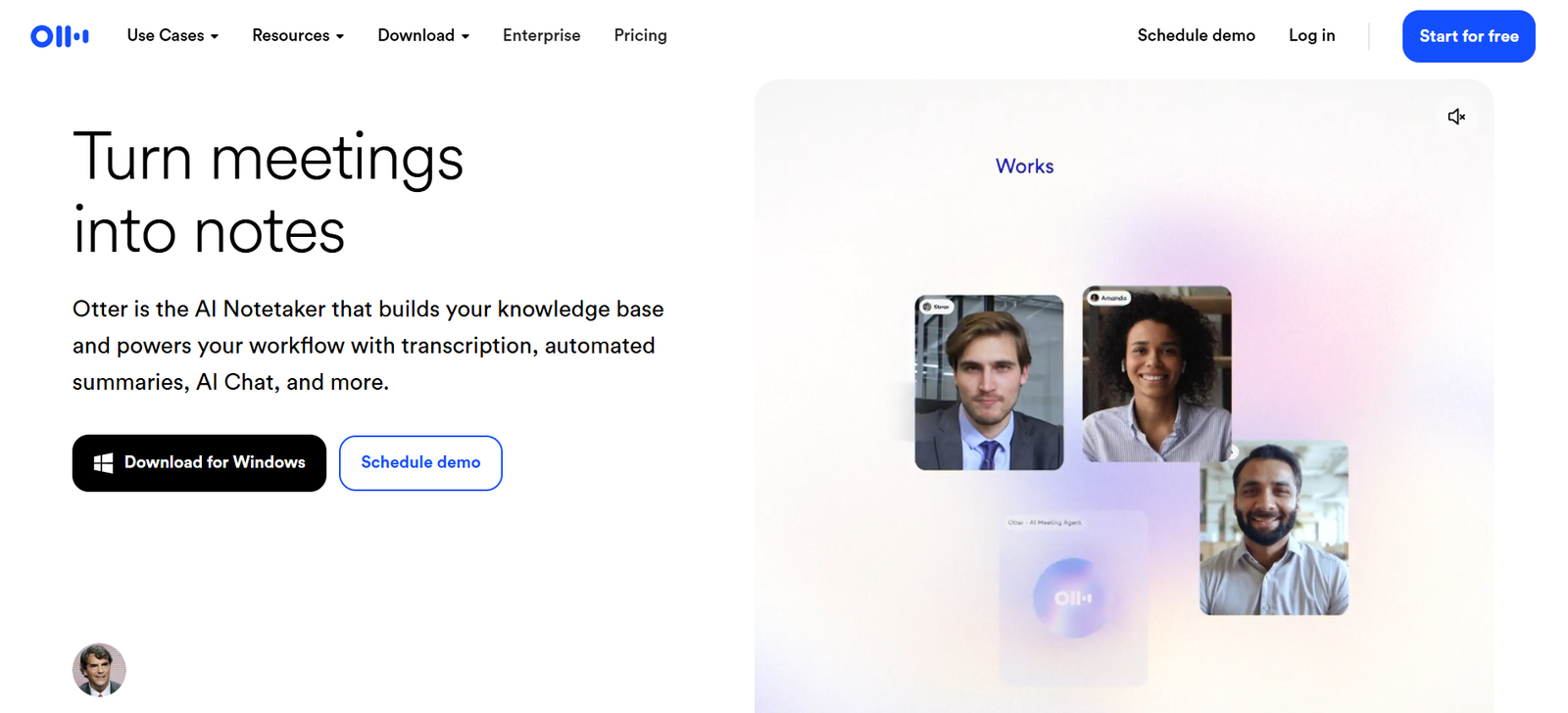
Otter remains one of the more useful free tools for meeting-heavy workflows because it focuses on transcription, notes, and searchable summaries. That focused use case makes it more practical than trying to build the same workflow manually.
Descript
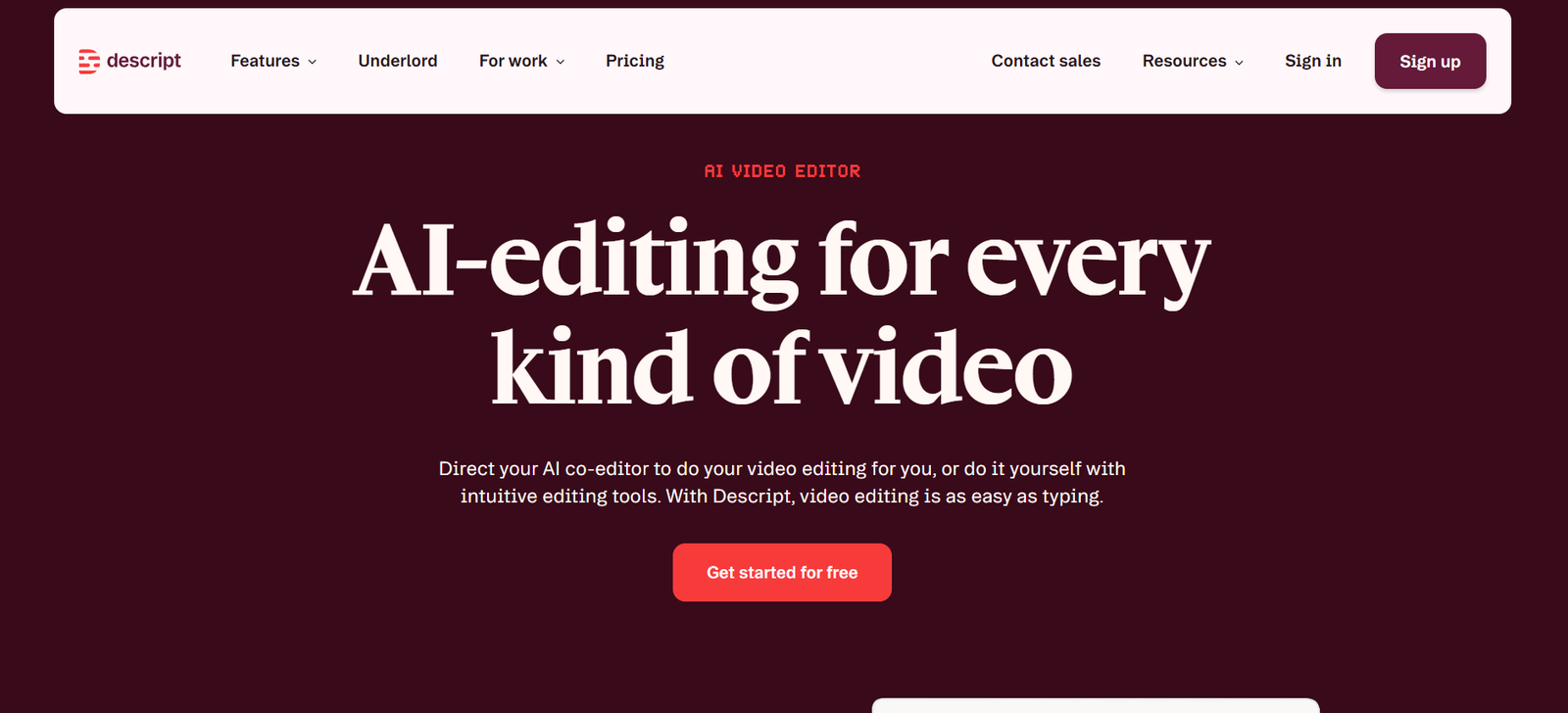
Descript is especially useful for creators who want to edit video or audio faster. Its free plan makes it a realistic entry point for people repurposing content into clips, podcasts, or narrated videos.
Figma
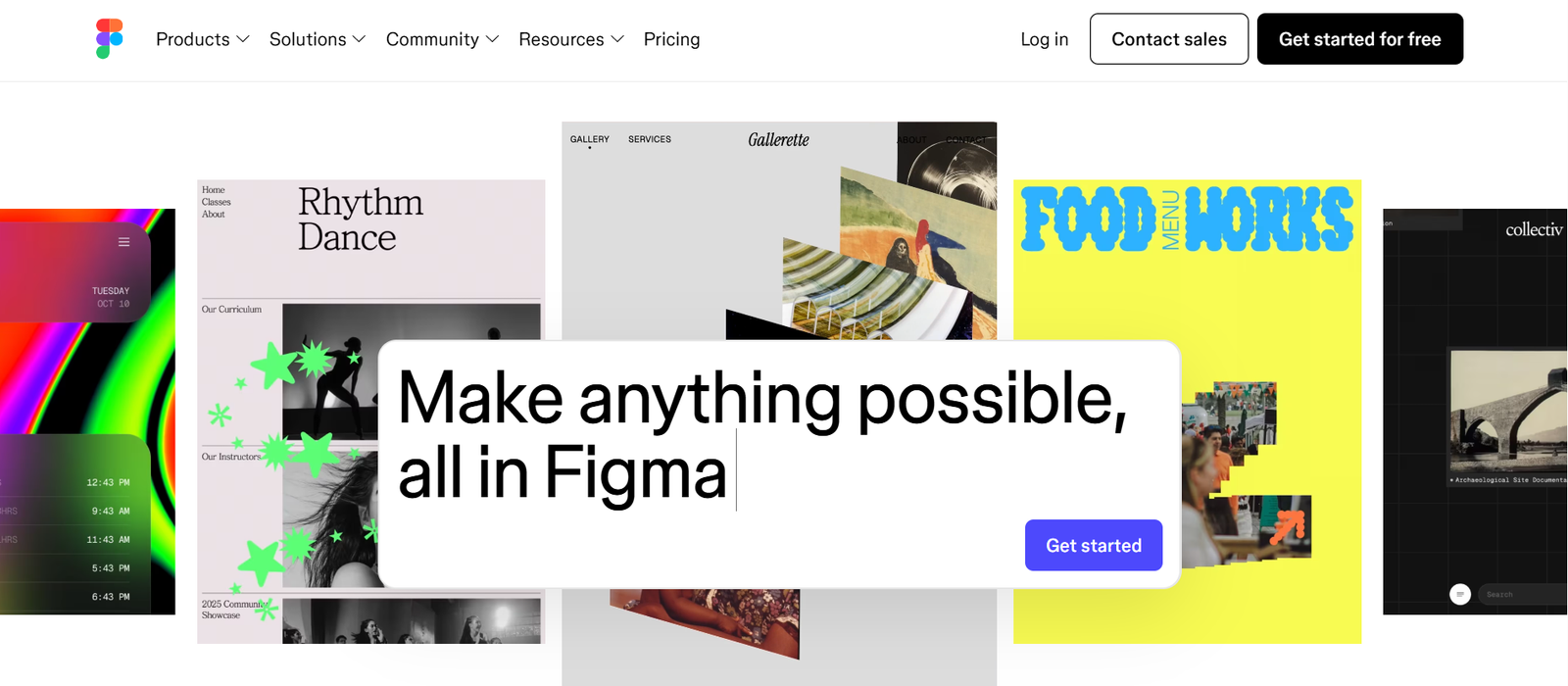
Figma is a useful free AI-assisted workflow for designers and product teams. It is not a general productivity pick, but for interface or product work it can save real time.
Goblin Tools
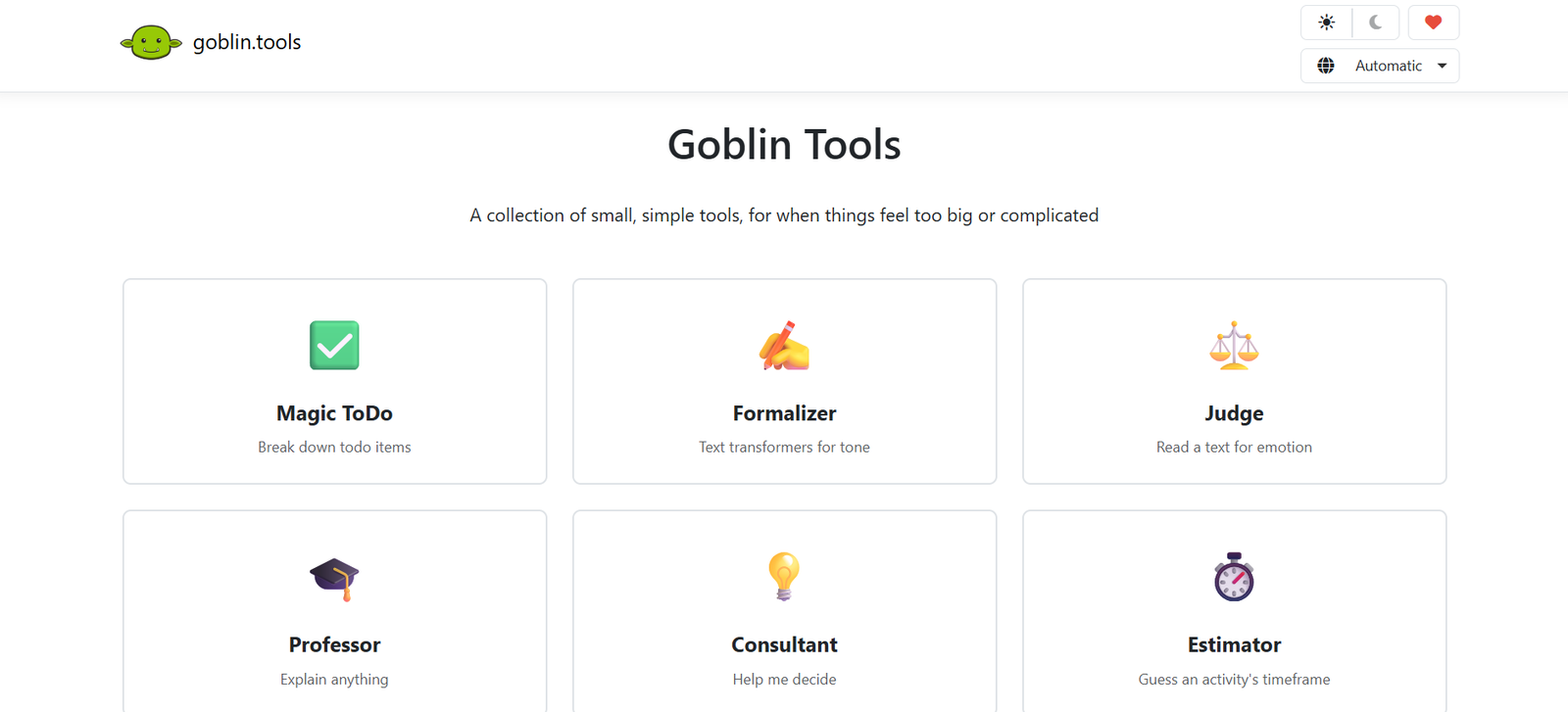
Goblin Tools is a simpler kind of AI utility, but that is exactly why it is useful. It helps with breaking down tasks, rewriting tone, and turning messy work into actionable steps. For many users, that practical simplicity is better than a broad but bloated AI suite.
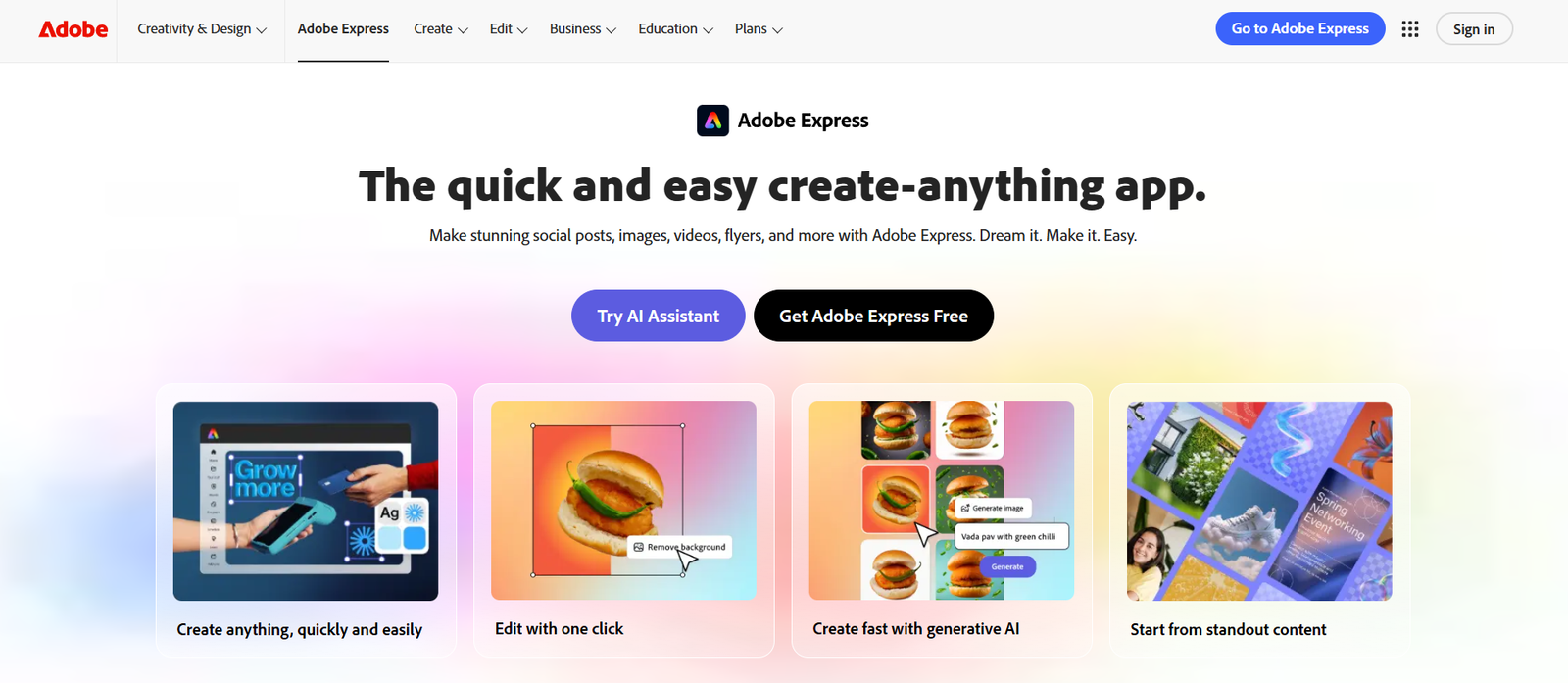
Adobe Express
Adobe Express is a solid free option for quick graphics and light creative work. It is not the deepest design platform here, but it is very usable for fast output.
Best picks by use case
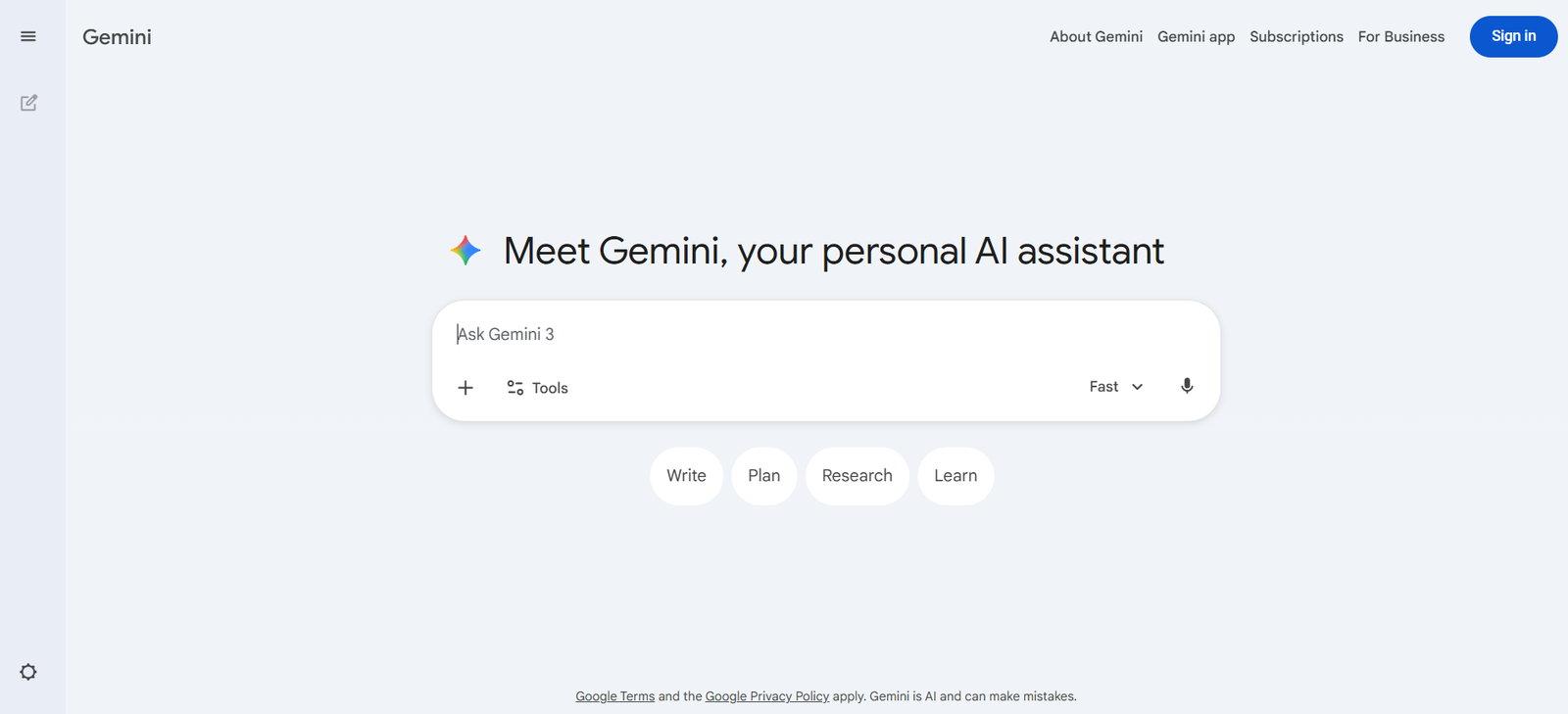
If you want one broad tool, start with ChatGPT or Gemini. If you care most about research, start with Perplexity. If you work from your own files, start with NotebookLM. If your problem is polishing text, use Grammarly. If you need slides or visuals, use Canva or Gamma. If meetings are your pain point, use Otter.
Common mistakes to avoid
The biggest mistake is choosing by hype instead of workflow. The second is assuming “free” means unlimited. The third is subscribing to multiple overlapping tools too early. Most users do better with one general assistant and one specialist tool than with five partially overlapping apps. That pattern also matches how the best current roundup pages frame practical selection.
Suggested Read:
- Best AI Tools for Beginners in 2026
- Best Free AI Tools in 2026
- AI Tools With Free Plans Worth Using in 2026
- Best AI Tools for Students: Research, Notes, and Presentations
- Best AI Tools for Bloggers and Content Writers
- Best AI Tools by Use Case in 2026
FAQ: Free AI Tools
What is the best free AI tool overall?
For most people, ChatGPT is still the strongest all-purpose free starting point because it covers the broadest range of everyday tasks.
What is the best free AI tool for research?
Perplexity is one of the strongest free research-first options because it is built around source-backed answers.
What is the best free AI tool for students?
NotebookLM, Perplexity, ChatGPT, and Grammarly form a strong student stack because they cover research, grounded notes, explanation, and writing cleanup.
Are free AI tools enough for real work?
Yes, for many workflows. The limitation is usually caps, exports, or premium features, not total uselessness.
Final takeaway
The best free AI tools are the ones that solve one real problem well. Start with a small stack: ChatGPT or Gemini for general help, Perplexity for research, NotebookLM for source-based notes, Grammarly for cleanup, and Canva or Gamma for output. That setup is far more useful than chasing every new free app.